Live Updates From Apple WWDC 2026 🔴
Reading time 1 minute
We’re headed back to Apple Park on Monday, June 8, for Apple’s Worldwide Developer Conference, aka WWDC 2026.
Gizmodo Senior Consumer Tech Editor Raymond Wong will be reporting live from Apple’s spaceship HQ in Cupertino, California, where we’re all expecting to see “27” versions of iOS, iPadOS, macOS, watchOS, visionOS, and tvOS. We’re not expecting Apple to ditch the controversial Liquid Glass design language but to refine it.
The most important announcement will be the revamped and more intelligent Siri. Now powered by Google’s Gemini (yes, really), the stakes will be high for Apple after it prematurely announced a more contextual Siri at WWDC 2024 and then failed to launch it under its Apple Intelligence umbrella. We’re also hoping Apple will take a more intentional approach to announcing new AI features for its platforms as opposed to Google flinging every new AI feature at the wall to see what sticks.
WWDC 2026 kicks off with a keynote at 1 p.m. ET / 10 a.m. PT. Sound off in the comments on what you’re hoping to see from Apple.
Siri, Fly Me Home
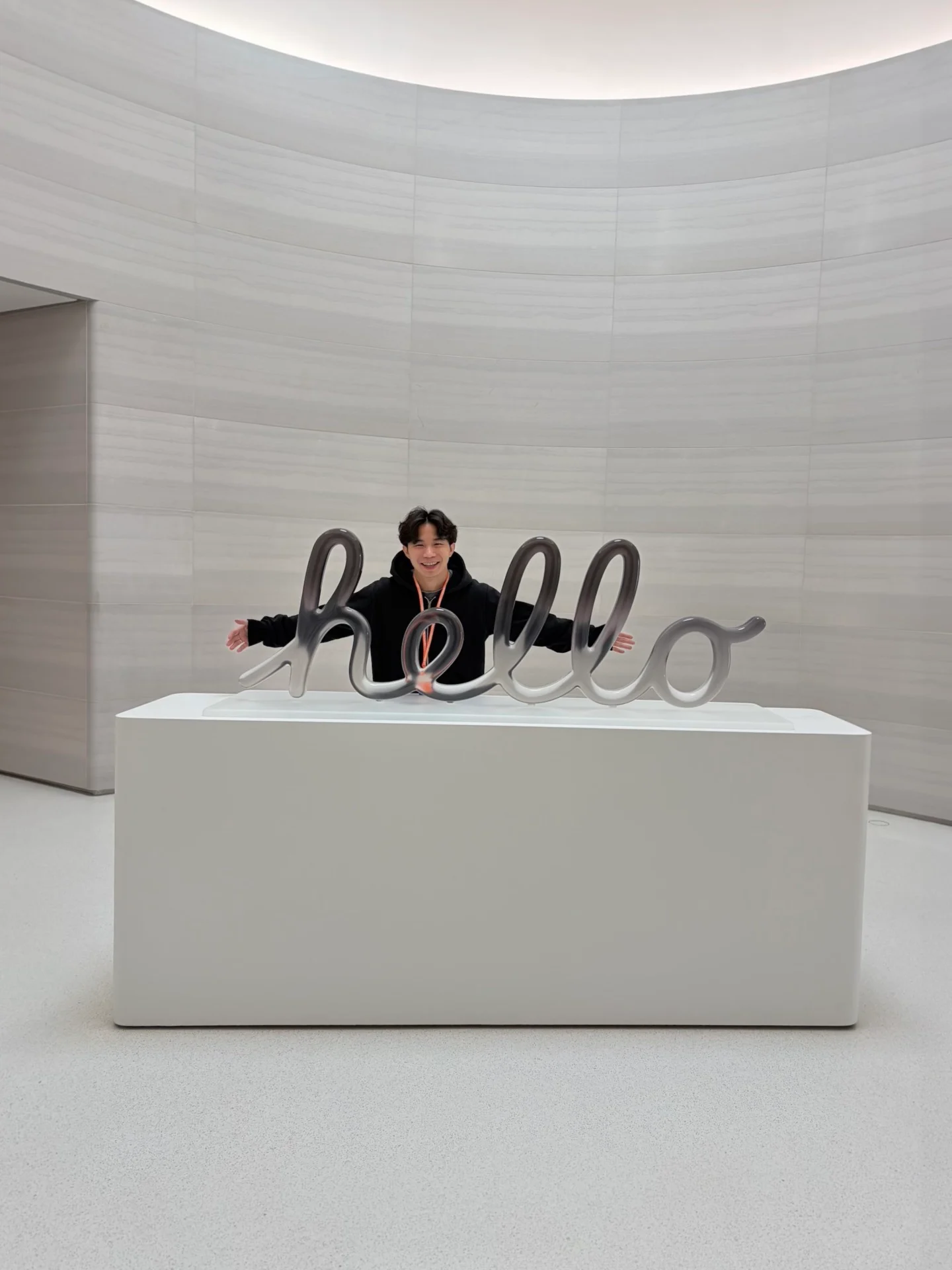
WWDC 2026 is over for me. Gizmodo will have more as we get the developer betas (and access to Siri AI, which has a waitlist) installed on our devices.
The format of the keynote was different from previous years. I’ve been asking everyone who attended whether they think Siri AI is a game changer or not. The collective reception seems to be “it could be.” I couldn’t find a single person evangelizing it as some revolutionary change in how everyone will use their Apple devices. Maybe people are still traumatized by Siri “classic.”
Anyway, more to come! For now, developer conference season is finally finished, and we can get a small reprieve from new AI features coming to our devices. Thanks for reading our live blog! —Raymond Wong
The Little Things
Siri AI was the most important news of WWDC 2026, but all of the little improvements and changes in Apple’s “27” software updates are surfacing. Apple’s UI and UX have been in a state of decline over the past few updates, so it’s nice to see that the company is sweating the details again. I rounded up some of my favorite improvements below. —Raymond Wong
Ranting Works!
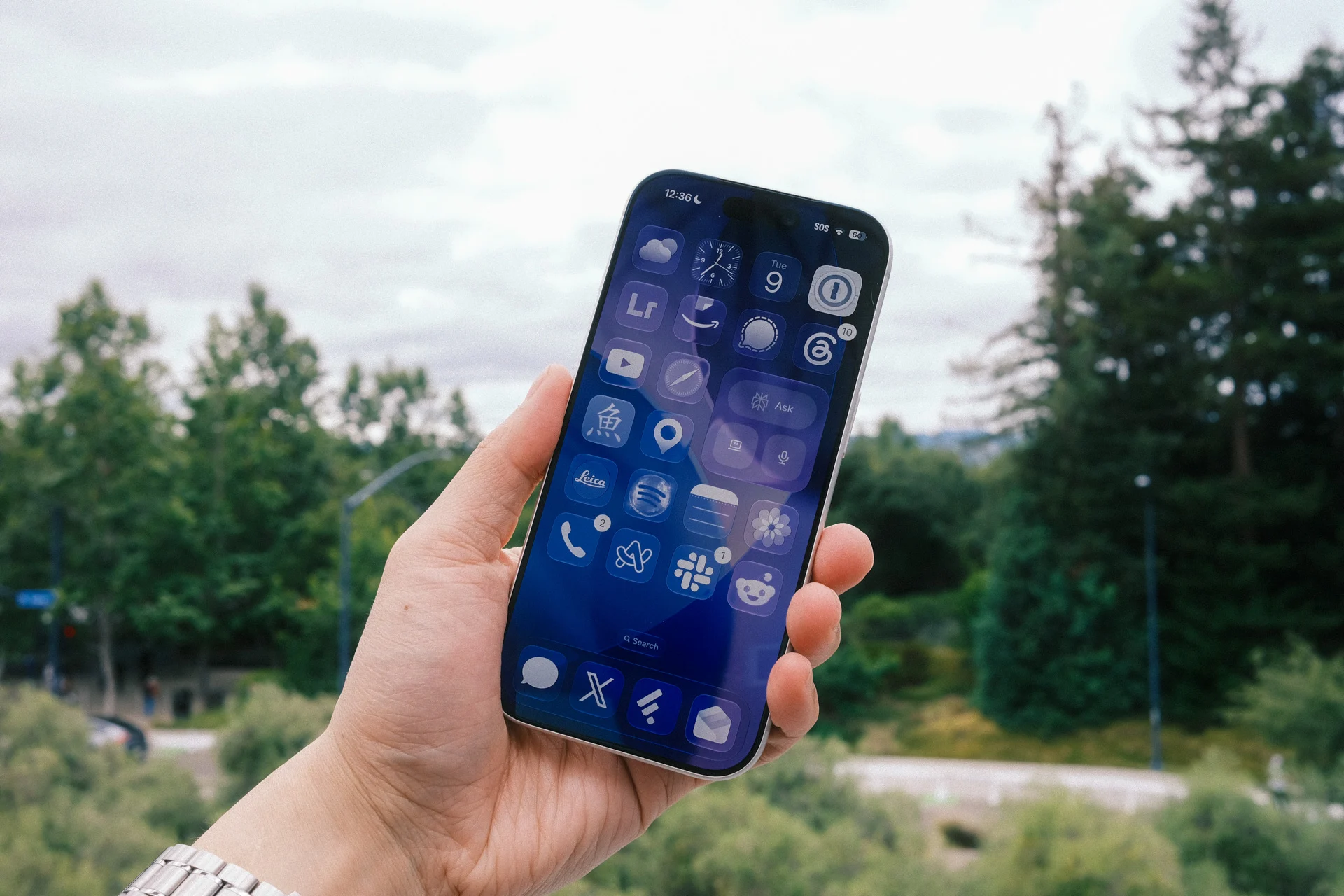
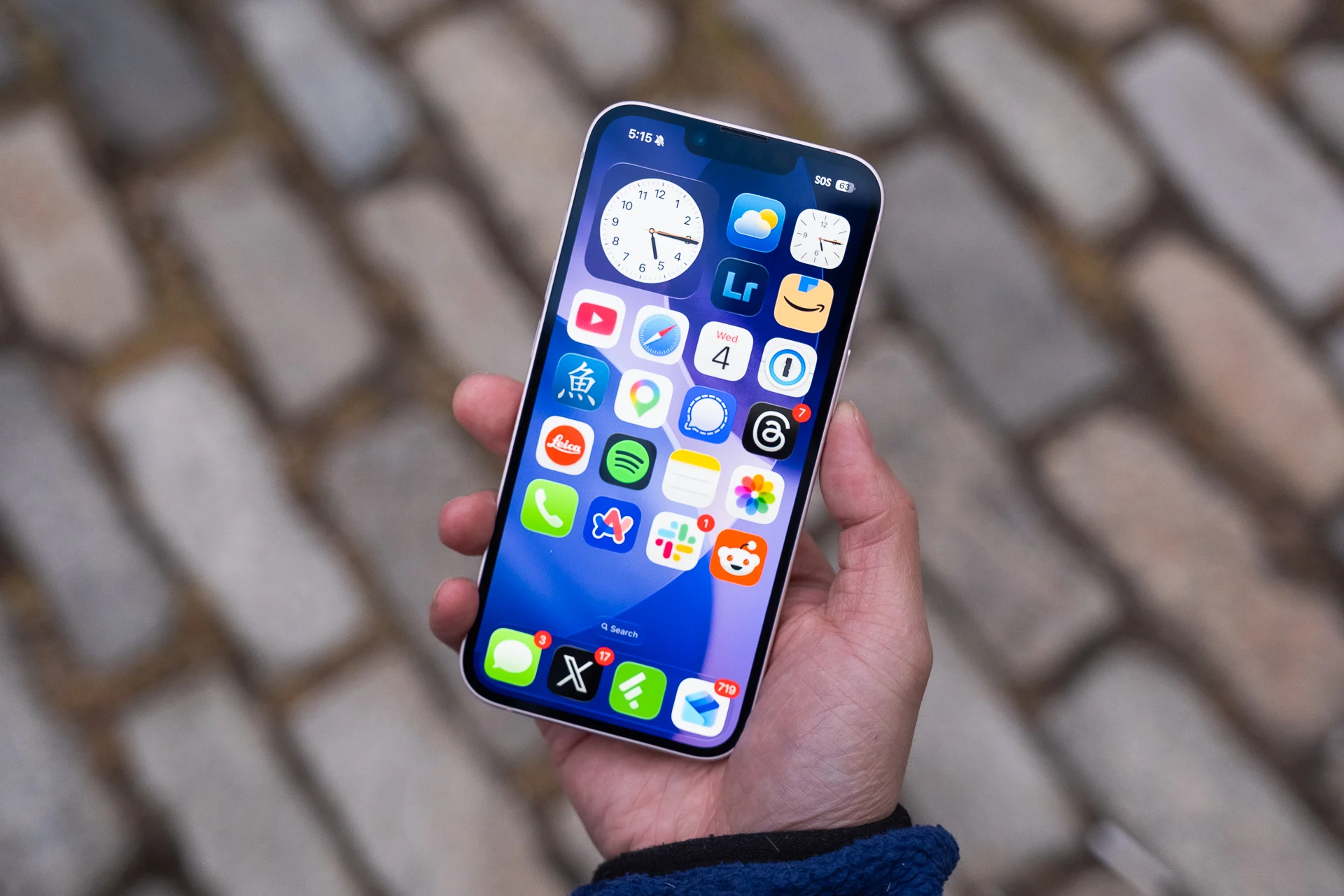
Last September, I wrote up a little rant about the Liquid Glass optical illusion plaguing home screens on iOS 26. Almost nine months later, in the first iOS 27 developer beta, Apple has removed the dynamic specular highlights that made app icons on the home screen look like they were slanted.
To whoever read my article and had it fixed: THANK YOU! —Raymond Wong
Walled Garden Inception
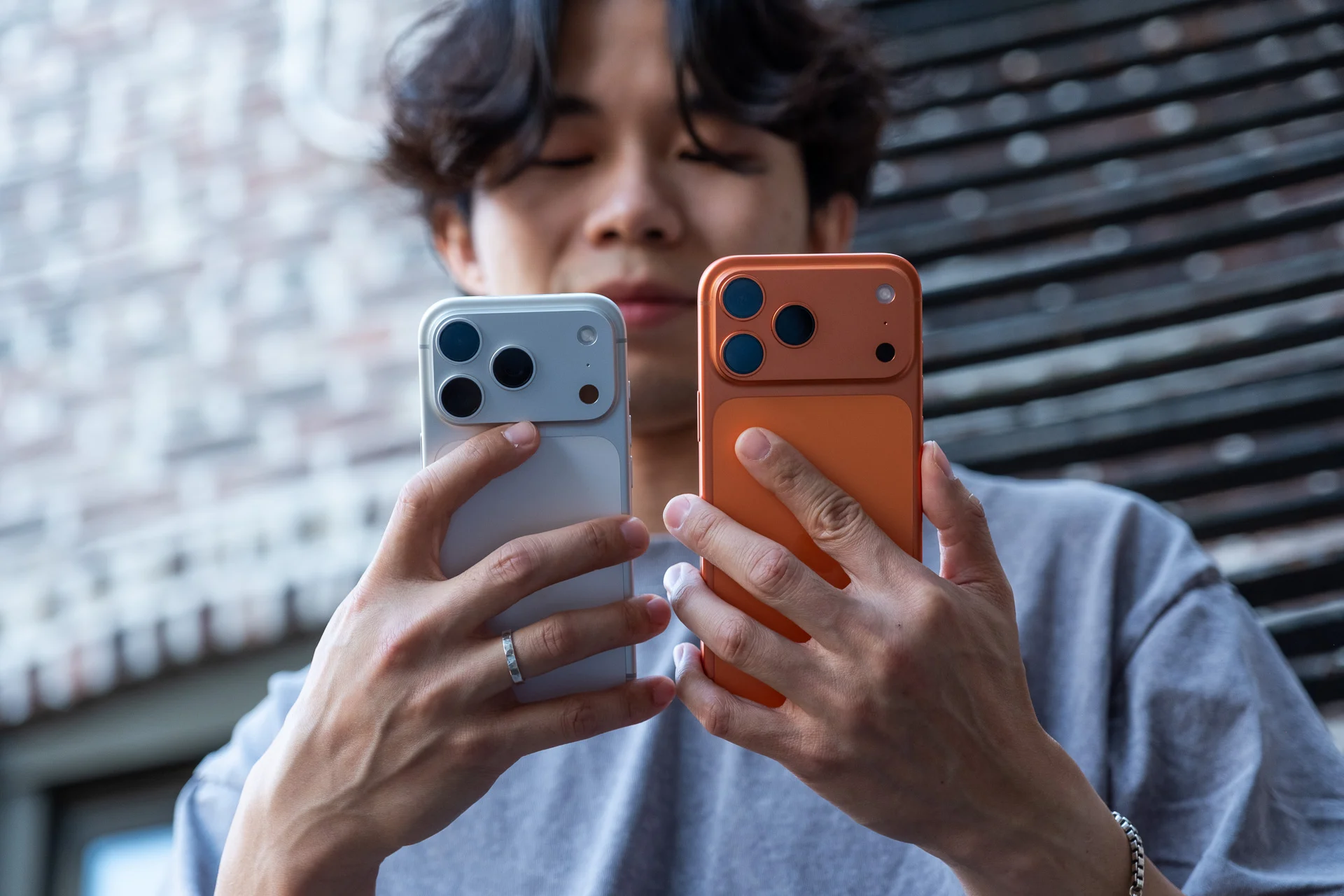
Apple’s updates to its various operating systems are bringing an AI-ified Siri along for the ride, that is, if you own an Apple device launched only in the last few years. While Apple Intelligence will be available to the iPhone 15 Pro and later, you have to have an iPhone 17 Pro or iPhone Air to get every single new AI feature. It’s a similar story for Macs (only M3 and later) and iPads (only M4 or later). It creates a confusing and segregated ecosystem where only buyers who purchased the most-recent devices can hope to claim every new feature. Read my full thoughts on how this will further segment a walled garden into haves and have-nots. —Kyle Barr
Apple Does AI Slop Now
I just finished installing the iOS 27 developer beta onto an iPhone 17 Pro and iPhone Air. The three features I immediately tried out were the Apple Intelligence tools in the Photos app. First up, I tested the more advanced “Clean Up” tool for removing photobombers. Here’s how it did:
Installed the iOS 27 beta on iPhone Air and immediately tried the more advanced Clean Up tool to remove all the people from my selfie with John Ternus
It was buggy and crashed a few times, but here's the best result I could get after 8 tries. (Remember, it's the first developer… pic.twitter.com/y0tqe7XBKP
— Ray Wong (@raywongy) June 9, 2026
It’s okay for a first developer beta. I had a bit of trouble getting Apple Intelligence to select the guy behind me. It took a few attempts.
As for the “Extend” tool that fills out a background… it decided to add in strangers.
Like who are these people? Where did their faces come from?#wwdc pic.twitter.com/xLk7QC6lnW
— Ray Wong (@raywongy) June 9, 2026
Who are these people, and where were their faces stolen from? Who knows. It’s weird, kinda disturbing, and, honestly, feels like a line that Apple shouldn’t have crossed IMO. Apple should have been the one company firmly against AI slop. Instead, it’s enabling it like every other company promoting AI slop generation. —Raymond Wong
Vision Pro Will Let You Turn Panoramas Into Spatial Environments

Apple’s adding a few welcome features to Vision Pro that didn’t get a lick of mention in the keynote. Perhaps the most fun feature is the ability to turn your panoramas into pseudo-3D spatial photos and then turn those 360-degree images into environments for users to inhabit. Apple’s also adding a “Thórsmörk Environment” to its list of virtual living spaces, which should include a stellar look at the aurora borealis.
Despite its price and limited hardware ecosystem, the Vision Pro is becoming a far more open platform than it was at launch. Apple is reportedly opening up the Vision Pro tech to allow more third-party accessory makers to make compatible “spatial accessories.” Does that mean we’ll see more support for VR gaming other than the Sony PlayStation VR2 controllers? We can hope. —Kyle Barr
Siri AI Is Here (Again)
As many suspected, Siri was a big part of today’s keynote, and with its reintroduction were a lot of new features. It’s agentic; it’s personalized; it’s being shoved into a lot more areas of iOS, macOS, and visionOS, and it’s going to be here… eventually. Apple says the official non-beta launch will be this fall. —James Pero
Siri Puts ‘Privacy’ Front and Center
One of Apple’s big tentpoles of its WWDC 2026 AI Siri announcements surrounded how it handles the data you give to AI. The thing is, Apple is going to rely on Google’s Gemini AI models and a Google-owned server. In a closed-door meeting between journalists and Apple execs Craig Federighi and Mike Rockwell, the company said they were also going to use Google servers, but with Private Cloud Compute architecture working on those external servers. Few other companies pushing AI are pushing privacy nearly as much as Apple is, but the real question will be whether our data is kept safe from advertisers or other outside parties. —Kyle Barr
[Update] Good News: watchOS 27 Supports the Apple Watch Series 9, After All
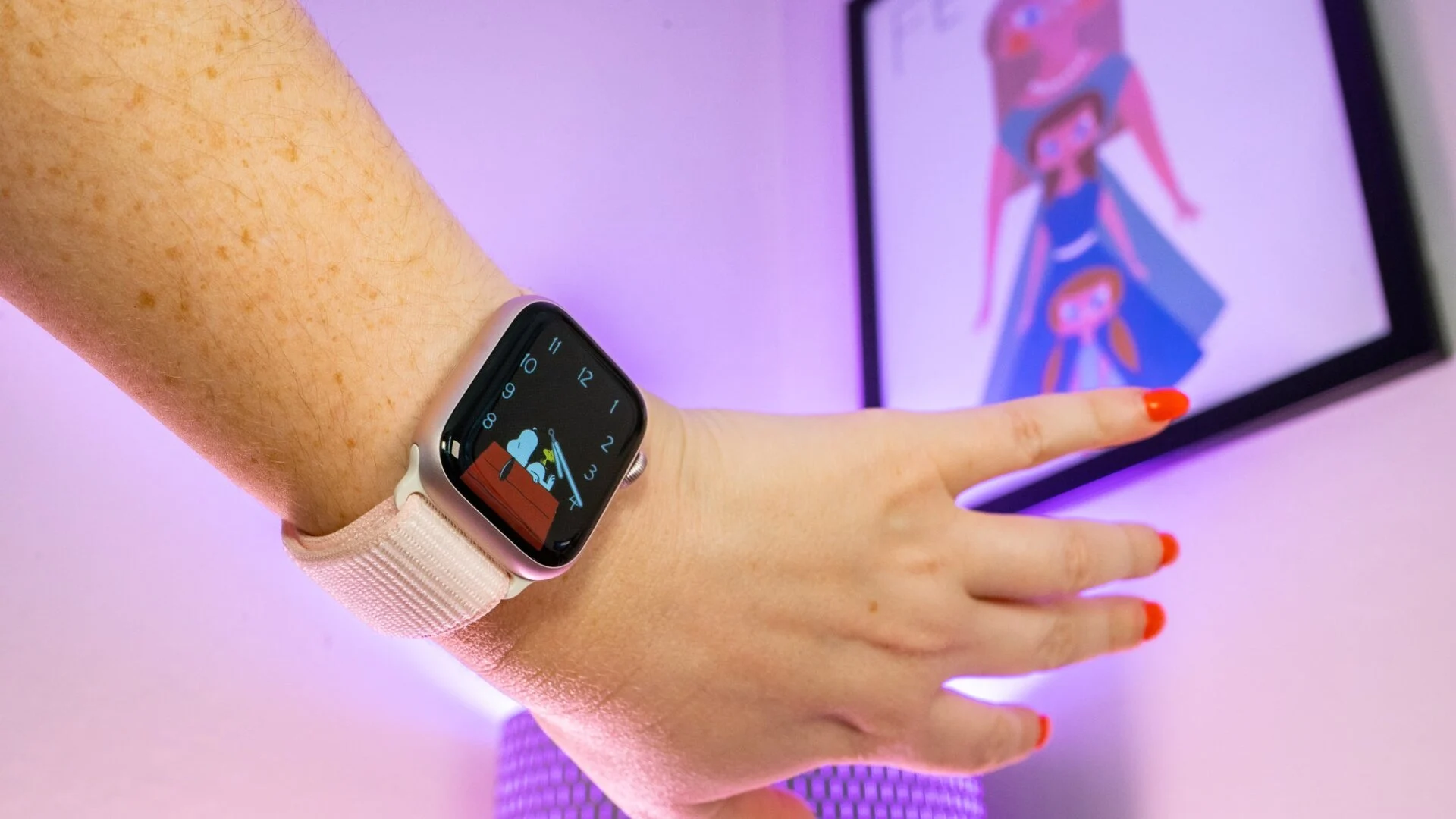
A ton of legacy Apple device users are going to find their tech is suddenly not compatible with the latest updates coming to iPadOS 27, watchOS 27, and macOS 27. In an email, Apple confirmed to Gizmodo that the Apple Watch Series 9 is still supported by watchOS 27. The company told us it was adding it to the list of supported devices. Go ahead and breathe a sigh of relief if you own the 2023-era smartwatch.
Here’s the full list of Apple Watches losing support:
- Apple Watch SE 2
- Apple Watch Series 6
- Apple Watch Series 7
- Apple Watch Series 8
- Apple Watch Ultra (1st gen)
Note that the Apple Watch Ultra (2nd gen) still gets support despite using the same chip as the Series 9. It’s unclear what big change is leaving so many watches behind, though we can assume it has something to do with the incoming AI updates.
As for iPads, older models losing access include the following:
- iPad Pro 12.9-inch (3rd gen)
- iPad Pro 11-inch (1st gen)
- iPad Air (3rd gen)
- iPad (8th gen)
- iPad mini (5th gen)
Finally, all the lingering Intel-based Mac models are now losing support. Apple is essentially saying that anybody who hasn’t made the switch to the M-series chips should not expect any more new feature updates, even if you’ll still get security updates for a little while longer. —Kyle Barr
AI on Vision Pro Is a Test Run for Smart Glasses
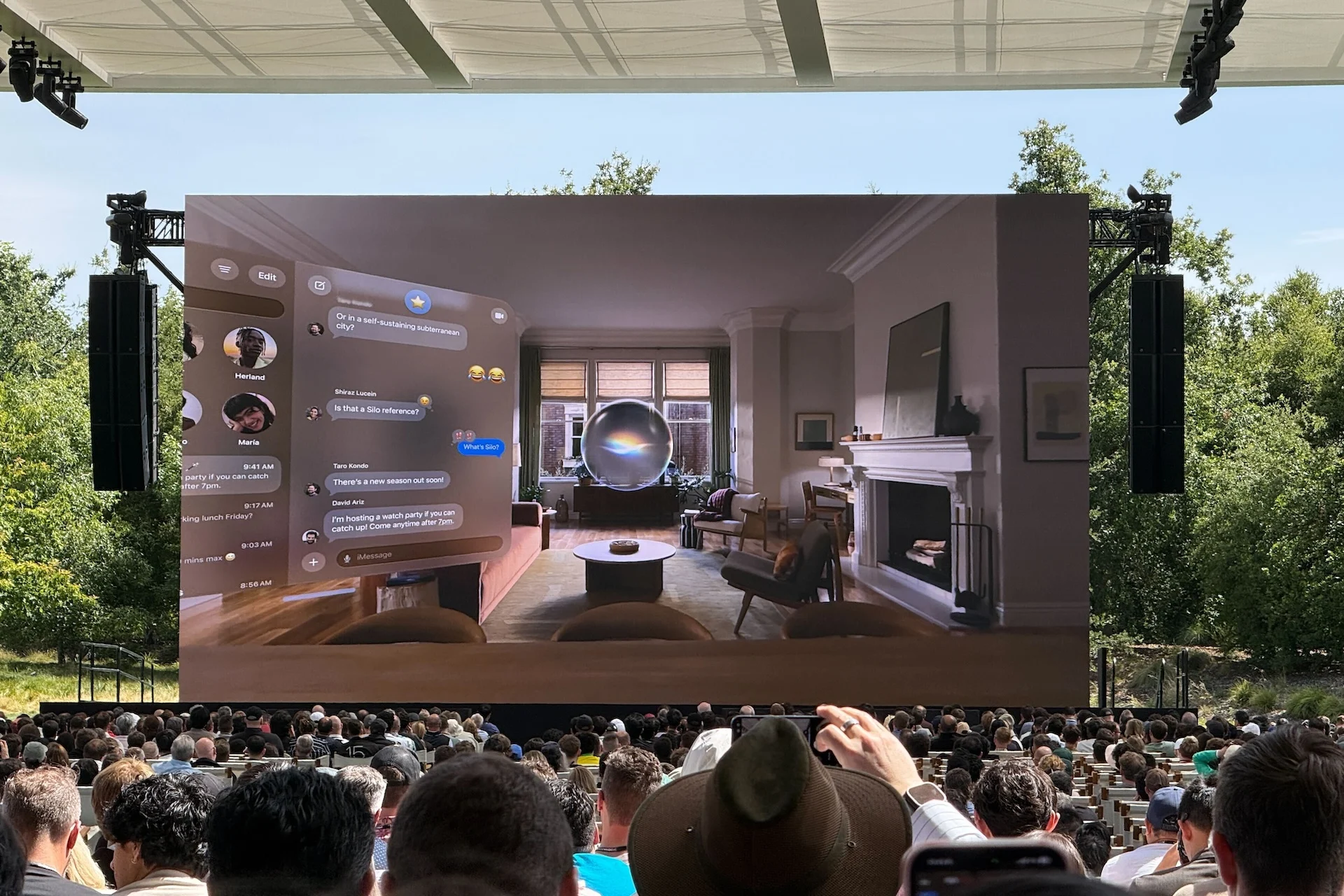
Apple barely mentioned half of its product stack during WWDC 2026’s keynote, but it did offer a small glimpse at how AI-enhanced Siri will work on Vision Pro and—by extension—all the company’s future “Spatial” devices. Essentially, the Siri app will exist in digital space as a floating orb. You can talk directly to that orb to have the AI perform some task on your behalf, like managing your files or photos. Apple’s AI will also allow you to look around the room and ask questions about your environment using the device’s external sensors. Whether or not the AI vision capabilities will be accurate is another question entirely. —Kyle Barr
The Real WWDC 2026 May Be in One Hour
You, dear Apple fan, usually watch the annual WWDC keynote because you want to be first to hear what platform changes Apple is making to its wider ecosystem. This year, however, was absolutely dominated by talk about an AI-enhanced Siri. If you hoped for more specifics about what changes were coming to the iOS or macOS user interface, you may need to wait until 4 p.m. ET, 1 p.m. PT, for the Platforms State of the Union. We can’t promise you that there will be any more details than what Apple briefed us in its main keynote, but if you want the skinny, you can just stick with us here at Gizmodo as we tune in. —Kyle Barr
Apple’s New CEO Was a No-Show
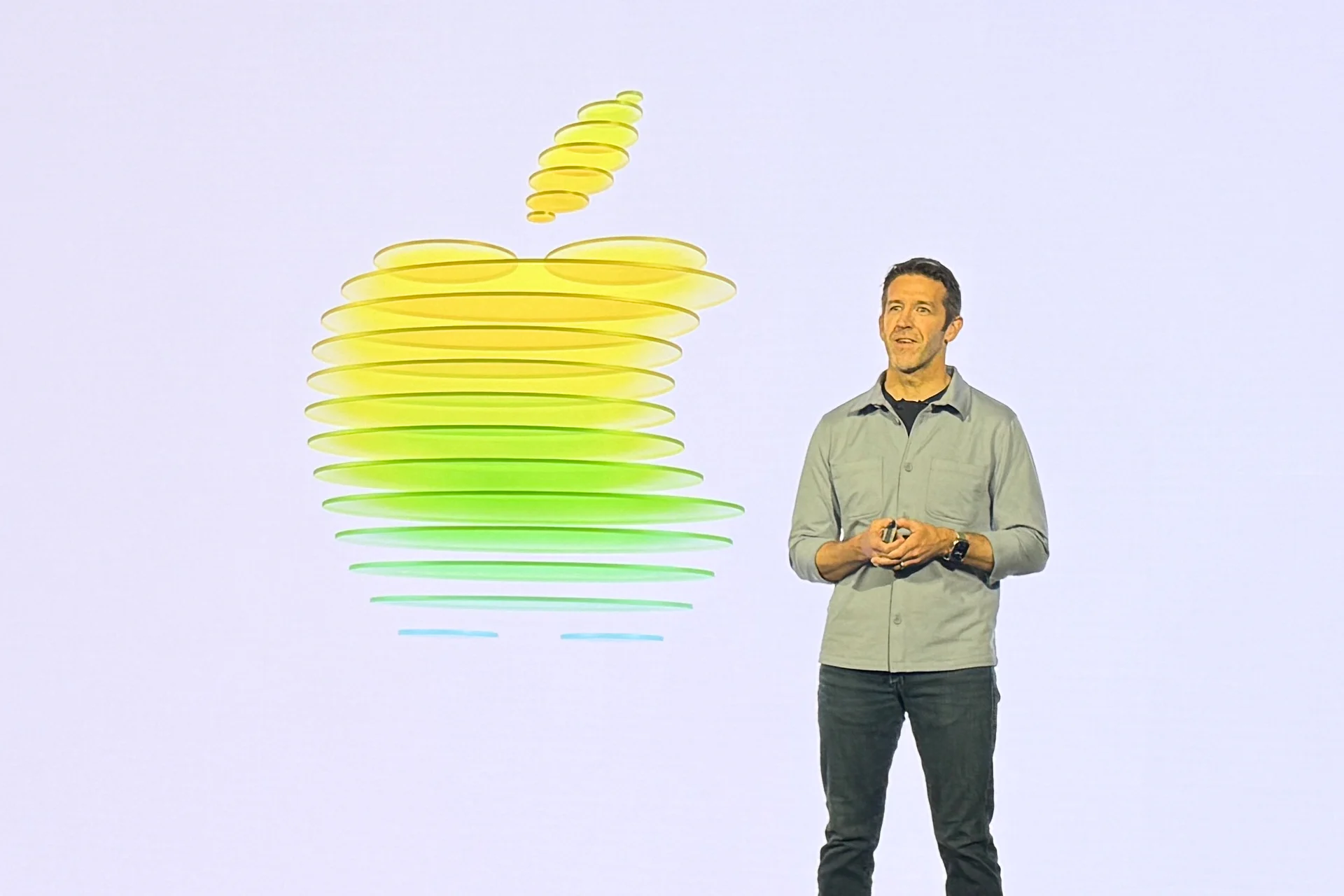
John Ternus, the next CEO of Apple starting on Sept. 1, pulled up for selfies at a media reception last night, but he didn’t show up in the WWDC keynote. Not a single cameo. So strange. Craig MC’d the whole thing. I know it was Tim Cook’s last time kicking off the WWDC keynote as CEO, but shouldn’t the new boss have said a few words? —Raymond Wong
Blurred Lines Between Siri and Gemini
I think one thing that people are going to be asking themselves is how much of the new Siri is actually Siri. The Apple Foundation Models are based on Google’s Gemini, which is, undeniably, kind of confusing. Is this just a fine-tuned version of Gemini? Is it a little bit of Gemini and a lot of Apple?
It doesn’t matter much if it works and feels useful, but it would matter to Apple’s perception as a leader in AI. Something tells me we may never know the answer beyond a shadow of a doubt, though. —James Pero
All the Fixes Coming to macOS
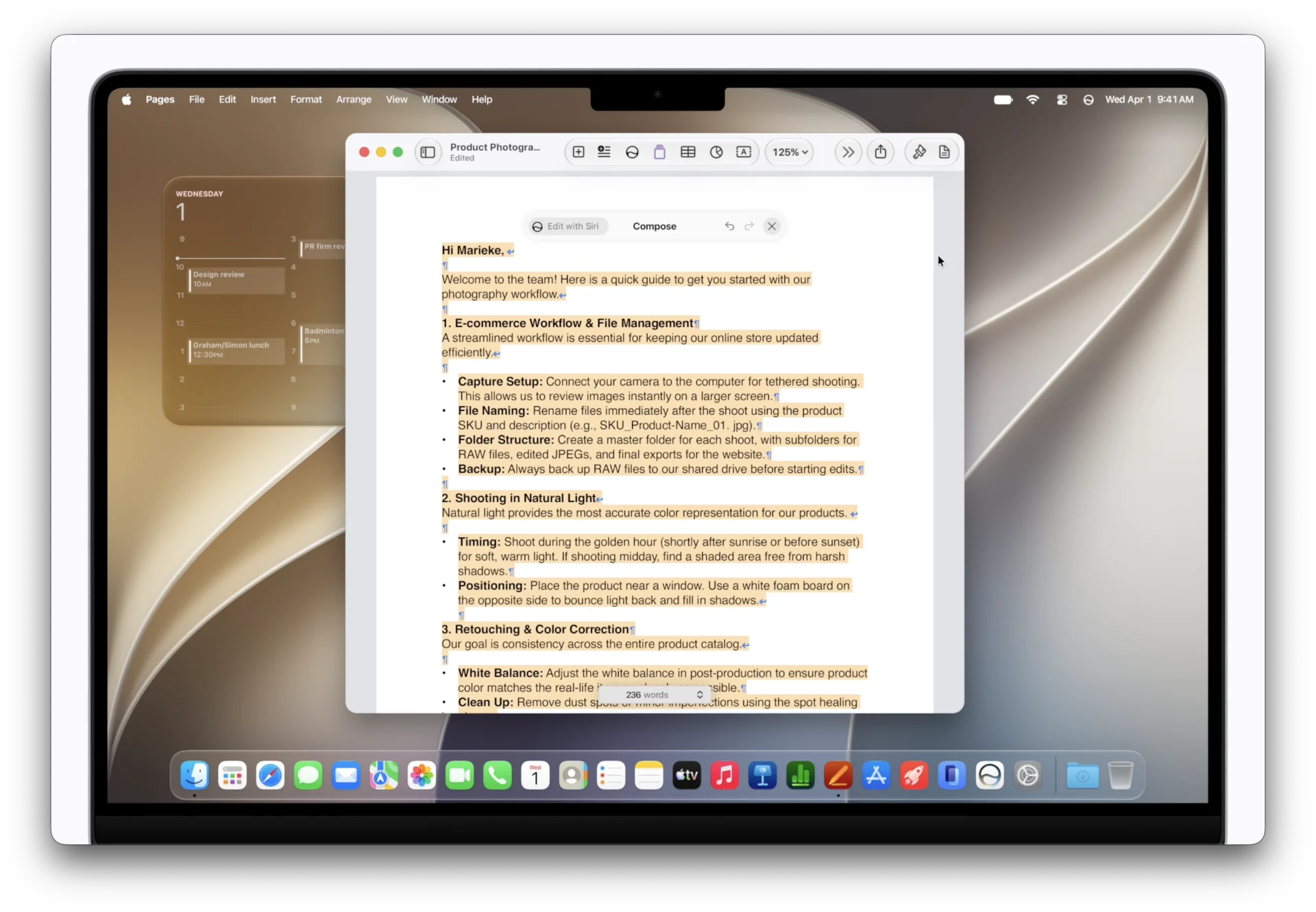
Personally, I wasn’t as offended by the Liquid Glass look on MacBooks as some others were, but I can understand the complaints. The larger issues stemmed from text illegibility in some menus and toolbars. Apple came the closest it ever does to a “mea culpa” when it described the changes coming to its various apps like Apple Music, which should help you see your toolbars and side menus a little better. It’s unclear what other changes are coming to macOS 27 “Golden Gate,” but with a name that important to the Bay Area in northern California, you would expect the changes to be much more prominent than they seem. —Kyle Barr
That’s It… ?

The keynote just ended. That’s it. Really. The whole thing was Siri AI and Apple Intelligence. Tim Cook wrapped up the prerecorded show with his heartfelt thanks running Apple the past 15 years.
There was a lot of AI news to digest. Honestly, I think I’m gonna have to rewatch the keynote a few more times to actually take in what was announced.
I’m headed to briefings and sessions to learn more about Siri AI, Apple Intelligence, and get a sense of what else is new. More soon. —Raymond Wong
Apple “27” Releases
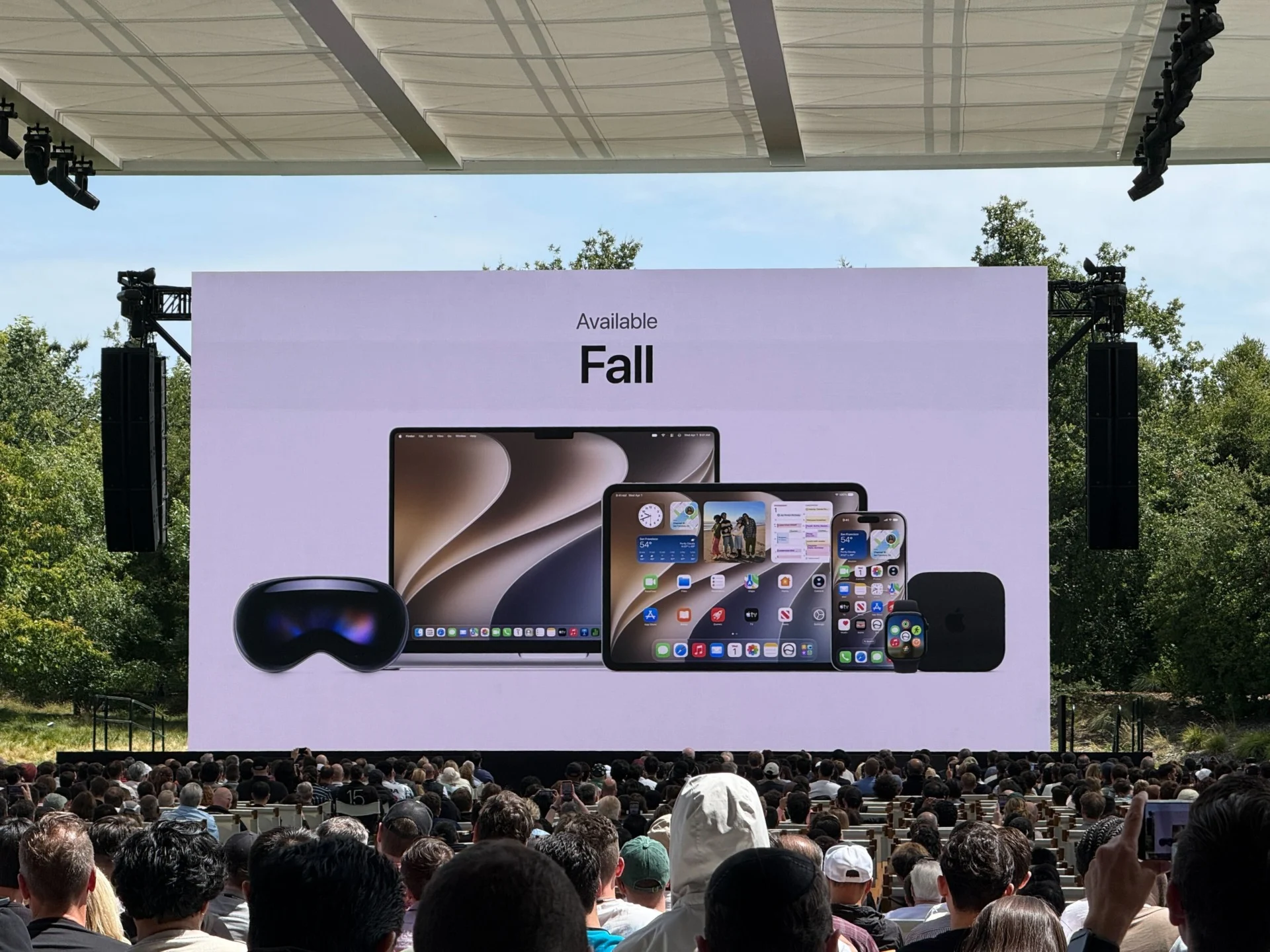
The developer beta for the “27” software versions are available today. A public beta will be available next month. And then, the official launch comes out this fall. —Raymond Wong
Wait, You Don’t Want Your Kids Looking at the Camera?
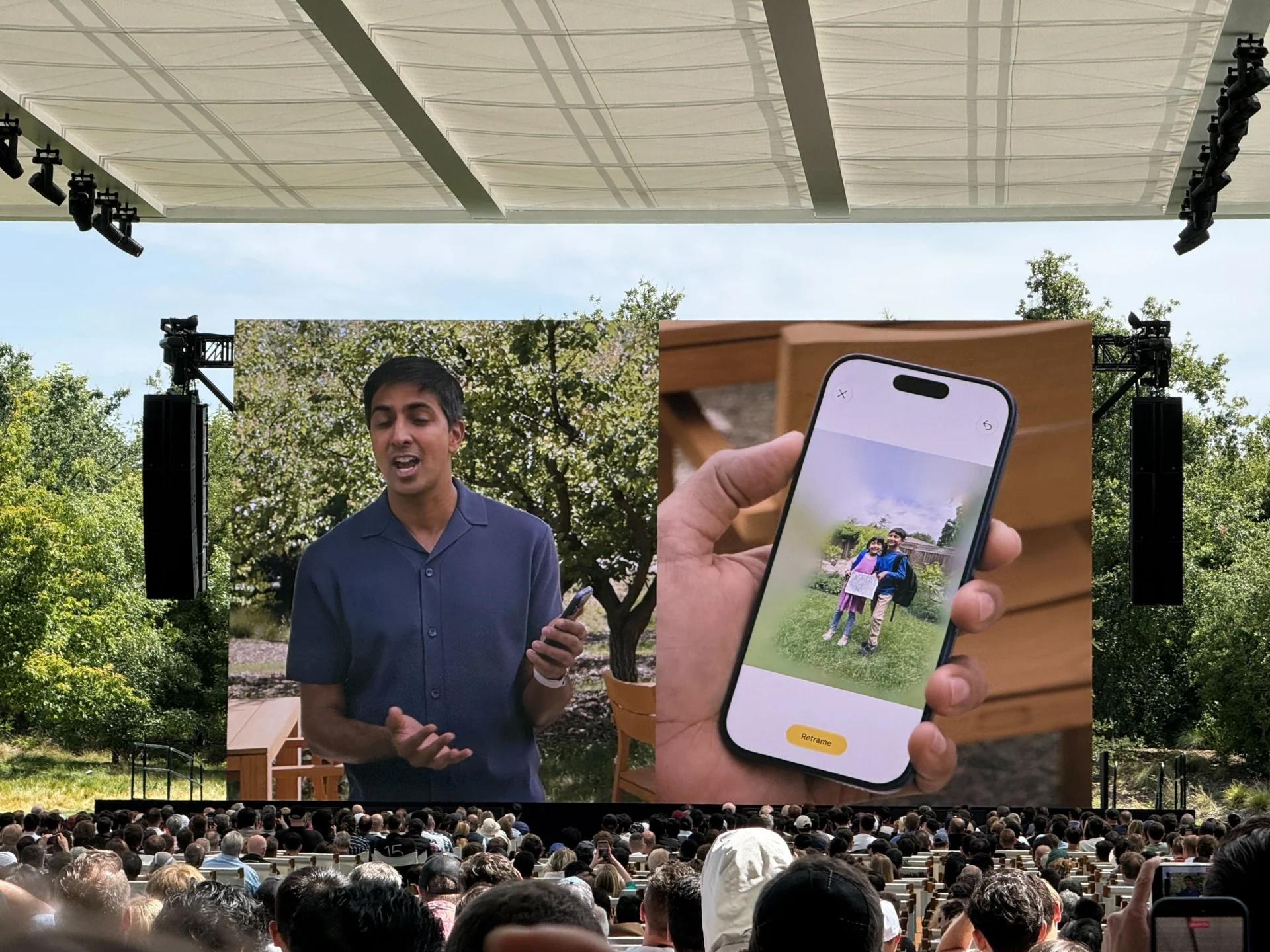
Apple showed off its photo reframing feature in a way that will have even novice or amateur photographers scratching their heads. Users will be able to click on a special tab inside the Photos app that will let them enter a “Spatial” menu. You’ll be able to pinch to zoom in and drag the camera to another part of the screen to make it seem like you took the photo from a different angle. Doing so doesn’t change where the people in the photo are looking, so you’ll end up with your subject staring off into the distance while you’re looking up at them from another angle. My best advice: just take your own photos from different angles. —Kyle Barr
Siri AI Coming as Beta in U.S. Later This Year
Siri AI is gonna be a beta when it launches in the U.S. later this year. Expect bugs. Lots of bugs. Siri AI for iOS 27 and iPadOS 27 won’t be available in the EU because of the Digital Markets Act (DMA).
“Over the past several months, EU regulators did not accept any of Apple’s proposed solutions to bring Siri AI to the EU while safely supporting other virtual assistants,” Apple said in a press release posted to its Newsroom. The silver lining: “EU users will be able to access Siri AI on macOS 27, visionOS 27, and watchOS 27.”
In China, Siri AI will not be available until Apple works through regulatory requirements. —Raymond Wong
Wait, Is Apple Making Security Cameras?
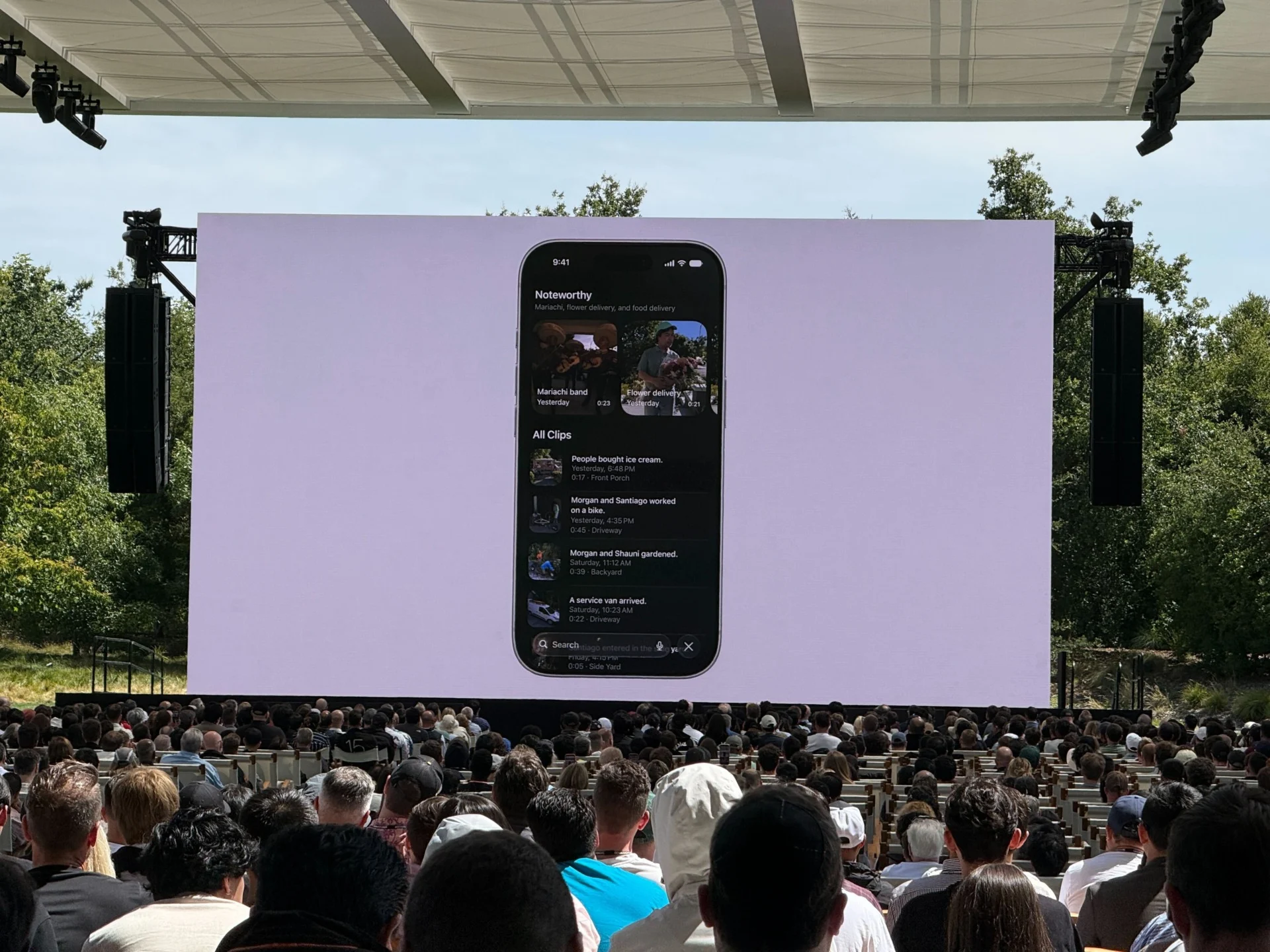
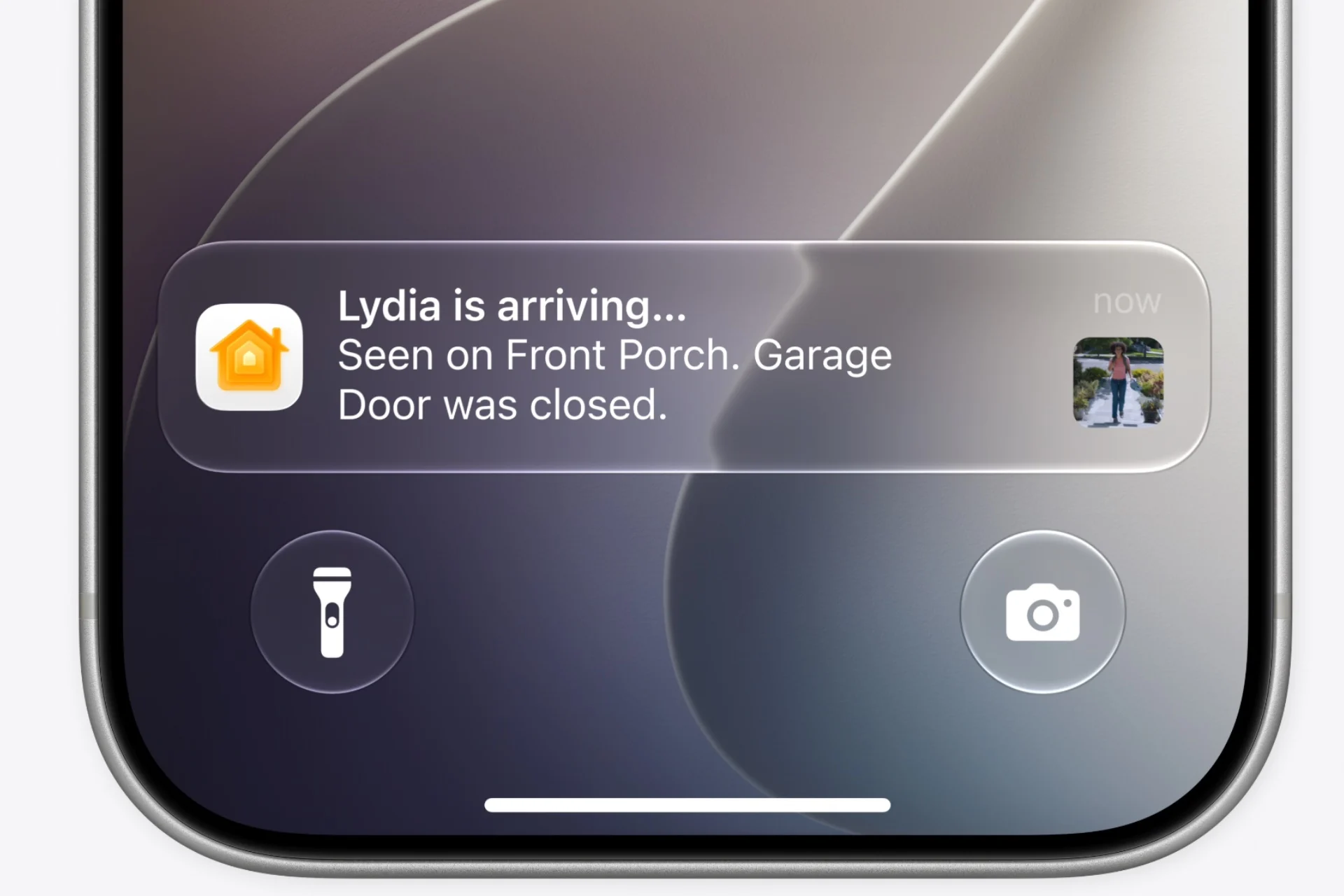
Apple kept mentioning “supported cameras” with its new iOS AI features. Now, with “supported cameras” you’ll be able to watch security footage in 4K inside the Home app. Apple devices will be able to use AI to summarize what’s happening at different video time stamps. That’s not that unique, but sticking this feature natively into iPhones really makes it seem the company wants to dig more into smart home tech. —Kyle Barr
Giving Shortcuts Its Own Shortcut
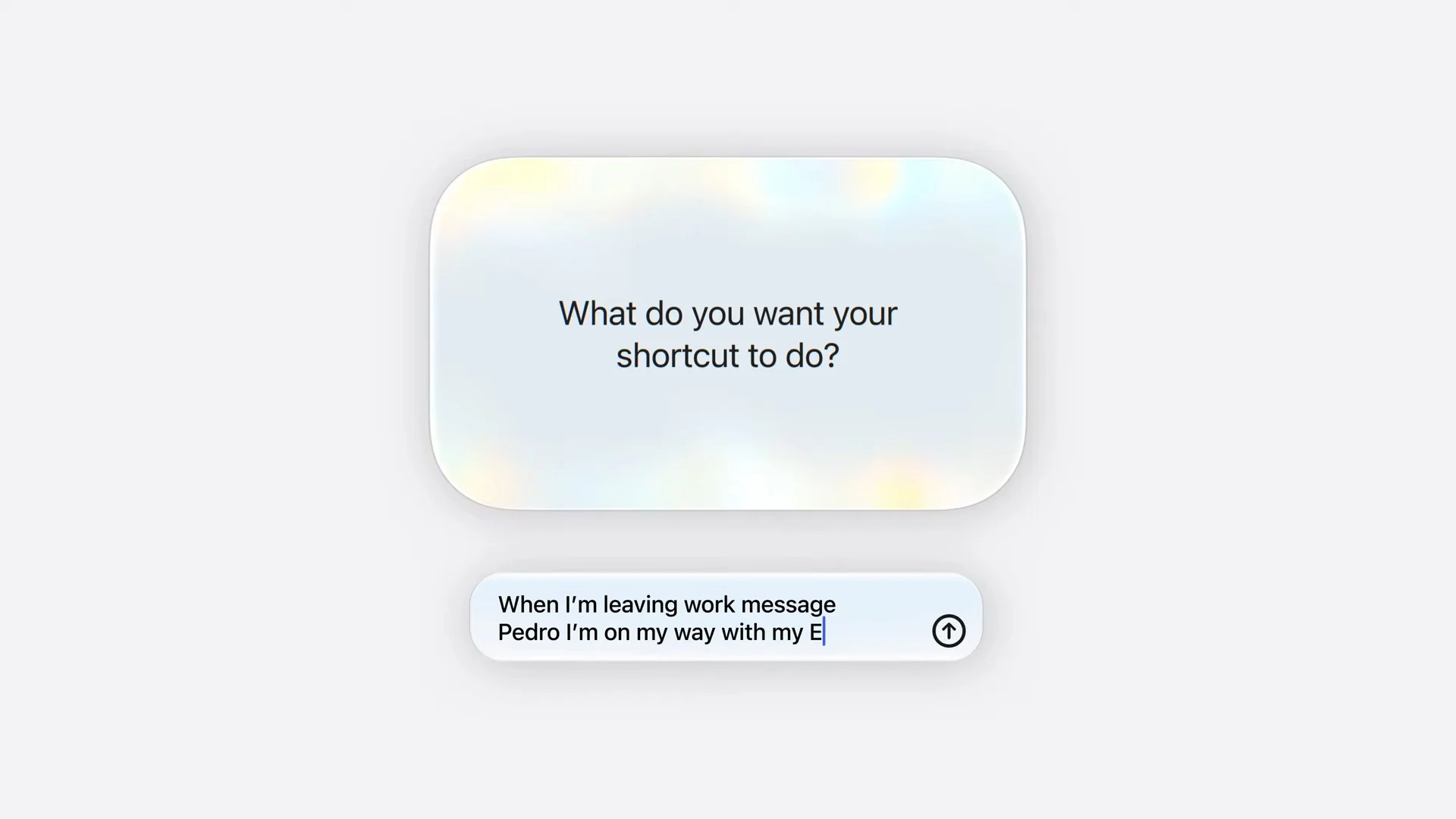
Apple Intelligence is trying to make Shortcuts easier. Now, if you want to make one, you can just describe it using natural language, and Shortcuts will pull the levers for you. In theory, I’m into it, since it sounds easier, but also it depends on whether it works. —James Pero
Who Needs Real Photos Anymore?
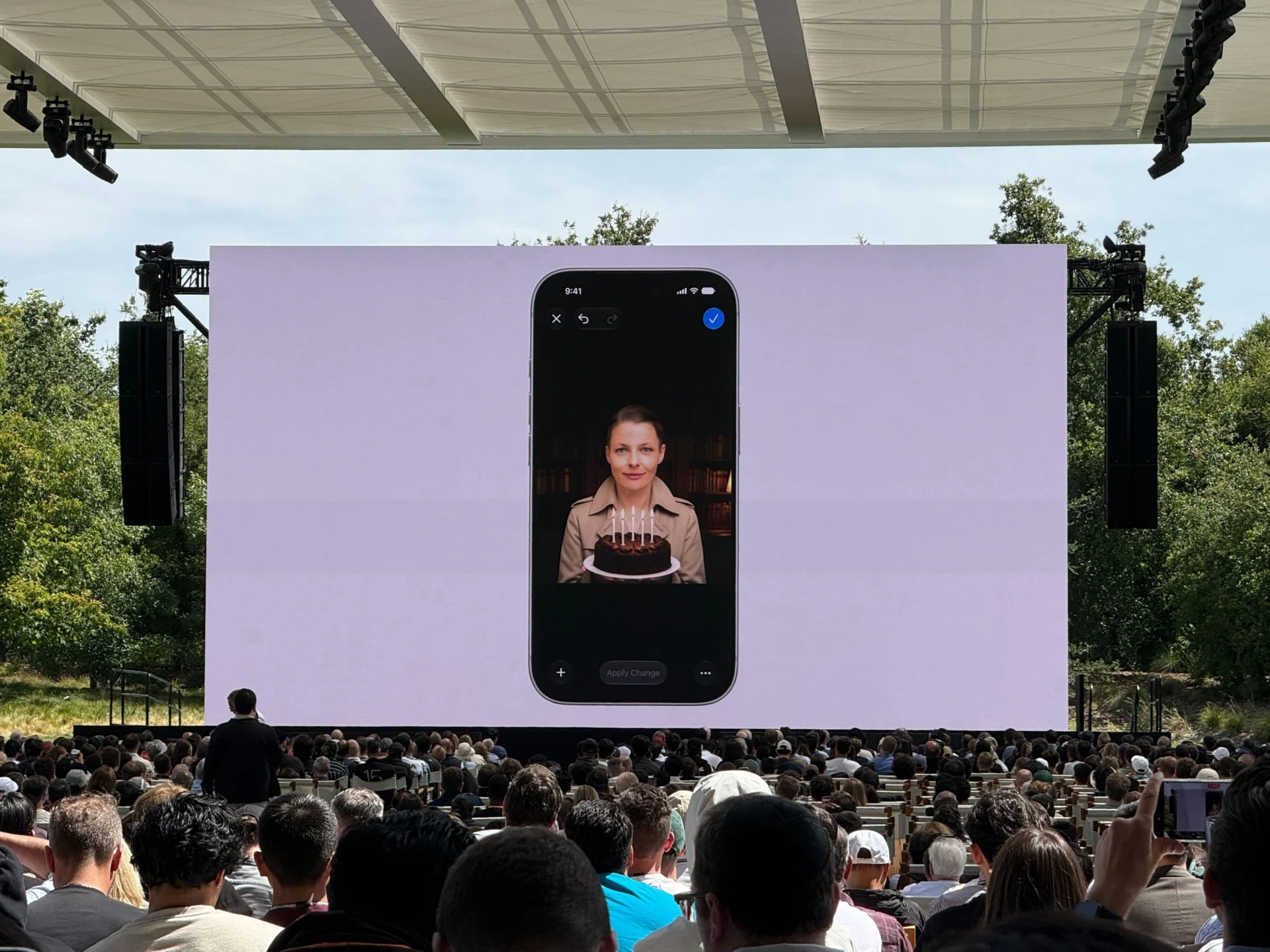
Those candles that you see in that photo above? AI-generated. The photo originally looked like this:
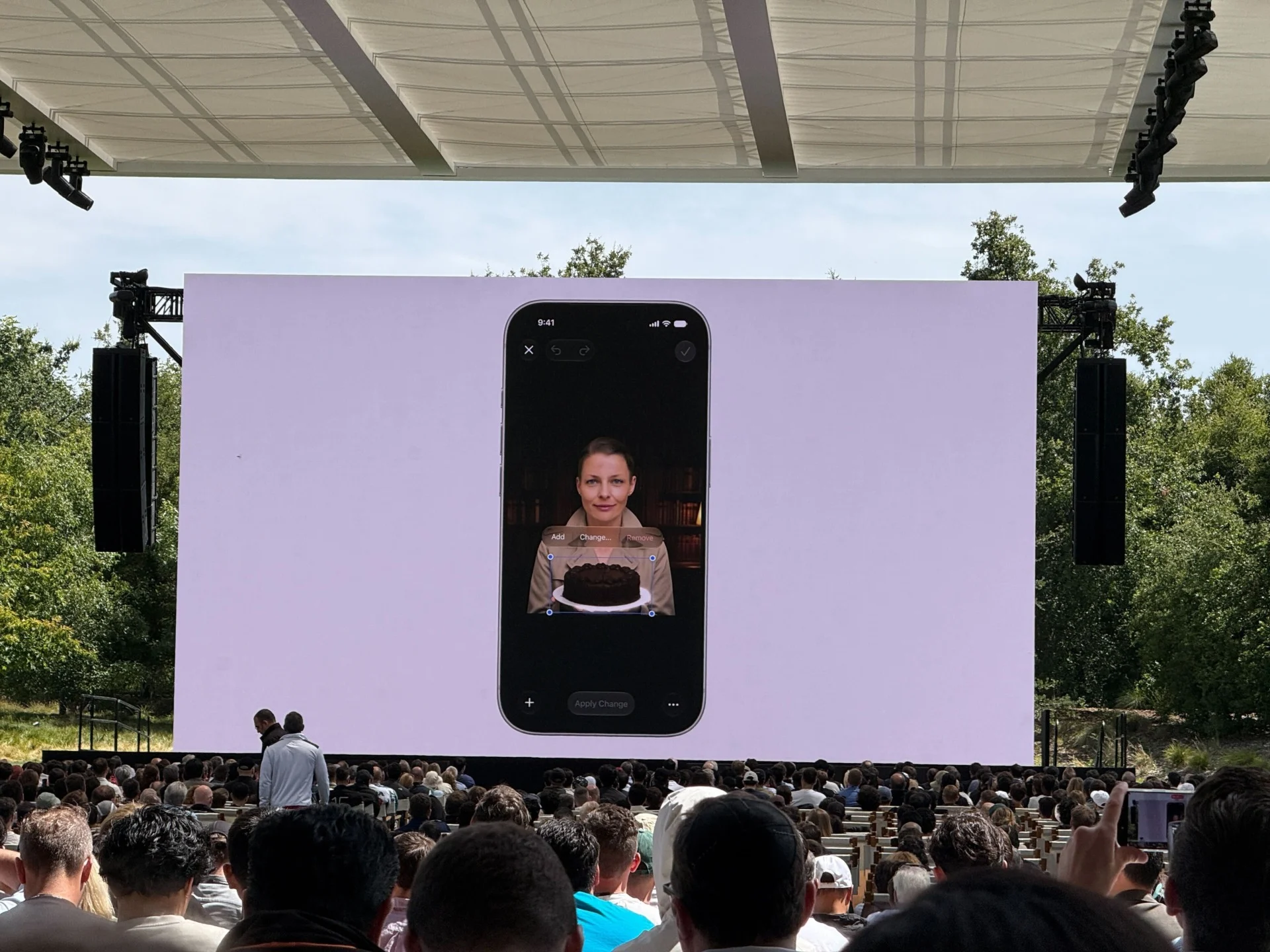
Guess real photos aren’t sacred anymore. —Raymond Wong
Apple Intelligence Can Tidy Up Accessory Notifications While Activity Continues to Happen
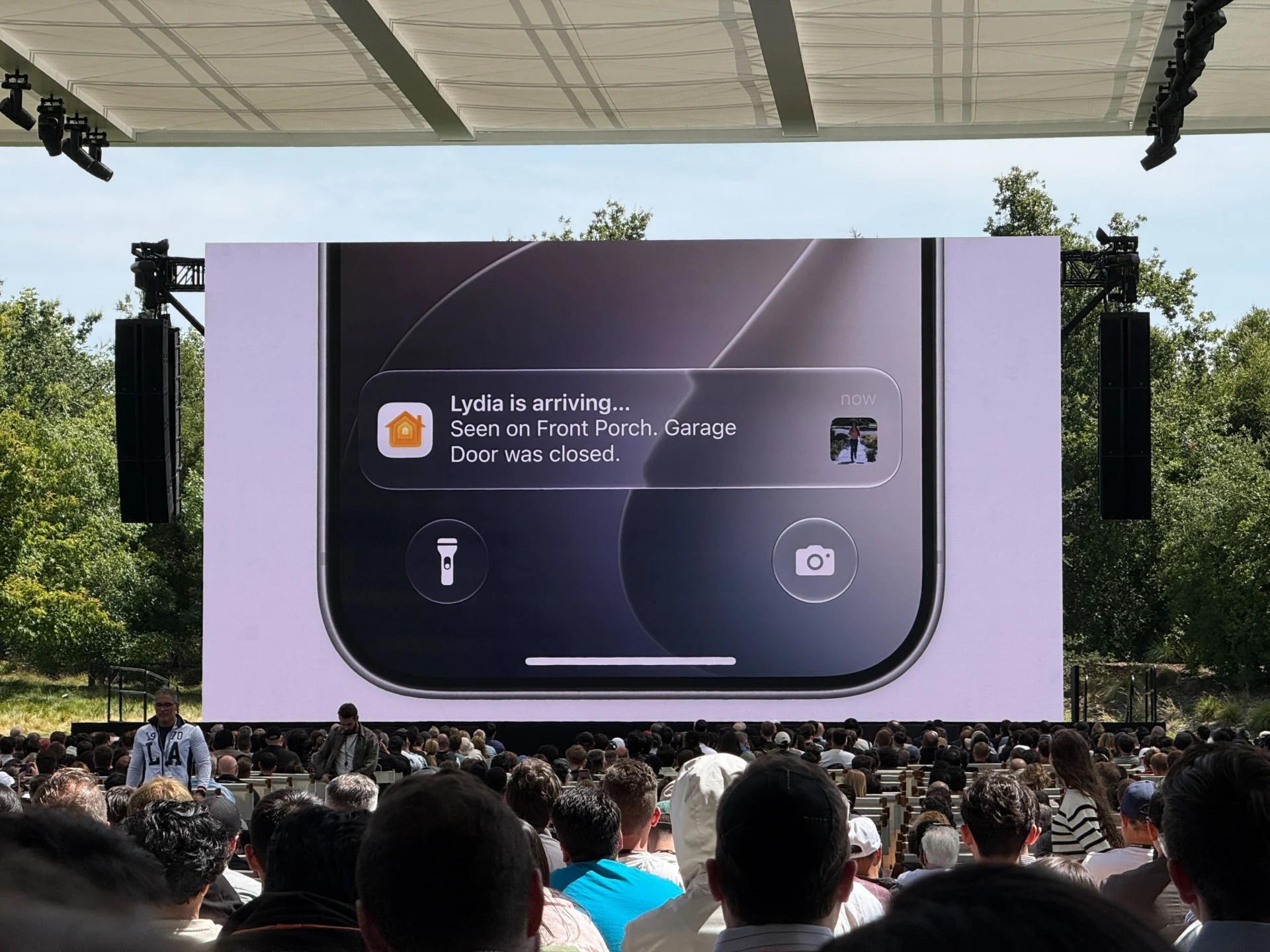
Okay, this is legit cool. In the Home app, if you receive a bunch of notifications from an accessory (i.e. security camera), Apple Intelligence can combine them together as a single activity. You’ll only get one accessory notification that continues to update as the activity happens instead of a dozen telling you that your camera detected motion. —Raymond Wong
Safari Is Using AI to ‘Tame Your Tabs’
Safari already had tab groups, but Apple’s hoping to let you lazy browsers finally get a handle on your 50+ tabs. Apple promises that Safari will group tabs using the new Siri AI based on the context of those web pages. Apple also said that Safari would work with the Passwords app to automatically update all your various passwords on various websites while keeping your data secure and on-device. —Kyle Barr
Siri AI Is Launching With English Support First
The new Siri AI will support one language when it launches: English. Apple said it’ll support other languages later, but didn’t say which ones and when. That’s kind of a bummer since other AI chatbots support multiple languages. In this aspect, Apple is definitely behind. —Raymond Wong
Siri Can Split Your Bill?
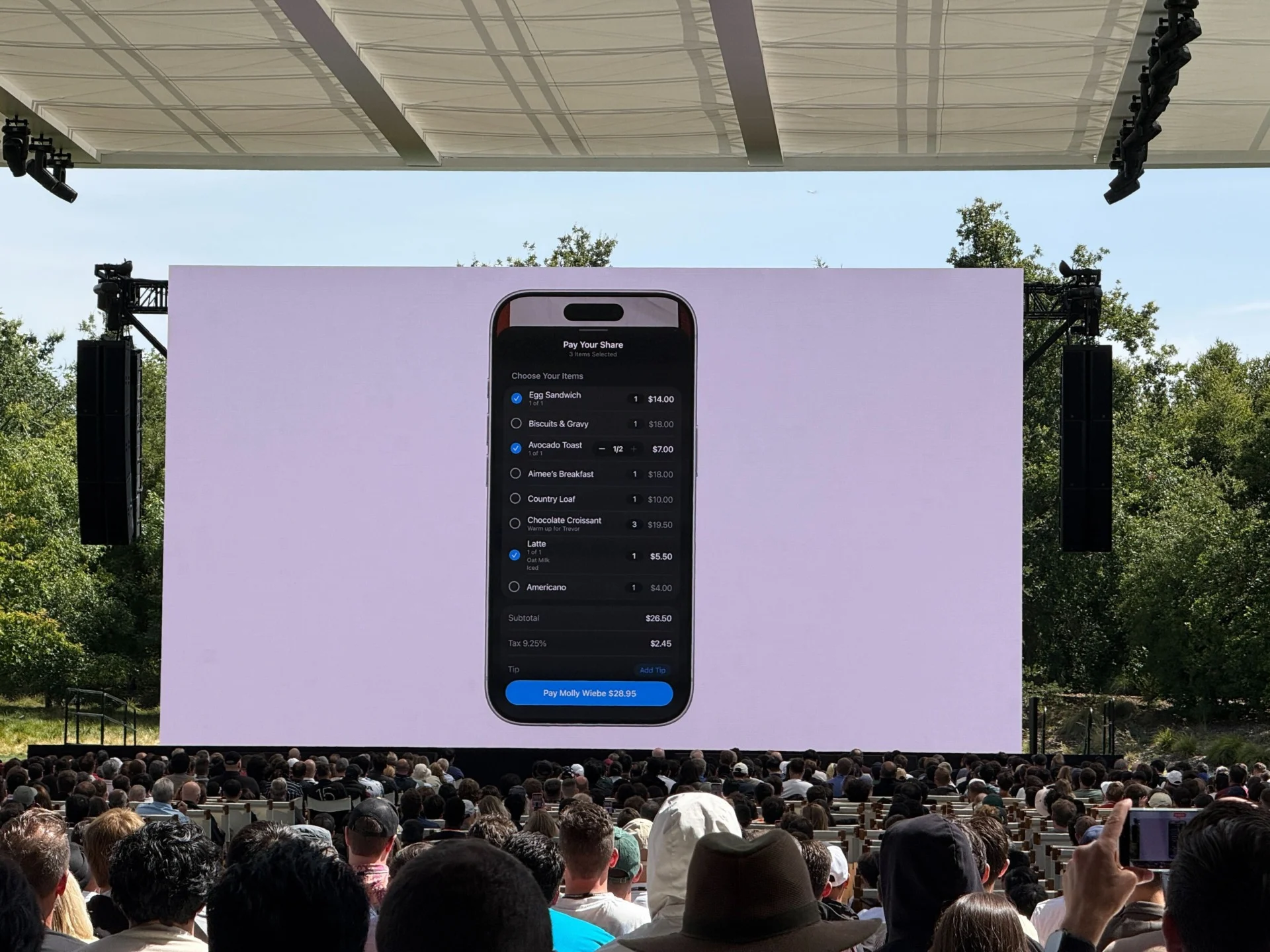
Using your iPhone camera and visual intelligence, Siri can now look at your bill and help you split it. Here’s how the UI looks. Just check what you owe and then send the money. Honestly… I love it. If it works. —James Pero
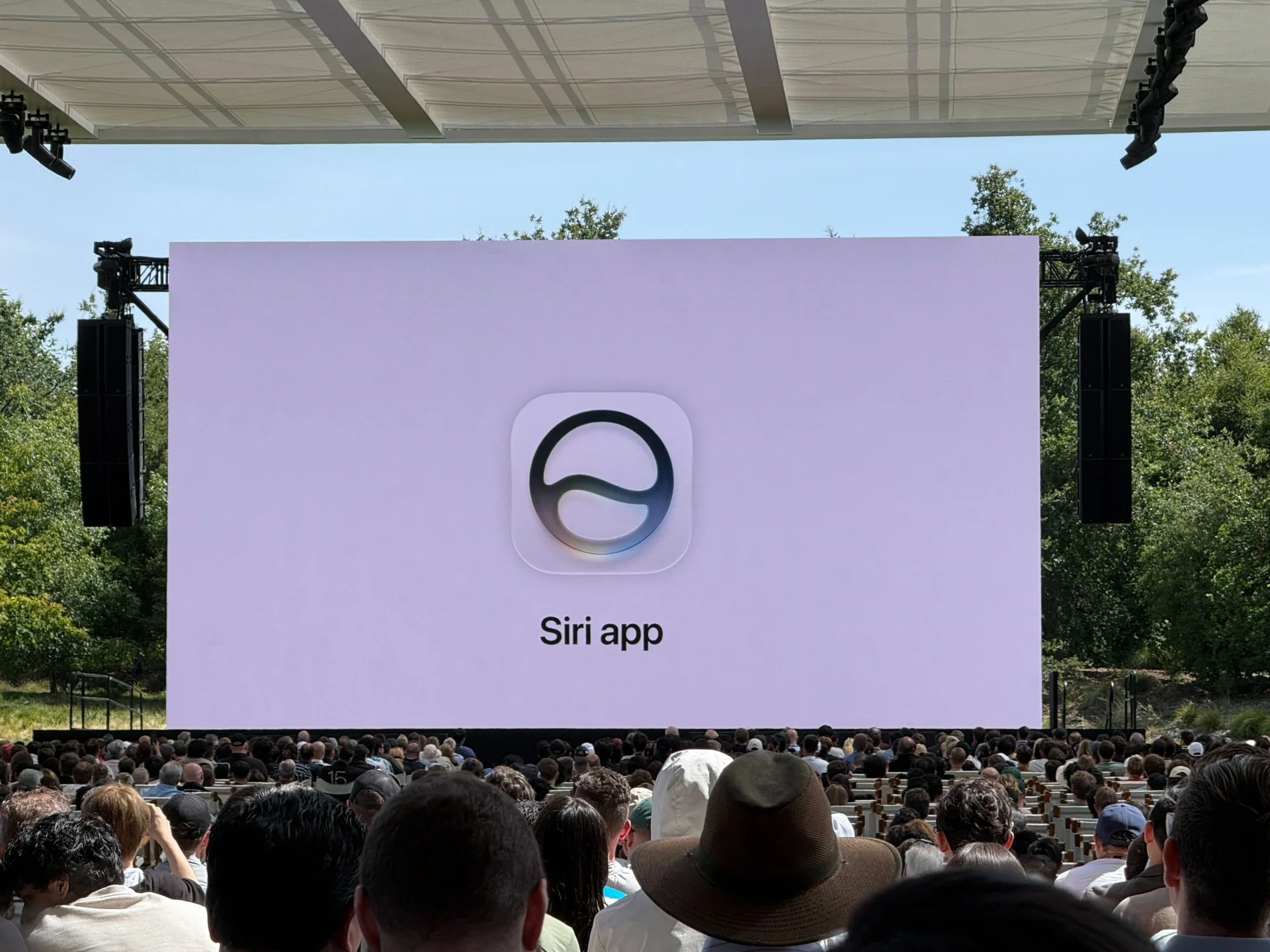
Siri Finally Gets Its Own App
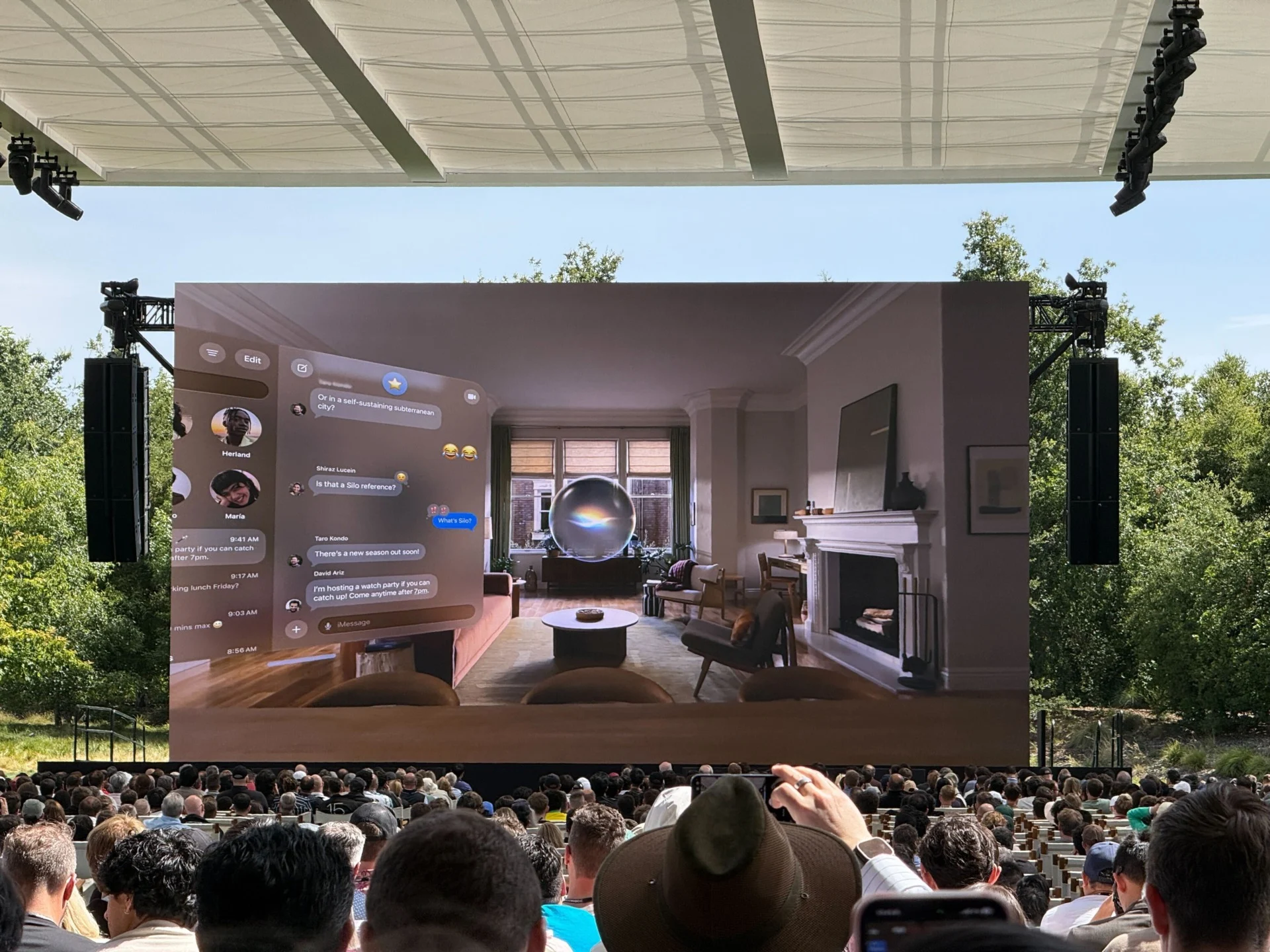
Apple is rolling out the new Siri, including the new standalone app, to all of its platforms. In addition to iOS and macOS, it’ll be on iPadOS, watchOS, and visionOS. For the latter, you get a 3D visualization of the orb. —Raymond Wong
Siri In the Spotlight
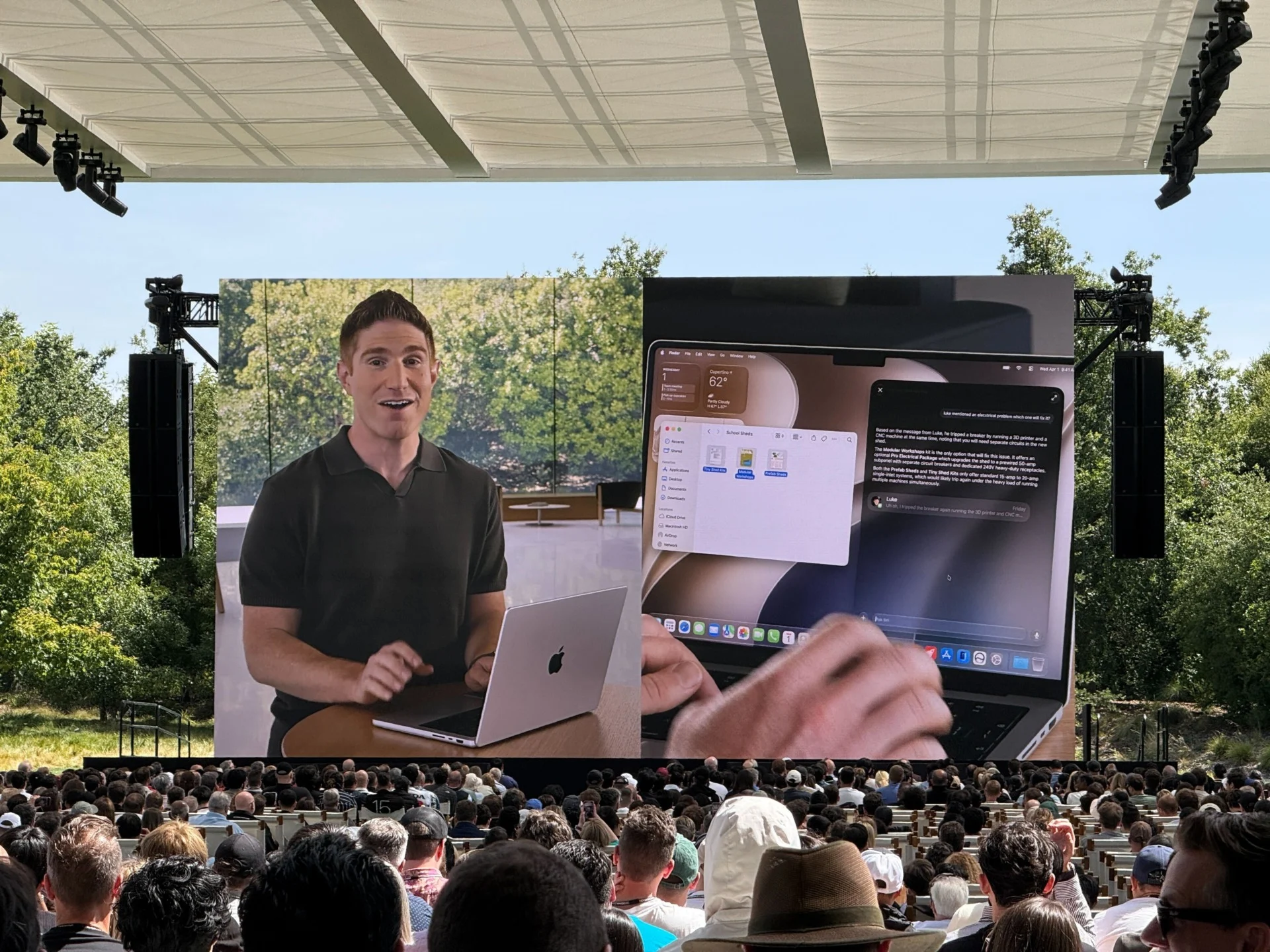
If you thought that the improvements to Search were already an improvement, then you may have a completely different experience in Spotlight. The beloved macOS Spotlight feature now has Siri integrated directly. You can use the Spotlight command to type up a prompt. Macs should automatically recognize which queries are for AI and which are to just help you bring up your files. Apple showed how this feature could be used across apps to help you find files and then give you details about those apps in a separate Siri app menu. —Kyle Barr
Siri AI Is… Kinda Slow?
IDK about you, but I’m watching these prerecorded “demos” of Siri AI and it’s taking a few seconds for the assistant to process a prompt and then return a response. I guess it’s version 1.0. —Raymond Wong
Siri Will Be Your AI Assistant, for Real This Time
The new dedicated Siri app is supposed to be fully conversational. The new design pops up at the top of users’ phones through the Dynamic Island, displaying information from what they’re doing across their apps. Apple’s Mike Rockwell showed how the AI could understand some of the content on your screen and then take actions based on the content shown on your phone. —Kyle Barr
Siri AI demo #wwdc pic.twitter.com/hs6lFj7RjA
— Ray Wong (@raywongy) June 8, 2026
Yup, Apple’s Using Gemini
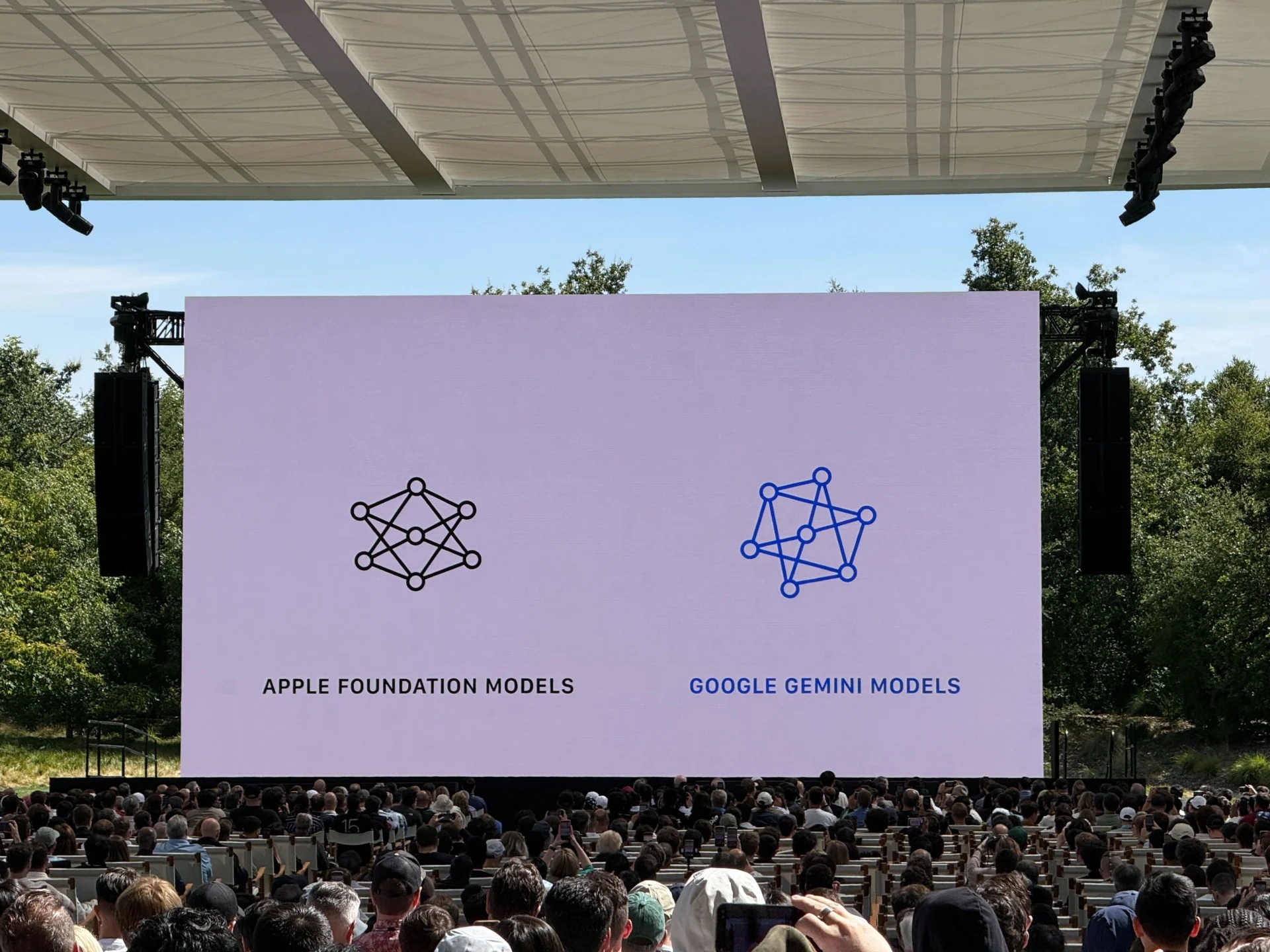
Apple Intelligence is back, and they’re no longer beholden to OpenAI’s GPT models. The new hotness is Google’s Gemini AI, and beyond that, Apple promises you’ll be able to use it both on device and through the cloud. If you remember when Apple’s first Apple Intelligence failed to launch, you’ll remember the promise of “Private Cloud Compute.” Apple promised the new Gemini models will still use these PCC servers to keep data secured so neither Apple nor anybody else can see your queries or images. —Kyle Barr
Sorry, Kid Not Today
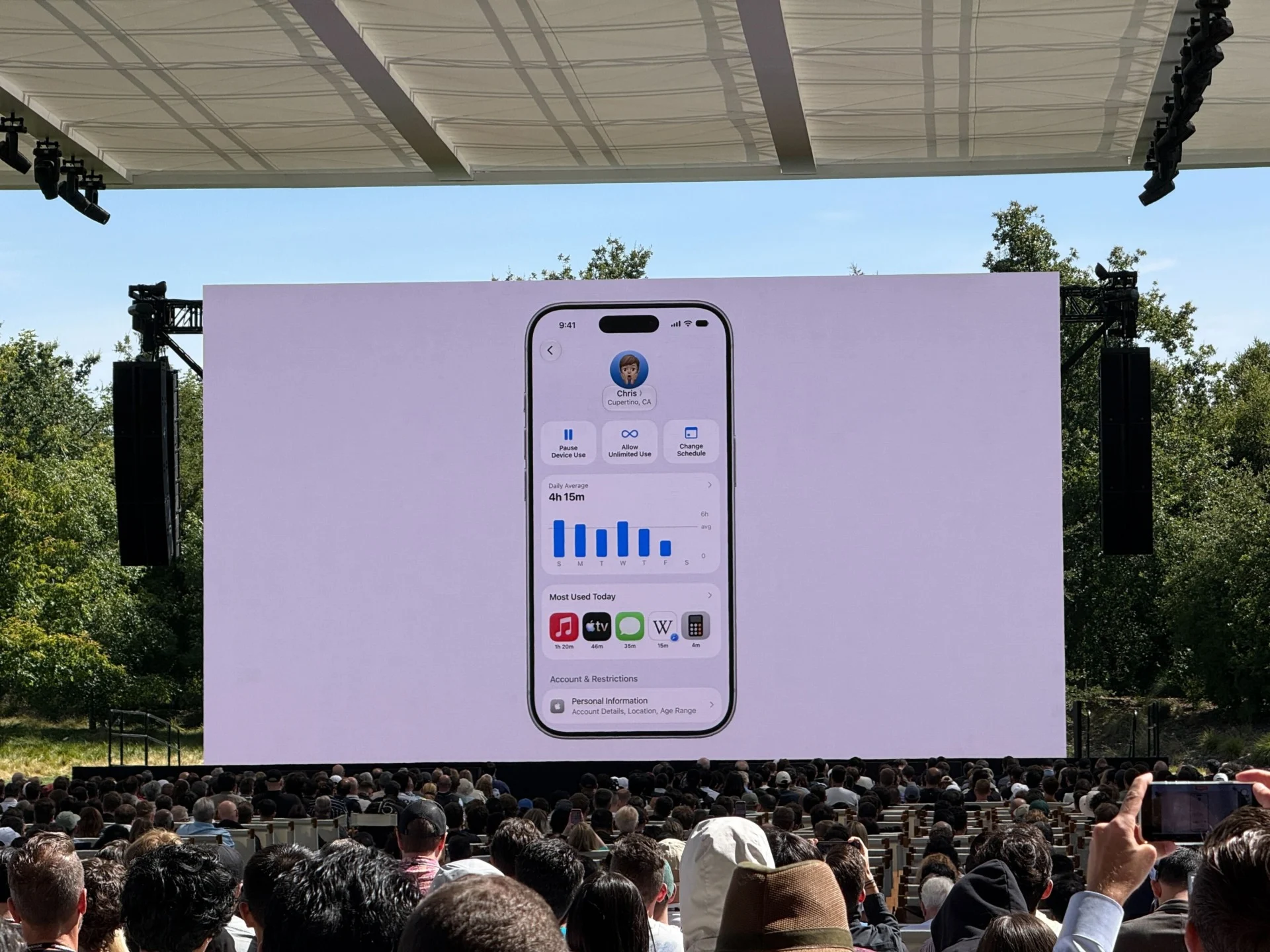
Apple had a lot more family controls than I expected, including “allowances” that help set granular controls on how long kids can use certain categories of apps like “entertainment” and “games.” —James Pero
Put Your Kids on a Apple Child Account

Parents can now stick their kids behind a wall that restricts what apps they can use. It’s called an Apple Child Account, and this year adults can keep kids from accessing certain apps, including only the “essentials” like Phone or Messages. Kids can ask their parents to browse certain websites in Safari, and they can get permission over text. Parents are also allowed to dictate who they’re allowed to connect with, and you can force your child to have to ask for permission before they’re allowed to add a phone number.
Parents can set a “Time Allowance” for games, entertainment, or social media. Apple also updated its safety features that will automatically blur or block any content that may be violent or gore-filled. —Kyle Barr
Finally, Custom EQ
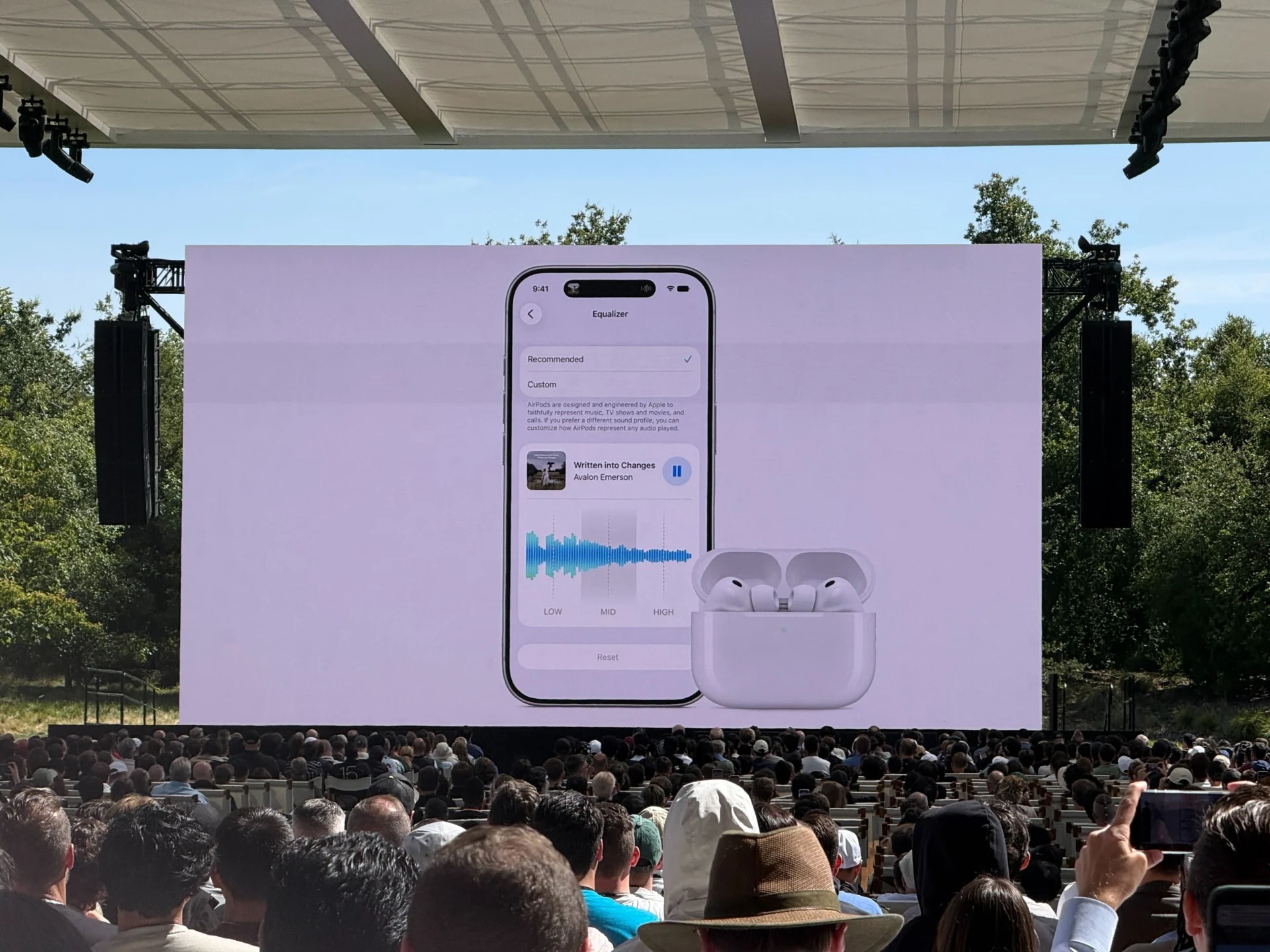
It’s about time; you can finally customize your EQ with AirPods Pro. That’s a feature that, like every other pair of wireless earbuds has had for some time, but Apple is just now getting on board. Most people probably won’t use it, but if you’re very picky about your tuning, it’s nice to have. —James Pero
Apple Says Everything Is Faster
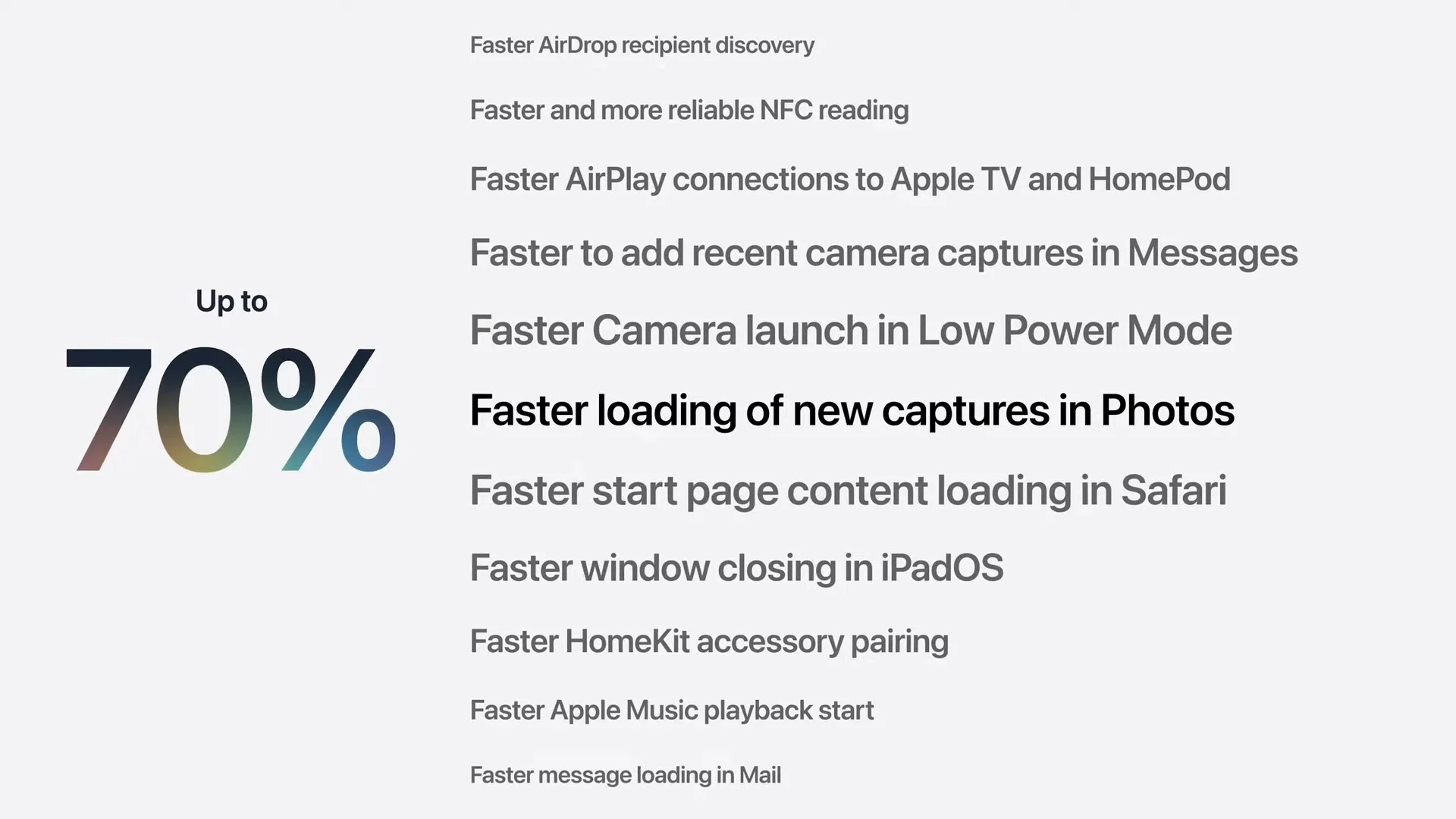
Design tweaks are cool, but quickness is probably what people really want. To that end, Apple says it’s tweaked the responsiveness of its platforms. Pictures load faster in the Photos app, windows close faster on iPadOS, and lots of other tweaks. It should make animations faster in Liquid Glass on iOS 27, too, which is great news for the haters. —James Pero
iOS 27 Supports iPhones Back to iPhone 11
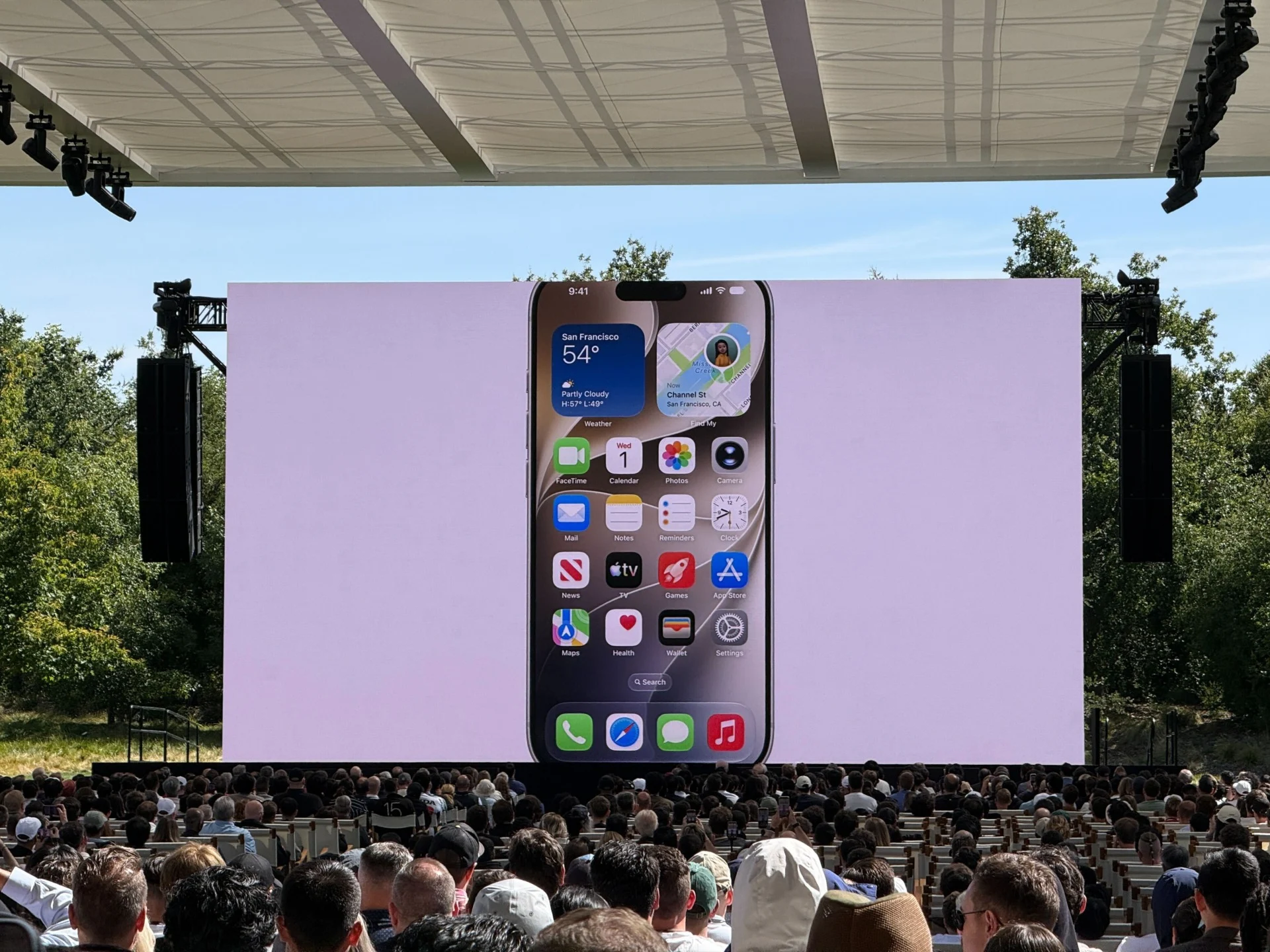
Good news: if you have an iPhone 11, you don’t need to throw it in the trash and get a new iPhone to get iOS 27. Apple says the all iPhones that supported iOS 26 will support the new software version. —Raymond Wong
Liquid Glass Gets a Slider
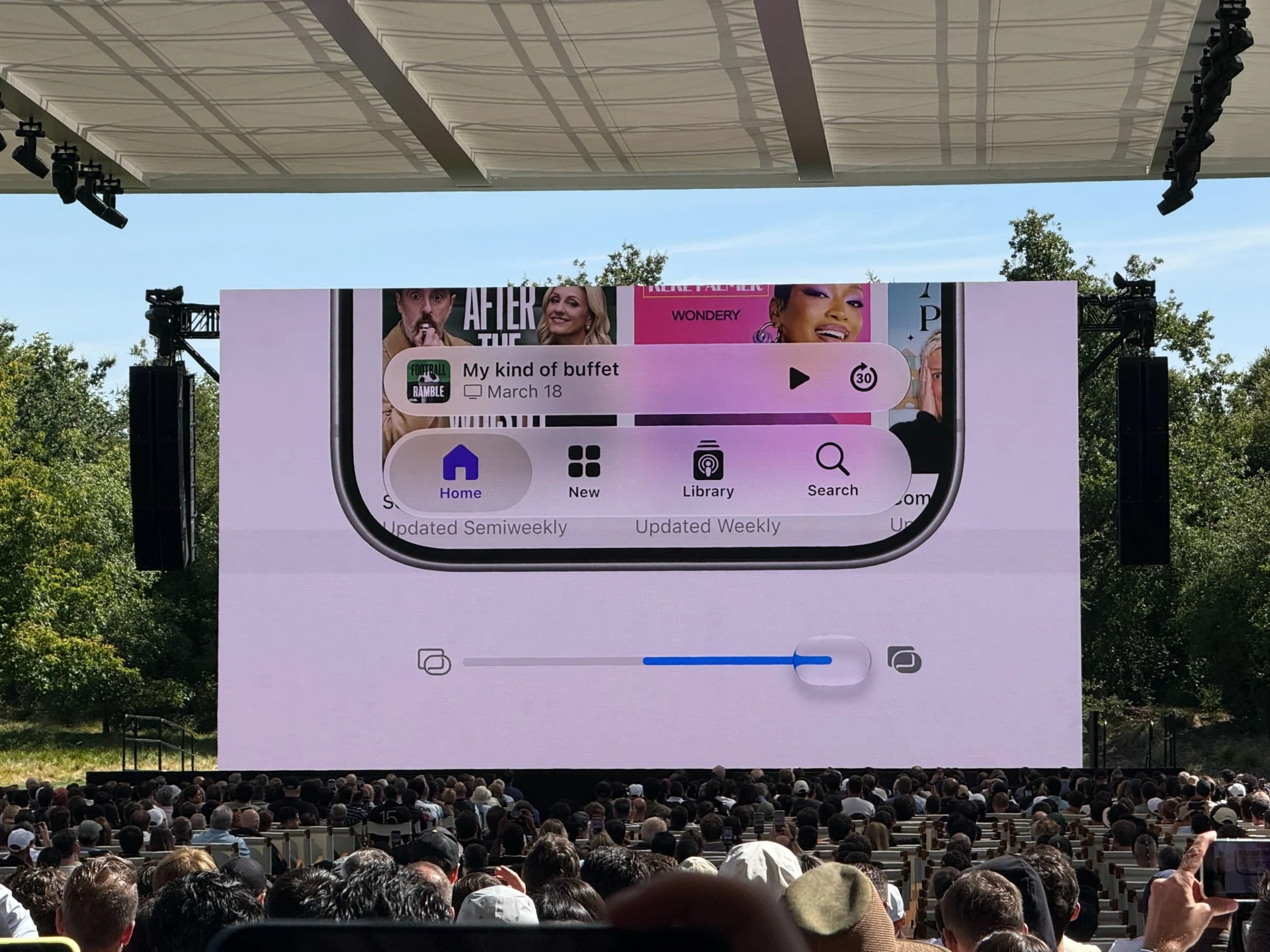
There it is: a slider to adjust how Liquid Glass appears on iOS 27. Now, you can choose how tinted you want the user interface. —Raymond Wong
This is a better mode than before, where users had to dig through menus to find the preset “Increase Contrast” mode on iOS 26. Apple is also adding more borders around the translucent UI elements and re-adding extra bold or colored text to toolbars or side menus. —Kyle Barr
It’s Golden Gate, Man
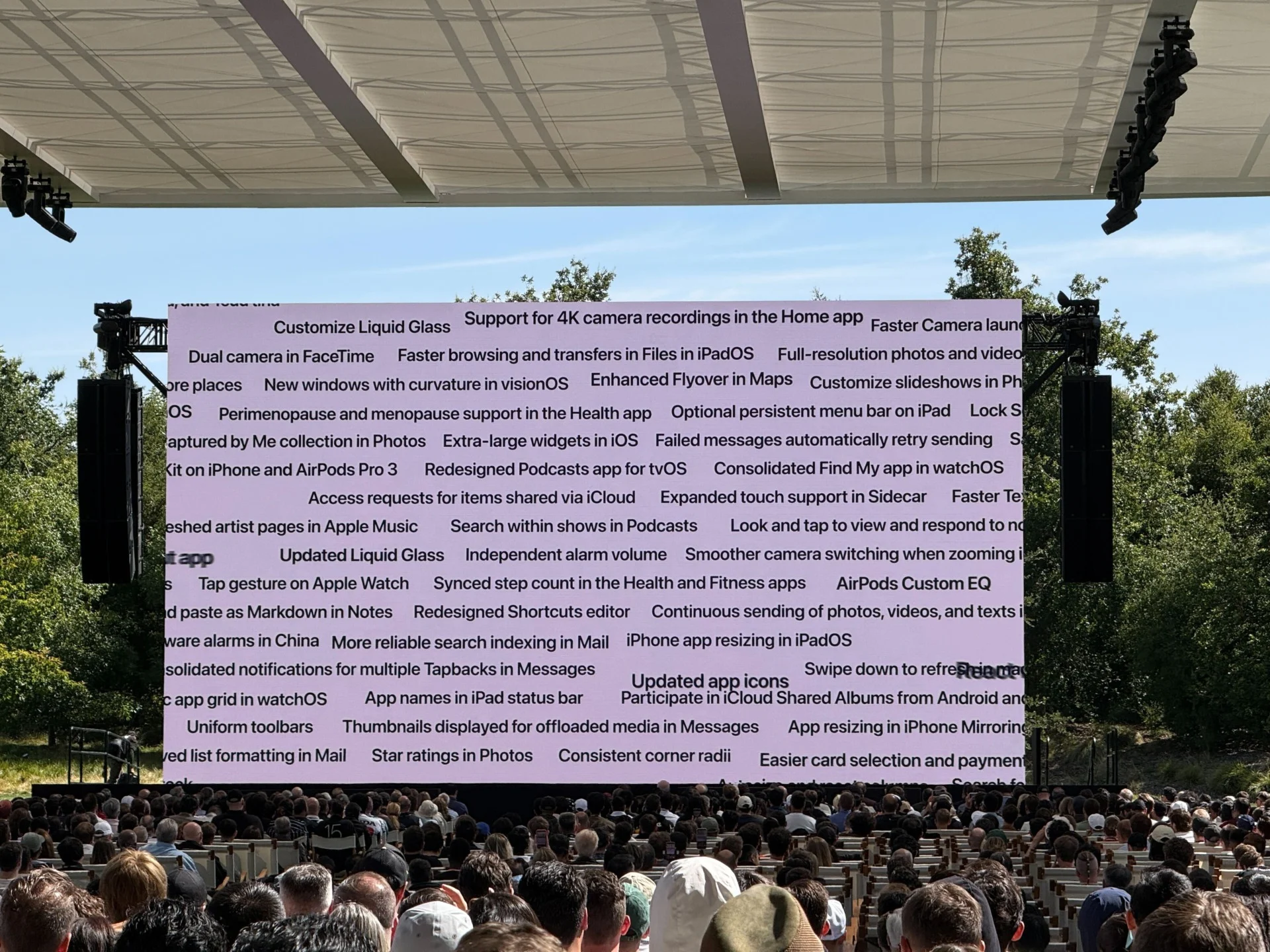
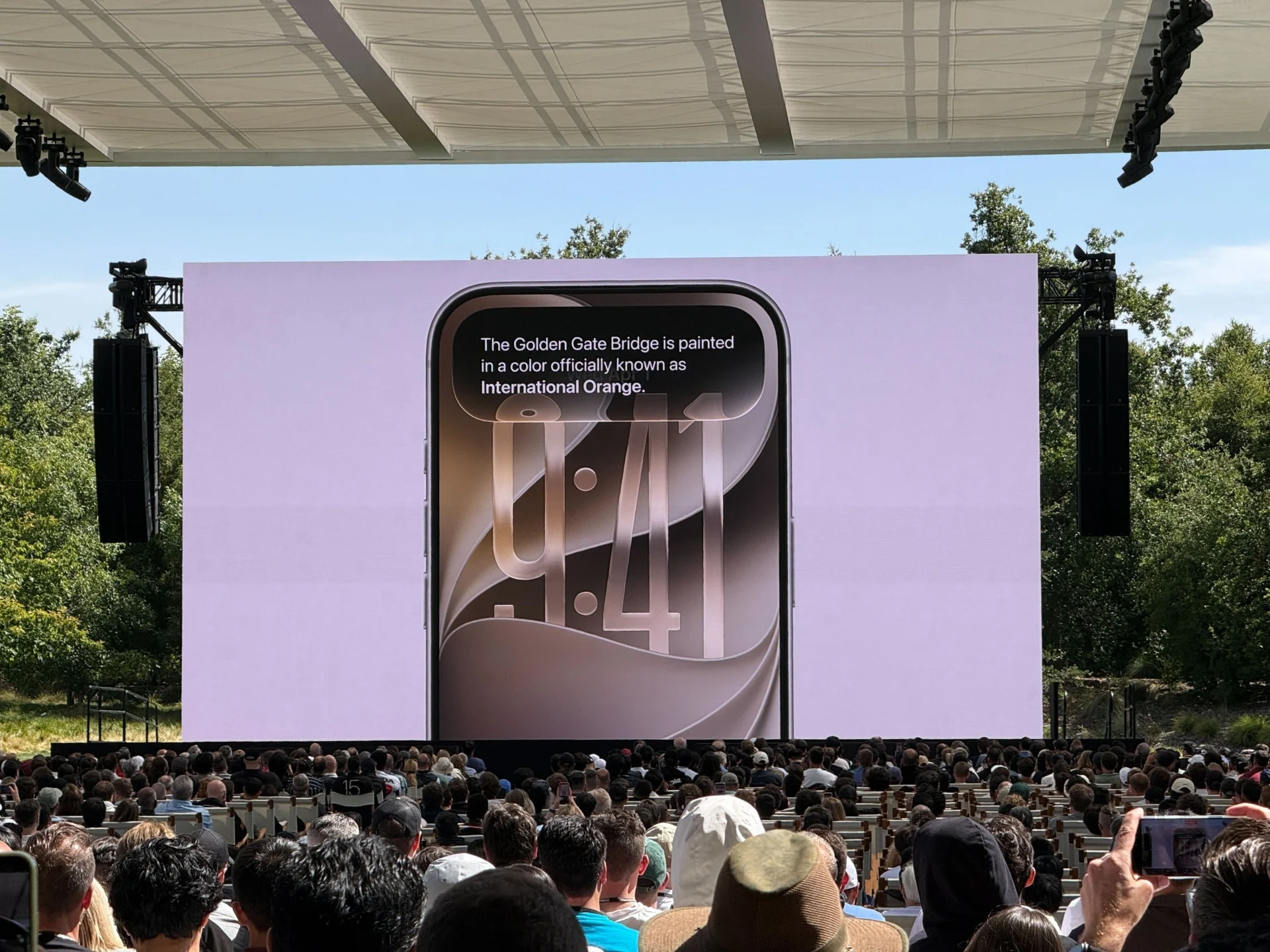
MacOS’s naming nomenclature depends on California’s many landmarks. In a weirdly psychedelic announcement, Apple’s Craig Federighi shared the new name for macOS 27 is “Golden Gate.” Yes, it’s named after the famous Golden Gate Bridge. —Kyle Barr
Craig Is Out!
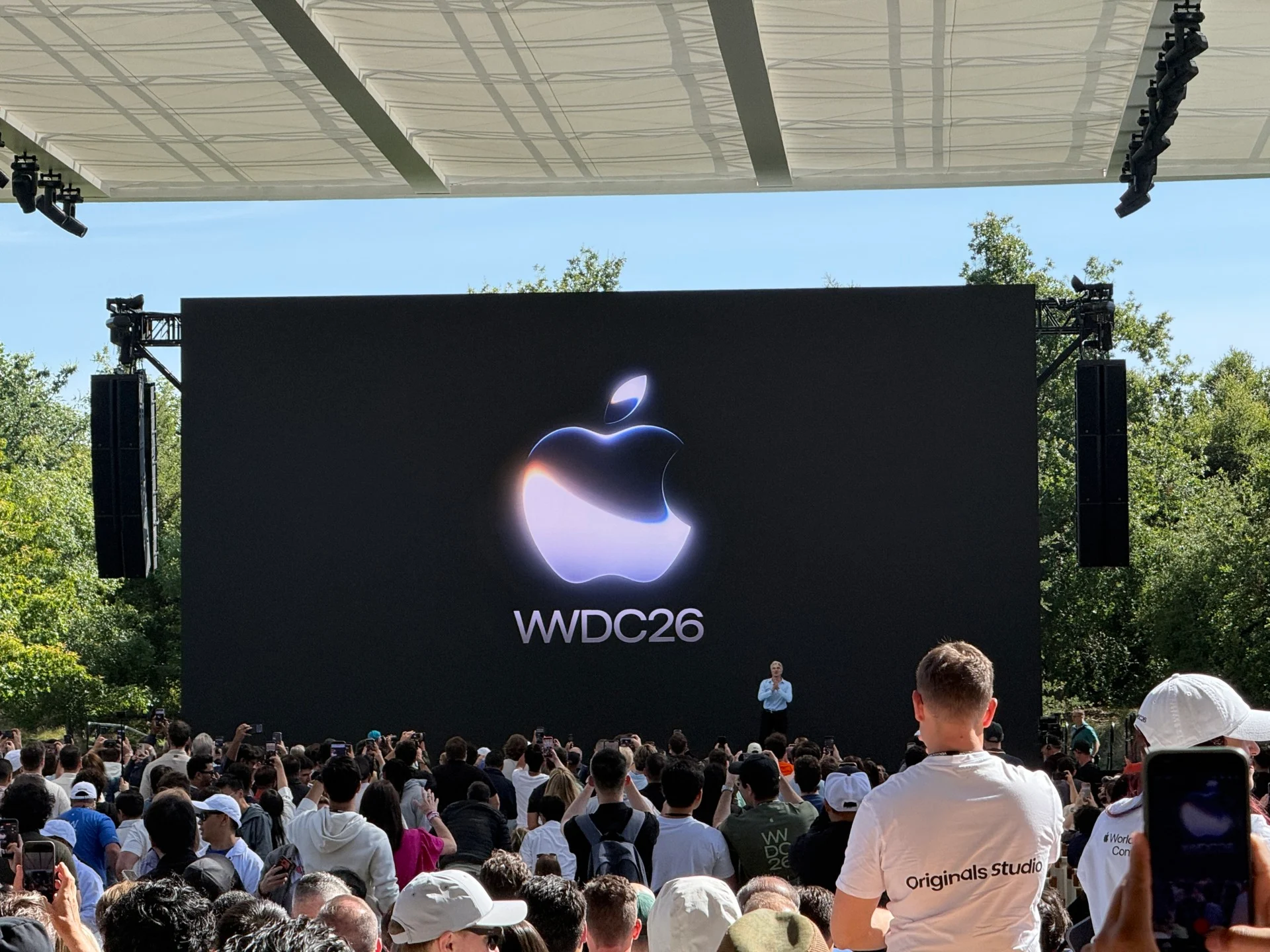
Craig Federighi is out. The keynote is starting early so if you’re watching the stream, there’s a delay. He just shouted out Tim Cook for his last WWDC and his 15-year tenure as Apple CEO. —Raymond Wong
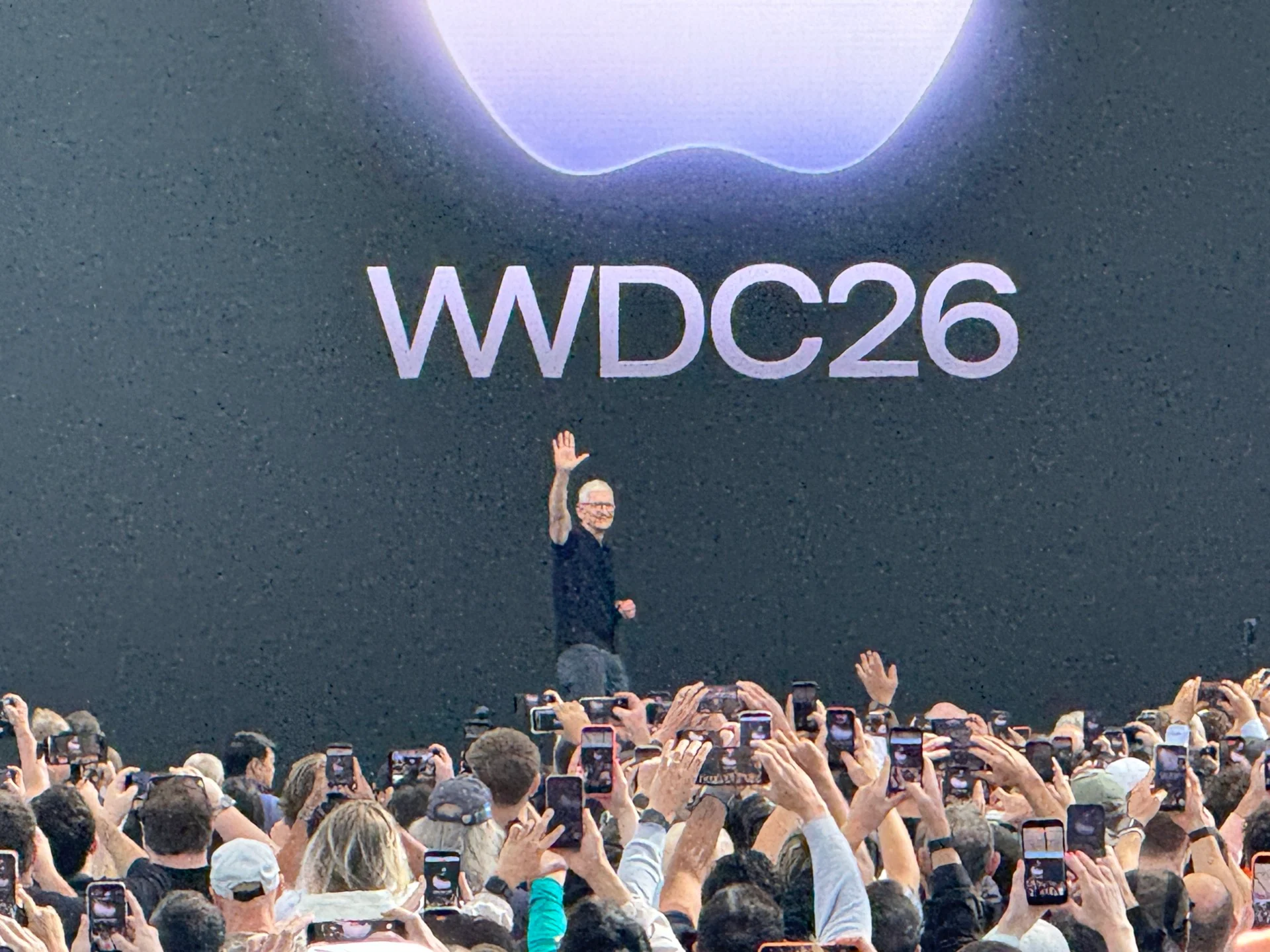
‘Good Mornin’, Y’all’
— Tim Cook (@tim_cook) June 8, 2026
Hello to all you folks in sunny California. We’re here at home base in New York (where the weather is actually nice, for a change) ready to blog away about Apple’s latest announcements. You can tell that outgoing CEO Tim Cook is feeling it as well. He posted this morning with a couple dozen Apple TV stars helping him figure out how to do his typical “good morning” for his last WWDC. —Kyle Barr
Getting Fried

The sun is beaming directly on the media. I am getting fried. We’ve got 20 minutes to go before the keynote starts. Why can’t Apple just put up a longer tent to provide cover? First-world problems, I know. Ugh. —Raymond Wong
Is This Place Real?
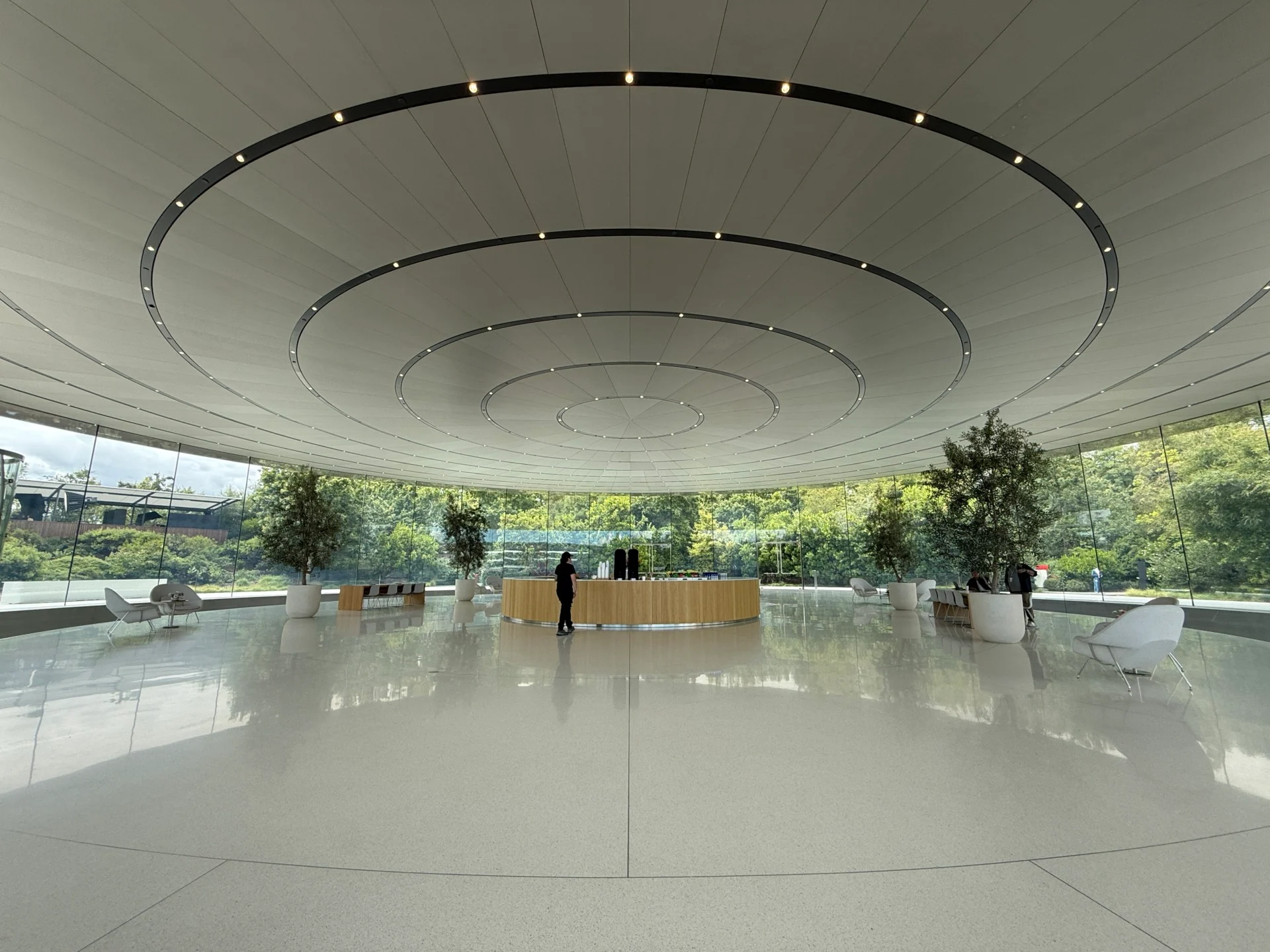
For those who’ve never seen Apple Park from inside, here’s a lil look:
Apple Park always amazes pic.twitter.com/6th2c5oV4q
— Ray Wong (@raywongy) June 8, 2026
Apple sure does know how to put attendees in a mood. —Raymond Wong
The Media Brekkie Sitch

Because it’s tradition, here’s the breakfast that Apple is serving up to media. It’s decent. Disappointed that there’s no Apple logo in the latte this year. One thing that I’ve learned is to not drink too much coffee. Last year’s WWDC keynote was 1.5 hours. I’m expecting at least the same duration today. —Raymond Wong
I’ve Arrived at Apple Park

Just picked up my media badge and made my way into Apple Park. No matter how many times I come here, the sheer size of the glass and metal facade always amazes me. There’s no other venue for a tech event quite like it. I always wonder if former chief designer Jony Ive misses working in the building that he helped design. Or maybe he doesn’t miss his glass prison at sanctum/prison at all. —Raymond Wong
Ternus-ing Things Up
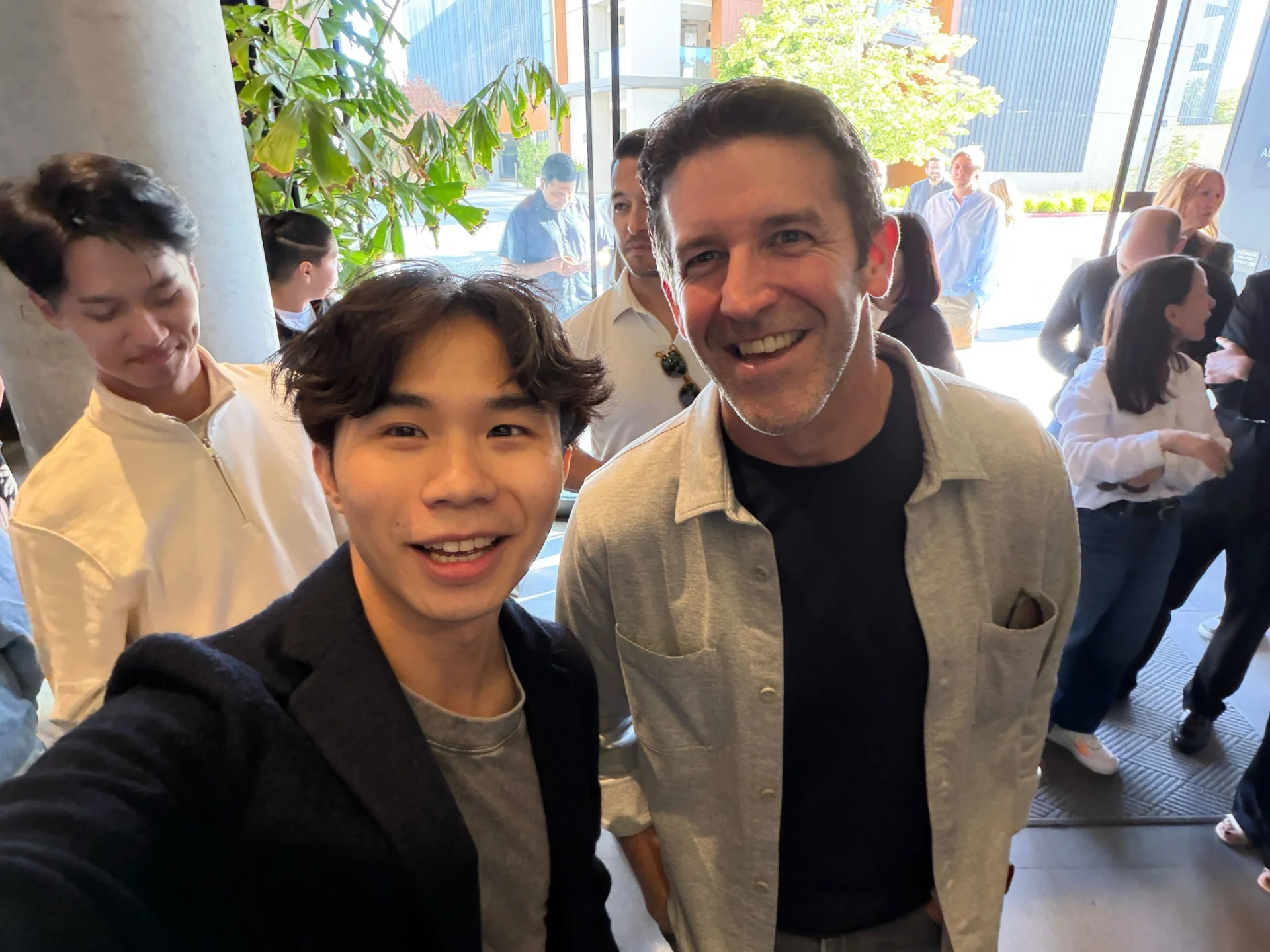
Incoming Apple CEO John Ternus is in the house mingling with media, creators, and influencers. This is the second time I’ve met him. Seems like a very, very chill guy. —Raymond Wong
Apple Has to Siri-ously Deliver
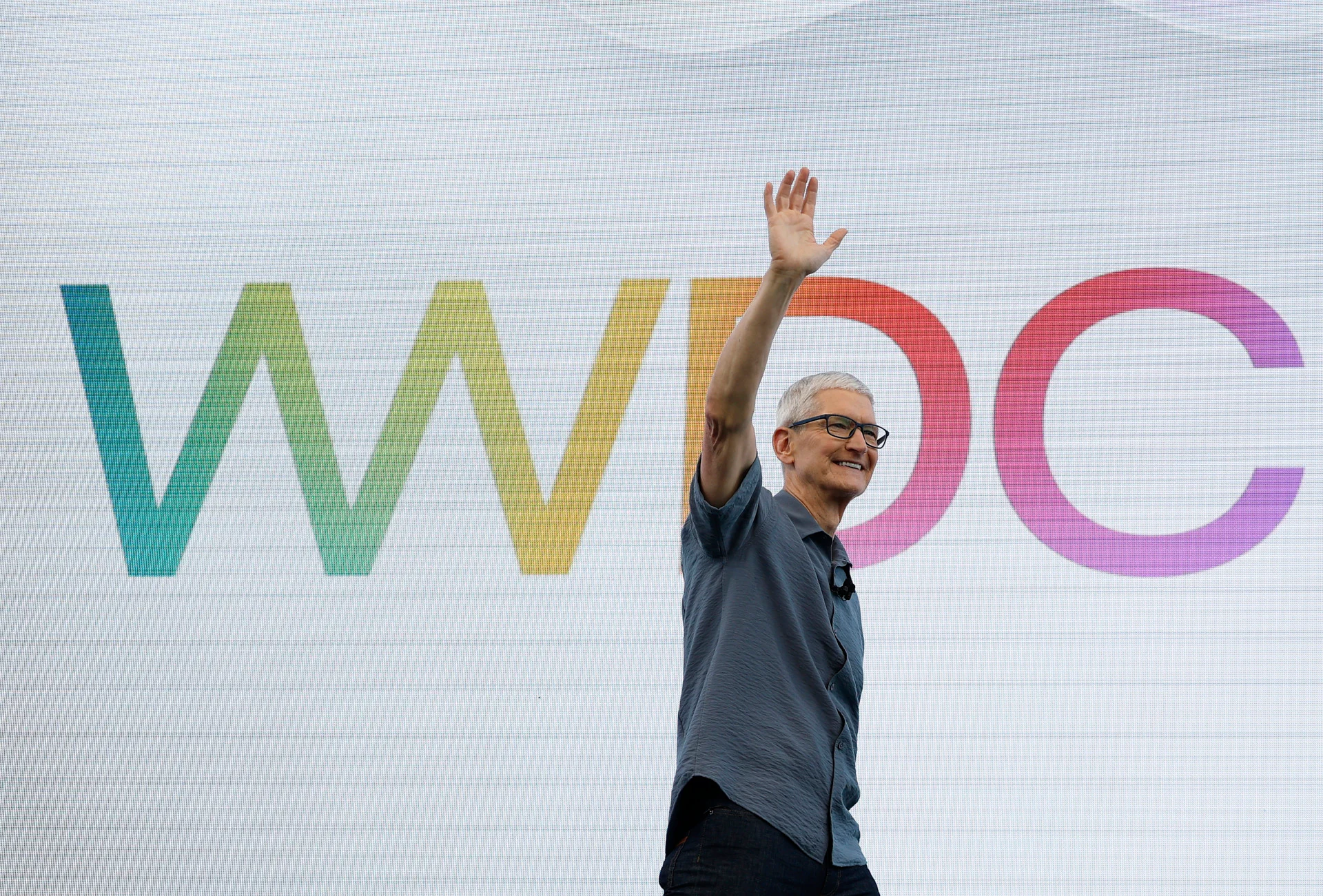
It’s the eve of WWDC 2026. Here are my predictions on what to expect from Apple. The headliner will, of course, be the new Siri. The “27” updates to iOS, iPadOS, macOS, and all of the other platforms sound pretty minor. And you probably shouldn’t expect any major hardware. —Raymond Wong
Explore more on these topics
Sign up for our newsletters
Subscribe and interact with our community, get up to date with our customised Newsletters and much more.
Related Articles


Source link