Affiliate links on Android Authority may earn us a commission. Learn more.
Android 17 makes it easier for parents to manage their kids' screen time with these new controls


- Android’s built-in parental controls are expanding and will be available on devices updating to Android 17.
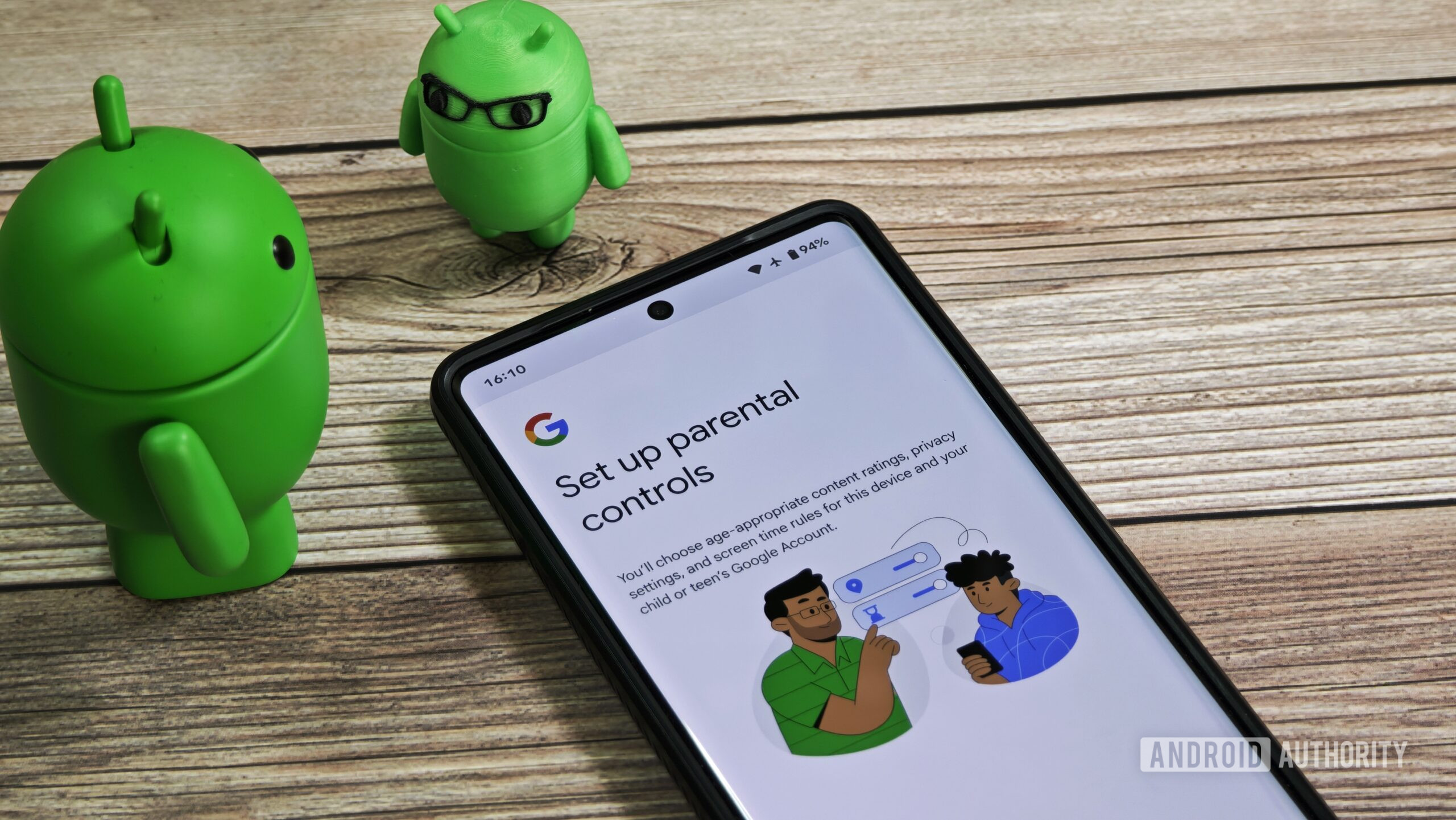
- Parents can manage screen time, app access, content restrictions, and bedtime schedules directly from Android settings, with deeper controls available through Family Link.
- Google is also investing over $50 million in digital wellbeing initiatives to promote healthier technology habits and address social isolation among young people.
Giving a child a smartphone often comes with an unspoken second job: constantly figuring out how much screen time is too much. Google is trying to simplify that process by making Android’s built-in parental controls available on a much wider range of devices.
The company first rolled out Android’s built-in parental controls on Pixel phones last year with the Android 16 QPR2 release. Now, these features are being extended to devices that will update to Android 17, putting more screen-time and app-management tools directly into parents’ hands.
The idea here is to make it easier for parents to set boundaries without turning every screen-time discussion into a negotiation. From a single settings menu, parents can set daily device limits, schedule automatic lockouts during bedtime hours, and restrict access to apps or content they deem age-inappropriate.
Don’t want to miss the best from Android Authority?
- Set us as a favorite source in Google Discover to never miss our latest exclusive reports, expert analysis, and much more.
- You can also set us as a preferred source in Google Search by clicking the button below.
For instance, a parent could allow a child two hours of recreational screen time on weekdays, automatically disable the phone after bedtime, and place stricter limits on attention-grabbing apps such as social media or video platforms. It’s a more structured approach than simply taking the device away when things get out of hand.
Android’s parental controls also work alongside Google Family Link, which unlocks additional features for families that want deeper oversight. That includes tools such as school-focused device restrictions, app purchase approvals, and location-based notifications that can help parents know when a child arrives at or leaves a specific place.
Concerns around excessive screen time, online safety, and social media’s impact on younger users have become increasingly difficult to ignore. While parental controls aren’t a magic solution, they can give families a practical middle ground between unrestricted access and a complete smartphone ban.
Google is also backing its broader digital wellbeing efforts with additional funding in the US, bringing its investment to over $50 million. The goal is to support programs that promote healthier relationships with technology while addressing loneliness and social isolation among young people.
Whether these tools will dramatically change children’s screen habits remains to be seen. But making parental controls a standard Android feature feels like a sensible step — especially at a time when many parents are looking for better ways to keep smartphones from becoming the center of their kids’ lives.
Thank you for being part of our community. Read our Comment Policy before posting.
Source link