
AT&T launches new $3 ‘Unlimited Day Pass’ plan for iPad cellular
 | Jun 10 2026 - 7:00 am PT
AT&T has announced a new ‘Unlimited Day Pass’ plan launching today that allows iPad users to activate cellular coverage on a convenient, per-need basis. Here are the details.
iPad users have convenient new cellular option with AT&T’s ‘Unlimited Day Pass’
The iPad has supported cellular connectivity since the very first model. But for a lot of iPad users, their limited need for cellular doesn’t always justify a monthly subscription plan.
But today, AT&T is launching a convenient new iPad cellular option called Unlimited Day Pass.
Unlimited Day pass costs $3 for 24 hours of unlimited wireless data connection on iPad.
You need a cellular-equipped iPad that’s eSIM-capable. But if you have the right hardware, this new plan lets you easily sign up for cellular connectivity only on the occasions you really need it, on-demand.
For example, you might sign up when your home Wi-Fi goes down, or you’re going on vacation, or some other situation where cellular becomes more important.
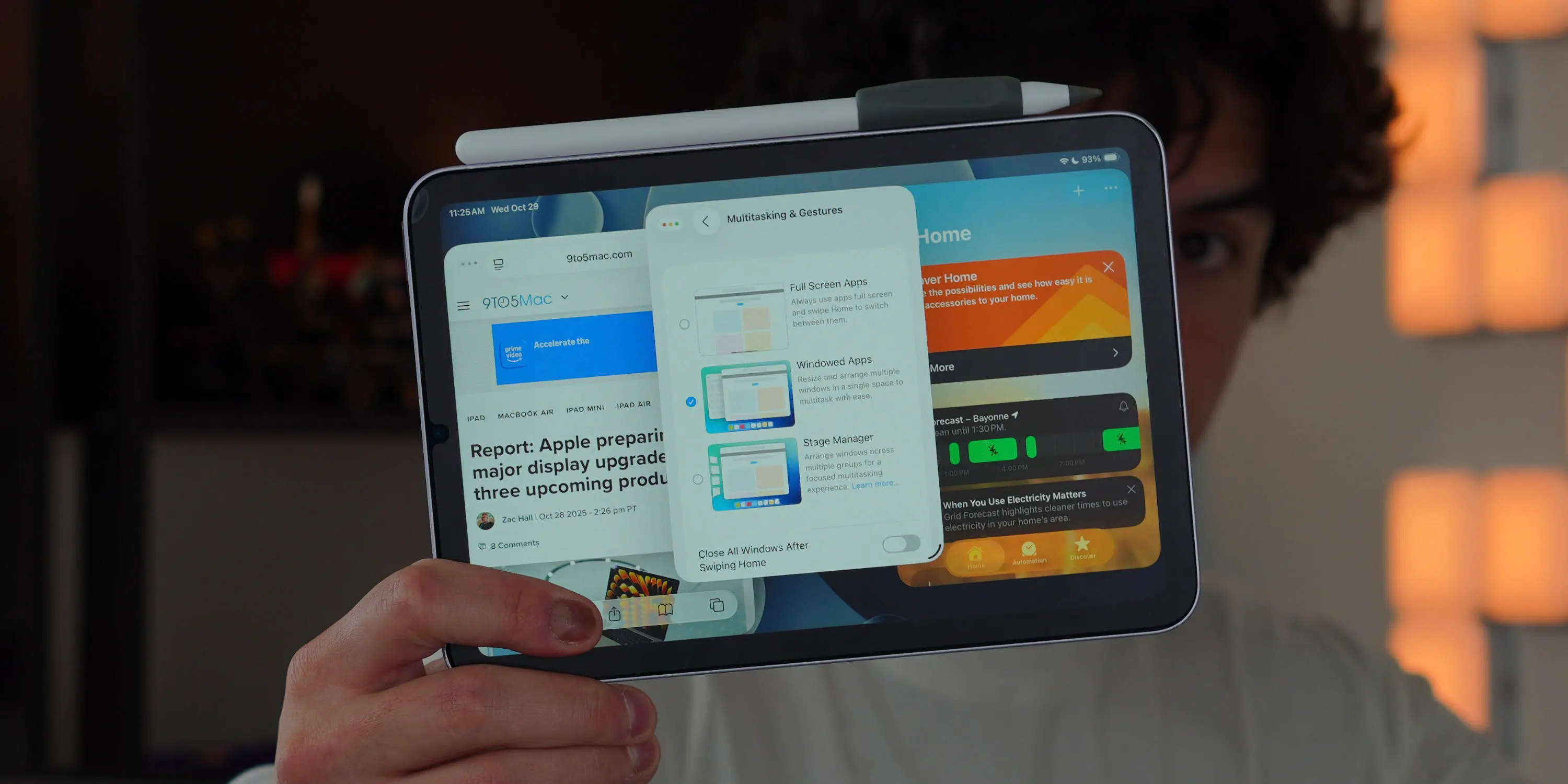
Here’s how it works, per AT&T:
- The first day pass is complimentary, courtesy of AT&T (limit one iPad per customer), and available for a flat, daily rate via credit or debit card after that.
- Activate Wi-Fi + Cellular iPad model directly from your device settings — no app or Wi-Fi connection required. Open the Settings app, tap Cellular Data, add AT&T Unlimited Day Pass.
- 24-hour data activation begins shortly after purchase.
Importantly, you don’t need to be a current AT&T customer to use Unlimited Day Pass.
More information is available at att.com/wirelessdaypass.
Are you interested in using AT&T’s new Unlimited Day Pass plan for iPad? Let us know in the comments.
Best iPad accessories
- AirPods Pro 3 (now only $199, down from $249)
- 100W USB-C fast charging power adapter
- tomtoc Tablet sleeve bag for protection and style
- Baseus 10ft USB-C cable for extended reach
- Apple Pencil Pro


FTC: We use income earning auto affiliate links. More.


Source link







Comments