Tom's Hardware Verdict
The MasterHUB has a ton of potential, but it's still just potential. It's still worth a look if your workflow isn't too complicated, but if you're looking for plugins and integrations, look elsewhere.
Pros
- +
Modular and easy to put together
- +
Well-built
- +
IPS keys feel nice
Cons
- -
Software has issues
- -
Expensive
- -
Big
Why you can trust Tom's Hardware Our expert reviewers spend hours testing and comparing products and services so you can choose the best for you. Find out more about how we test.
The entire point of highly customizable creator-oriented macropad-like streaming decks is that they're, well... highly customizable. While most of them still center around a series of translucent plastic LCD keys, we've seen both Elgato and Loupedeck add a variety of other input options — dials, knobs, touch buttons, touchscreens, and more — but what if you could make your own custom streaming controller?
That's the premise of Cooler Master's MasterHUB, a fully-customizable modular macropad/controller for any and all creators — or at least, that's what it was supposed to be.
The MasterHUB was actually announced almost two years ago: Cooler Master initially put it on Kickstarter, where it was fully-funded within an hour, raising a total of $267,491 by the end of its run. It had a somewhat rocky start and began shipping to backers a year ago, and has since lagged on the promised software updates and functionality. You can now find the MasterHUB Creator Kit on Amazon for $170, which is the same price as the Elgato Stream Deck+, so let's take a look at what you're getting.

Design of the MasterHUB
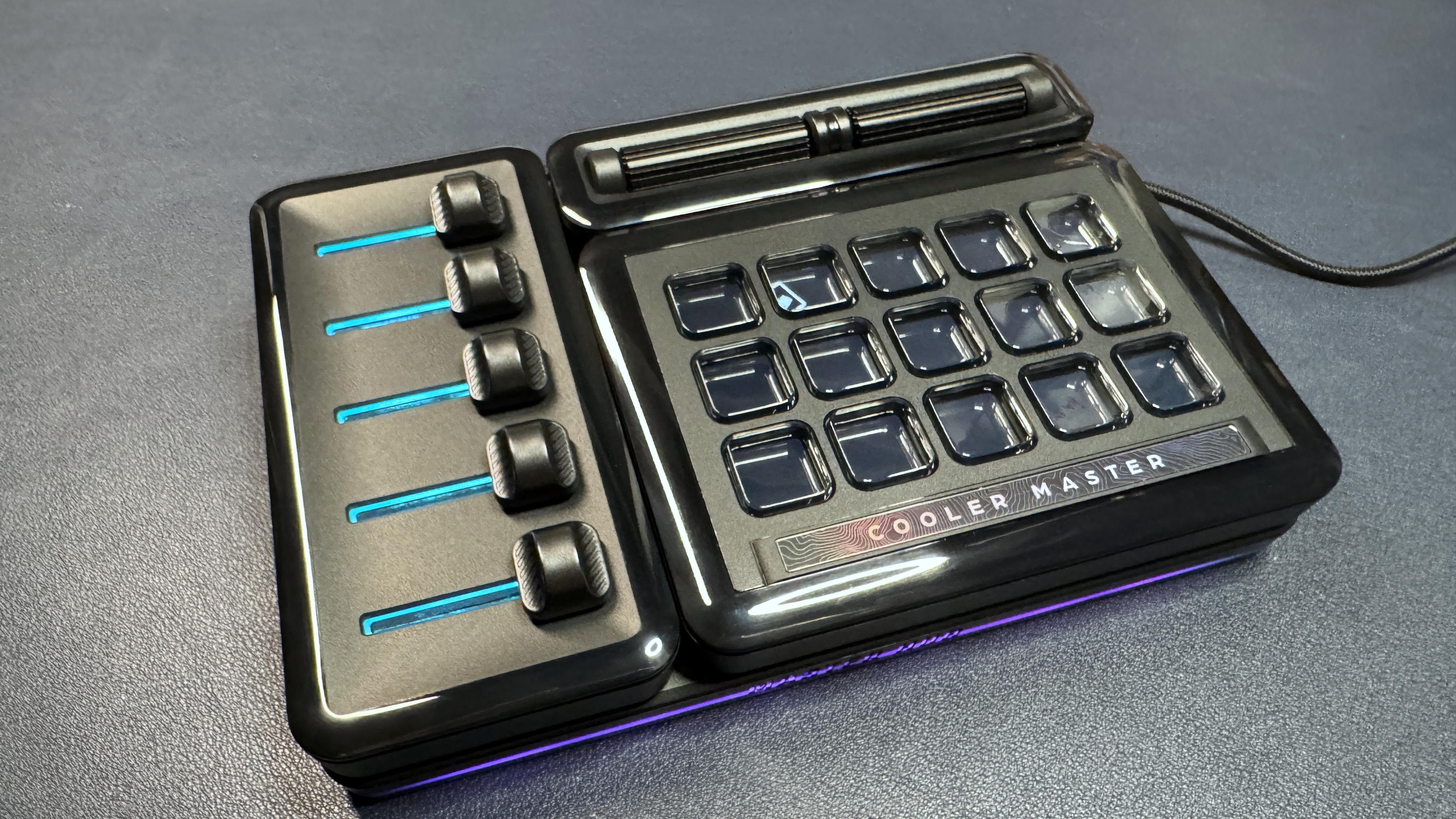
The MasterHUB comes in a few different packages — there's the MasterHUB Creator Kit, which includes the base module, a 15-key IPS module, a 5-fader module, and a 2-roller module. There are also two other modules, which are currently sold separately: a module with three knobs, and a module with an encoder dial, which is a clickable dial with a customizable screen.
The MasterHUB is bigger than most Stream Decks — it measures 7.4 x 4.9 inches (190 x 126.5mm), which makes it slightly larger than the 32-key Stream Deck XL (7.2 x 4.4 inches / 182 x 112mm). The base station is 0.6 inches (16.2mm) thick, but with the modules attached it's about 1 inch (25.4mm) thick, not including the additional height of buttons or knobs. So it's not the most space-friendly customizable macropad, since the base station is always a requirement no matter how you set it up.
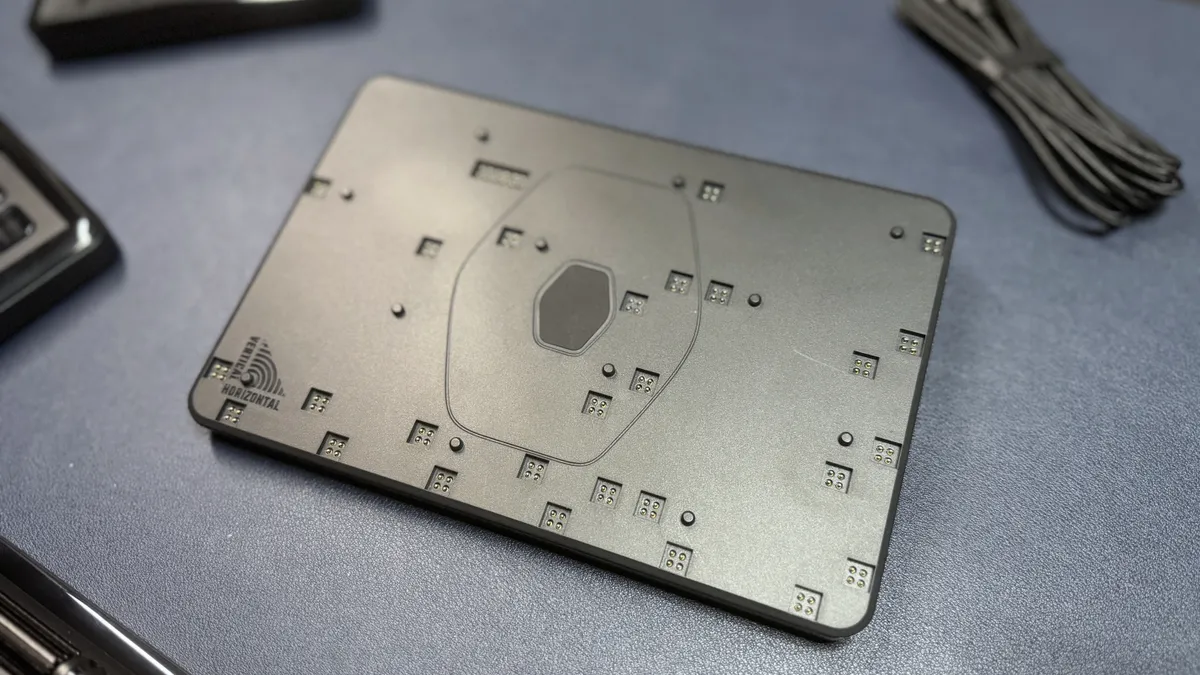
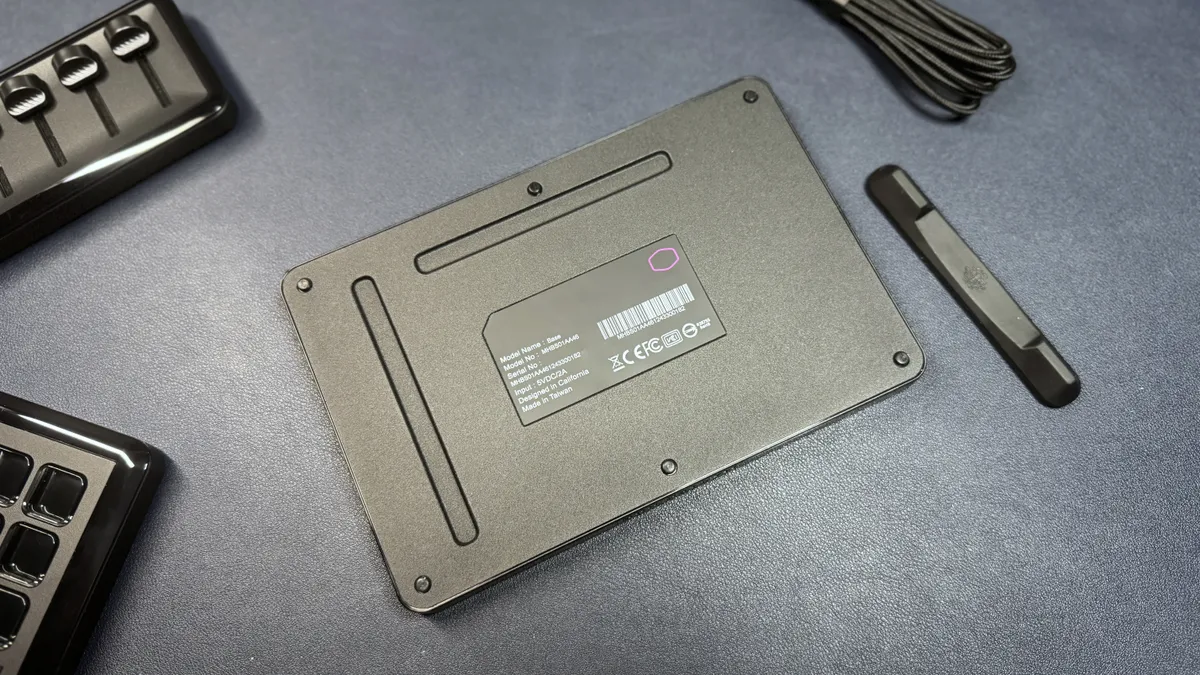
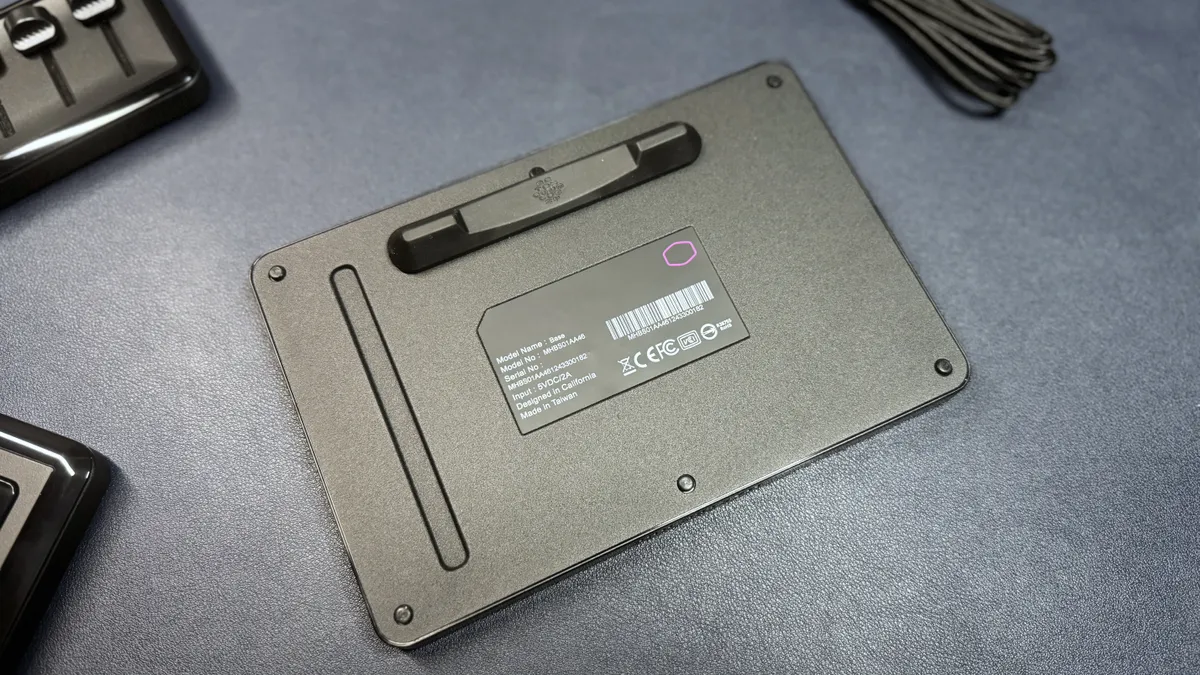
The MasterHUB also comes with a small rubber stand that attaches magnetically to the back and angle the entire hub up slightly (there are two attachment points, so you can orient the MasterHUB horizontally or vertically. The base also has ports — a mini DisplayPort and a USB-C port — on two sides, again, for horizontal or vertical usage. The base has "MASTER HUB" debossed on its longer (horizontal) sides, and has customizable lighting around the entire bottom edge.
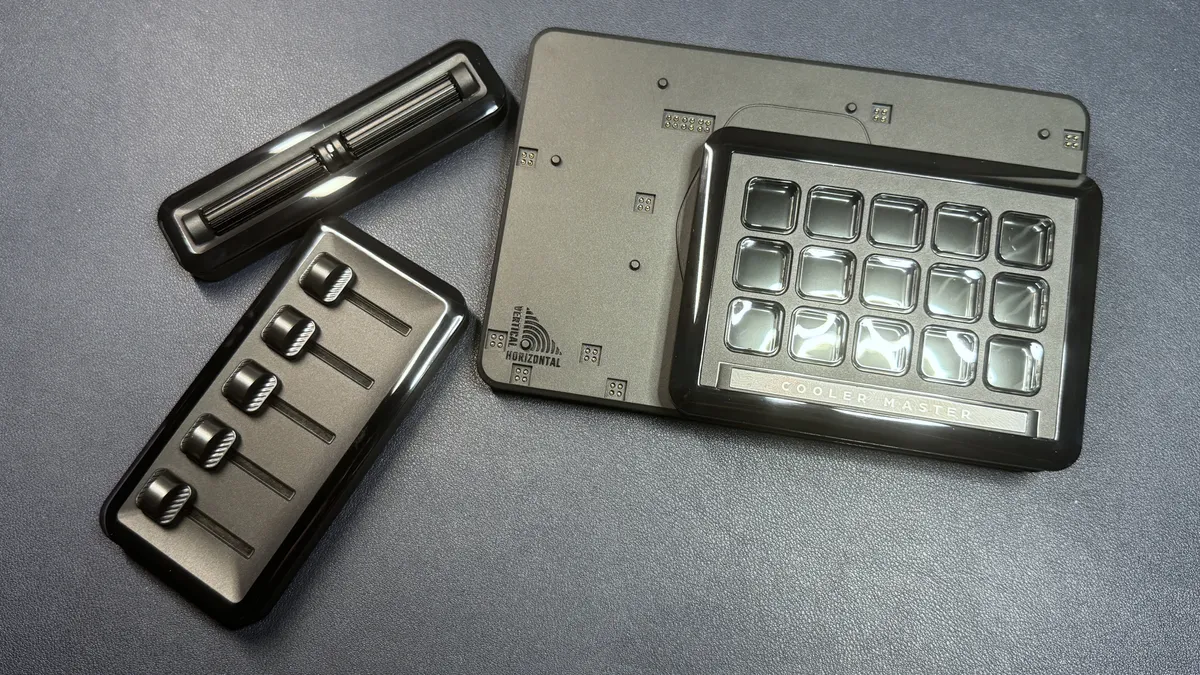
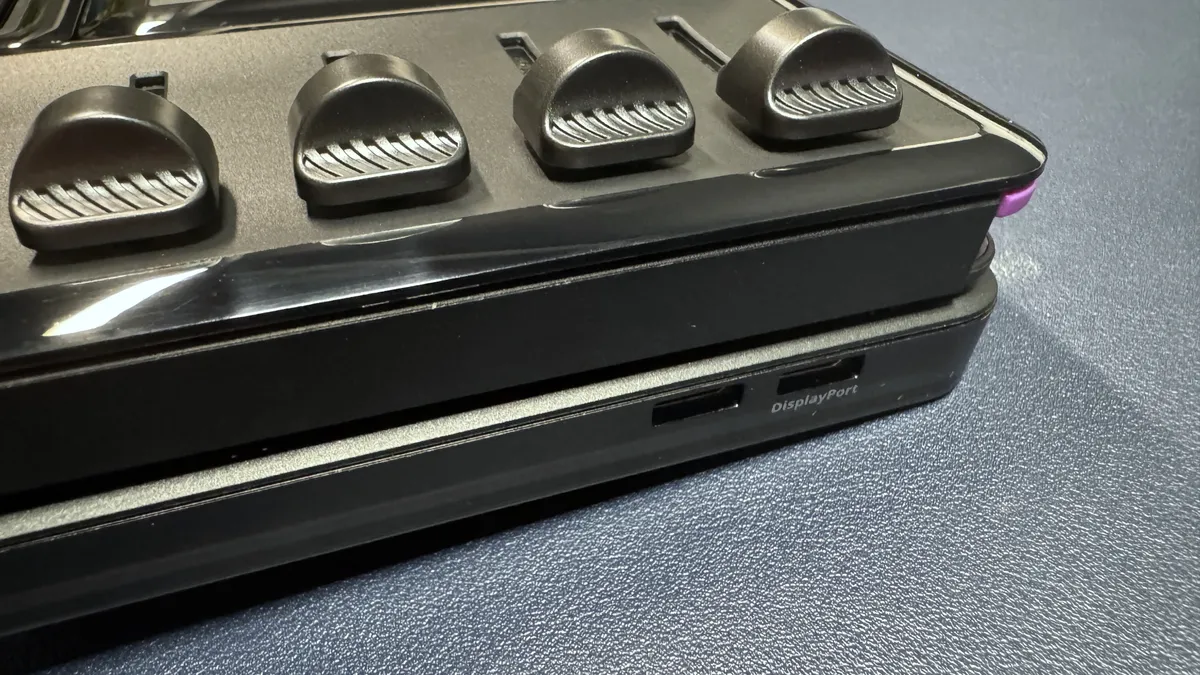
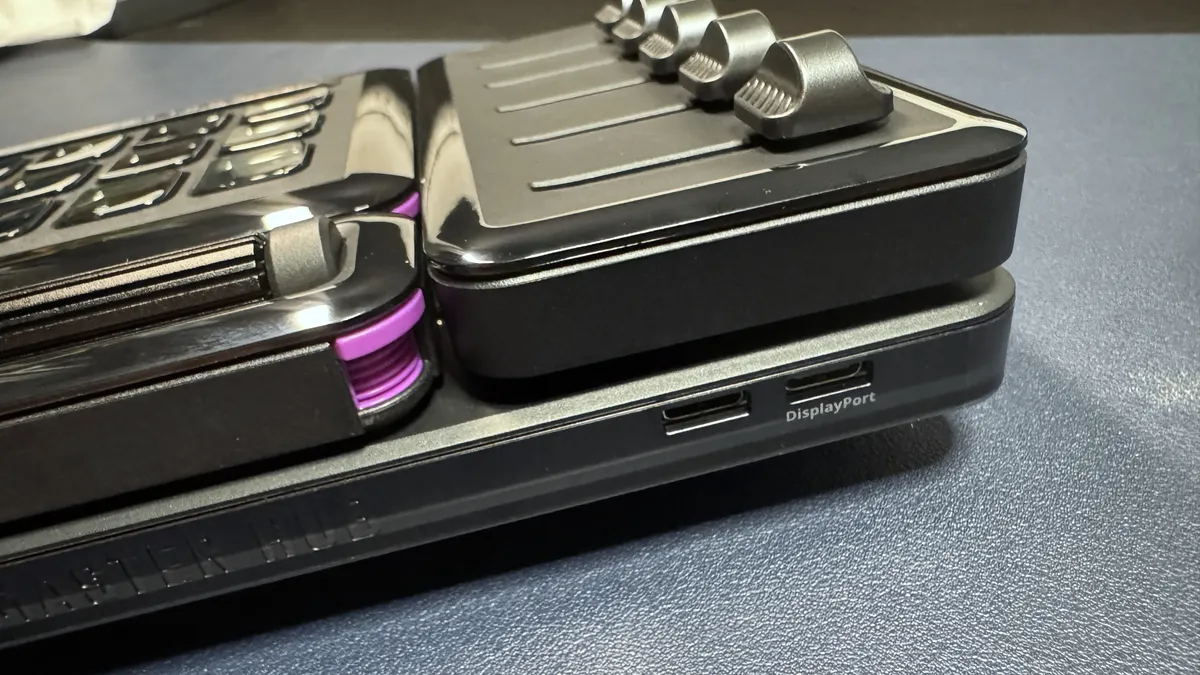
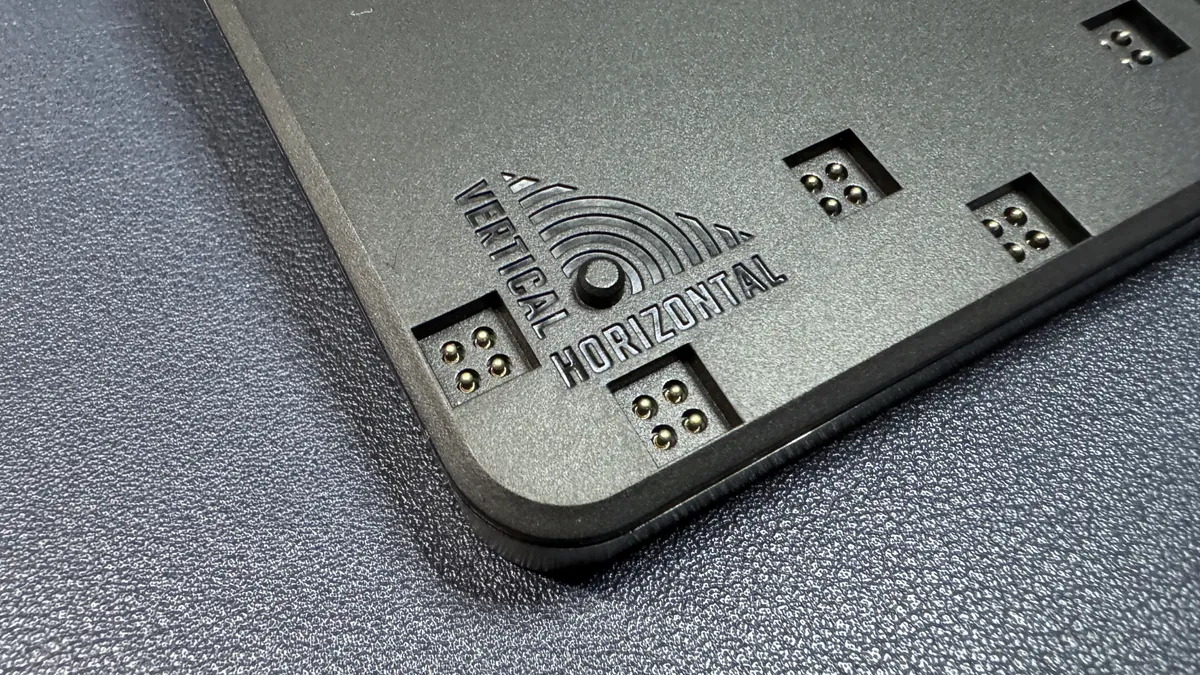
Setting up the MasterHUB is surprisingly easy — all you have to do is pop the modules onto the base and plug it in. The modules can be arranged in a number of ways — there are some limitations, but not many. Each module has a single, square pogo pin connector that needs to fit into one of the base module's slots, and the base has several guides to make sure you get everything placed correctly. Modules can be hot-swapped.

In the box, the MasterHUB Creator Kit comes with the base station and three modules (15-key IPS, 5-fader, and 2-roller), as well as a 6-foot (1.8m) detachable USB-C to USB-C cable. It also comes with a small rubber stand that attaches to the back of the base station so it sits at a slight angle. It does not come with a stand, however.
Specs
Buttons (Tactile) | 15 |
Buttons (Touch) | 0 |
Dials | 2 (varies) |
Software | MasterHUB |
Interface | USB-C |
Cable | 6ft / 1.8m USB-C to USB-C |
Dimensions (W x H x D) | 7.4 x 4.9 x 0.6 inches / 190 x 126.5 x 16.2 mm |
Weight | 12.2oz / 346g (without modules) 1.5lbs / 677g (with Creator Kit modules) |
System Requirements | Windows 10 |
| Row 9 - Cell 0 | Row 9 - Cell 1 |
Buttons, Dials, Etc.
The MasterHUB comes with three modules in the main Creator Kit, and offers two additional module types sold separately. You can have more than one of the same type of module on your MasterHUB.
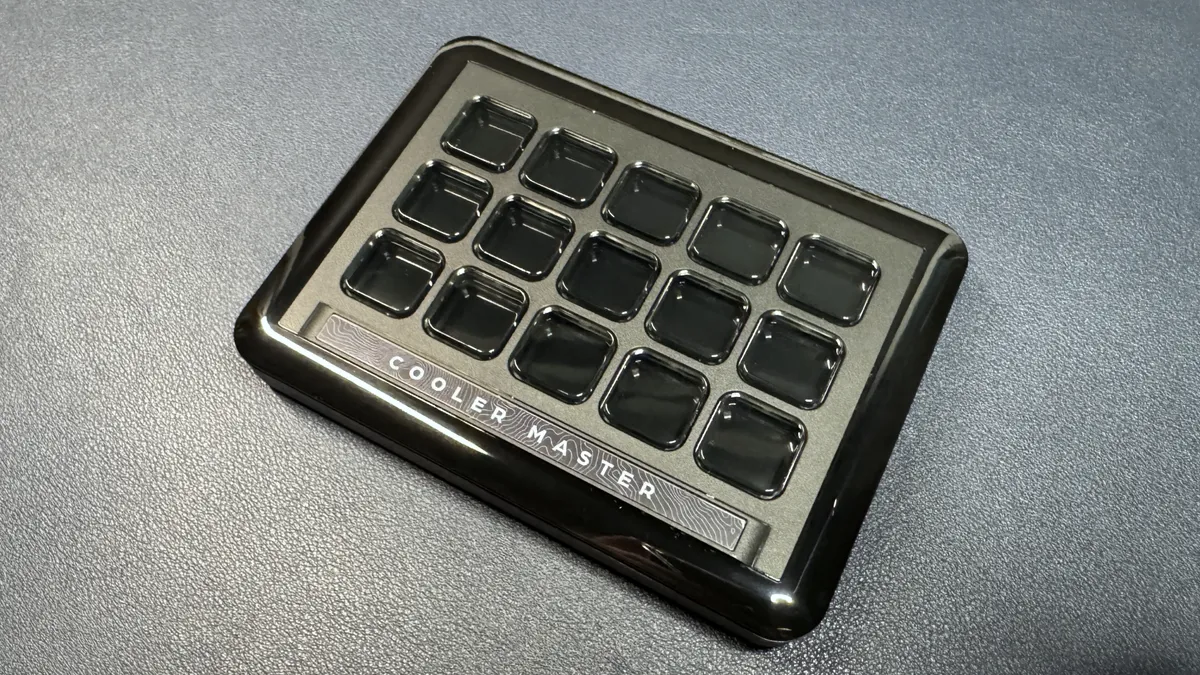
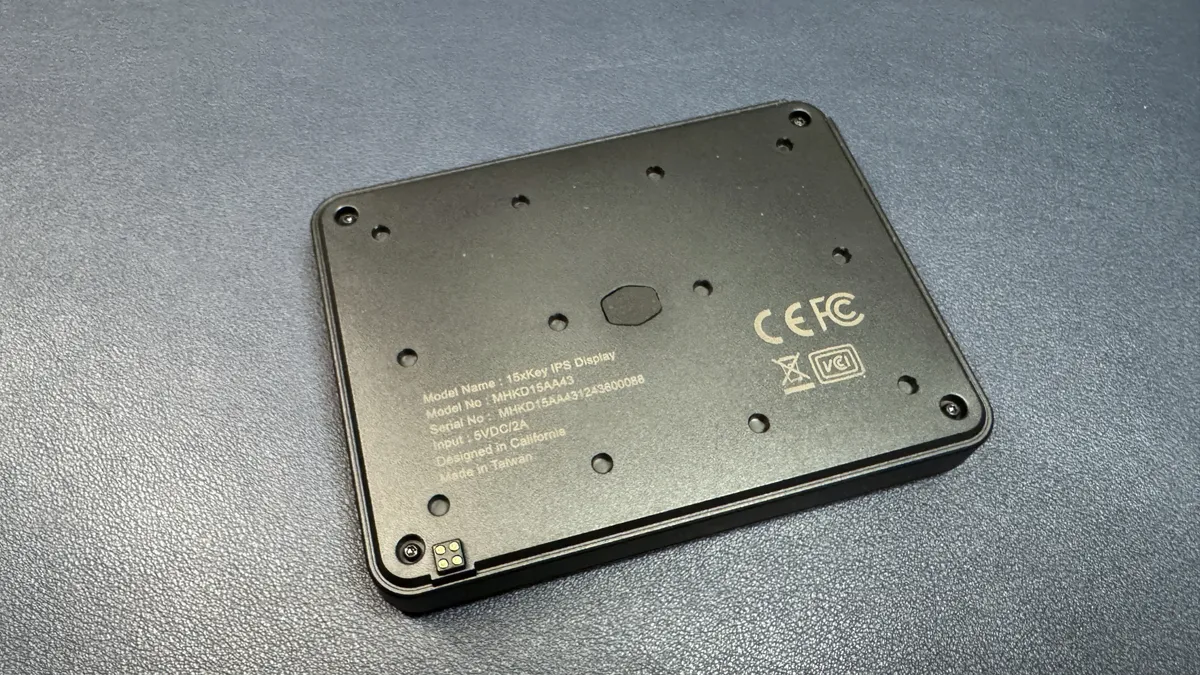
The "main" module is the 15-key IPS module, which looks similar to the LCD keys of the Elgato Stream Deck MK.2 or the Loupedeck-powered Razer Stream Controller X: 15 square 0.6-inch (15mm) clear plastic buttons over a larger, full-color (in this case, IPS) display. Each key is fully customizable for function and image/icon, and changes as the setup changes; e.g. if you have different profiles or pages of key functions on your MasterHUB. I do like the way these keys feel — they're snappy, not mushy like Elgato's, and they have more give than Loupedeck's. They're not perfect, but they feel nice and responsive to press.
The module features Cooler Master's text logo along the bottom, which I don't love, because it means you can't really use the module in a vertical position (well, it's not really set up to be used vertically at all, I suppose, and you'd have to manually rotate images for it to look right — but, technically, it could be done).
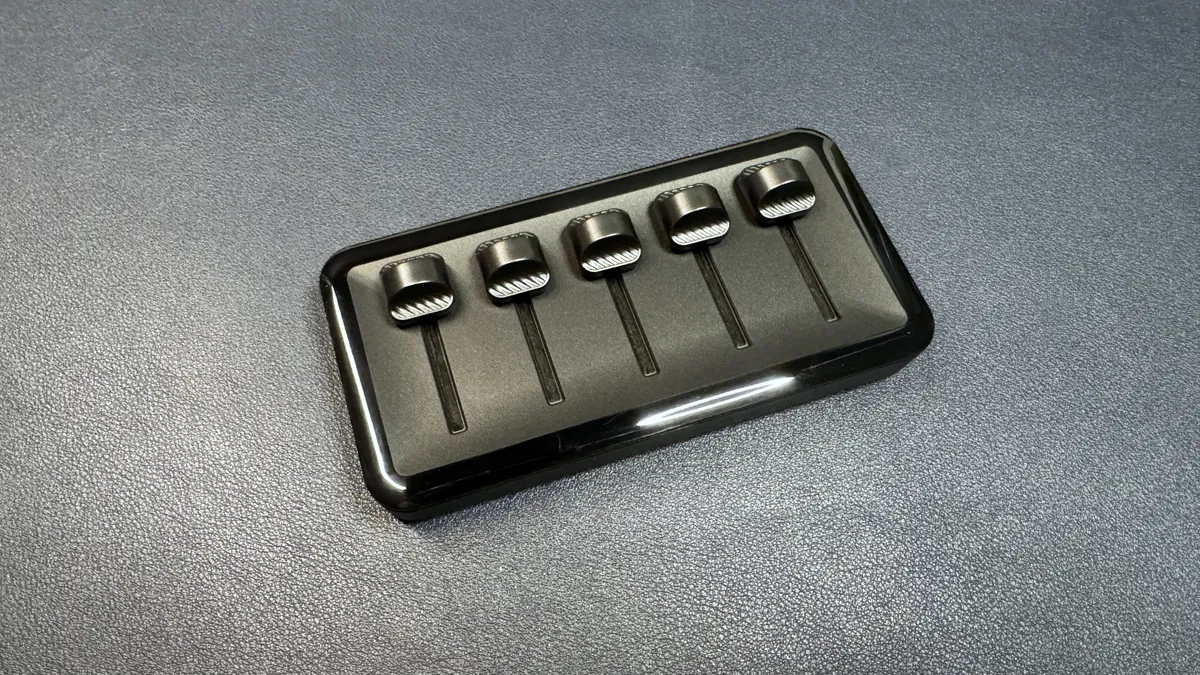
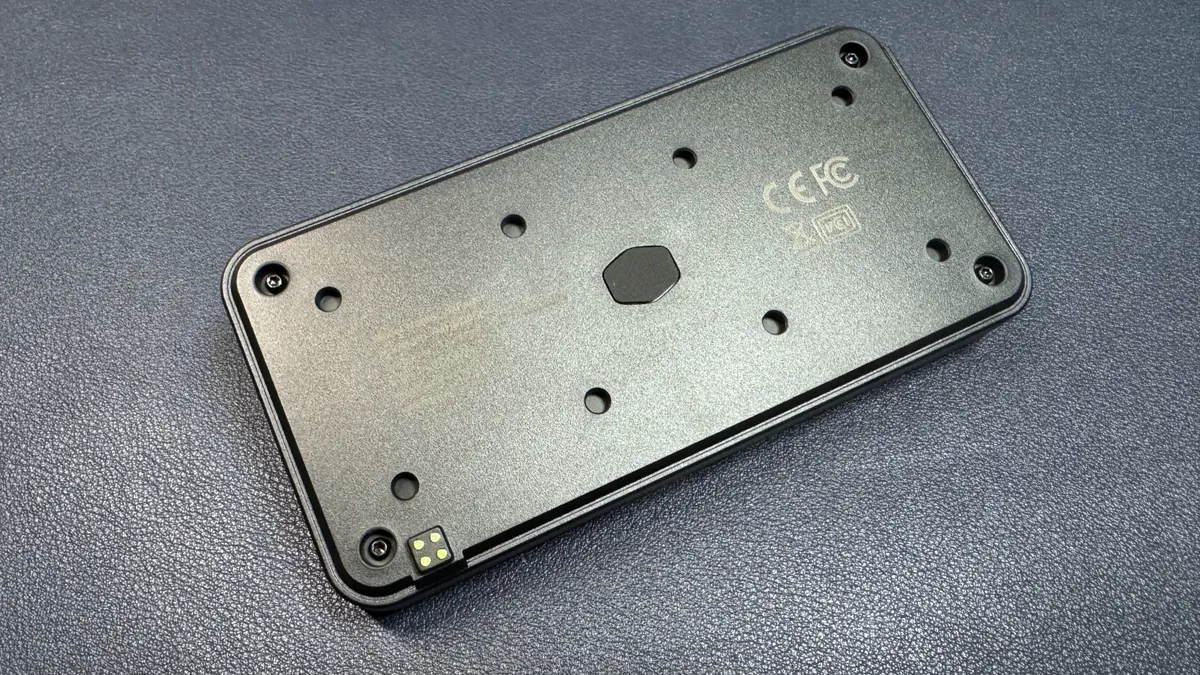
The 5-slider module also comes in the Creator's Kit, and features five smooth plastic sliders. I love the idea of this module, but at the moment there's not much you can do with it — as only certain controls can be mapped to the sliders, and there aren't many of them. In fact, there are only four of them as of this writing: MasterHUB brightness, system volume control, OBS Studio audio mixer, and Streamlabs audio mixer. Assuming you use all of these programs, you still can't use all five of the sliders. I assume Cooler Master has plans to add in support for other functionality, but I don't know when (if ever) that will happen.
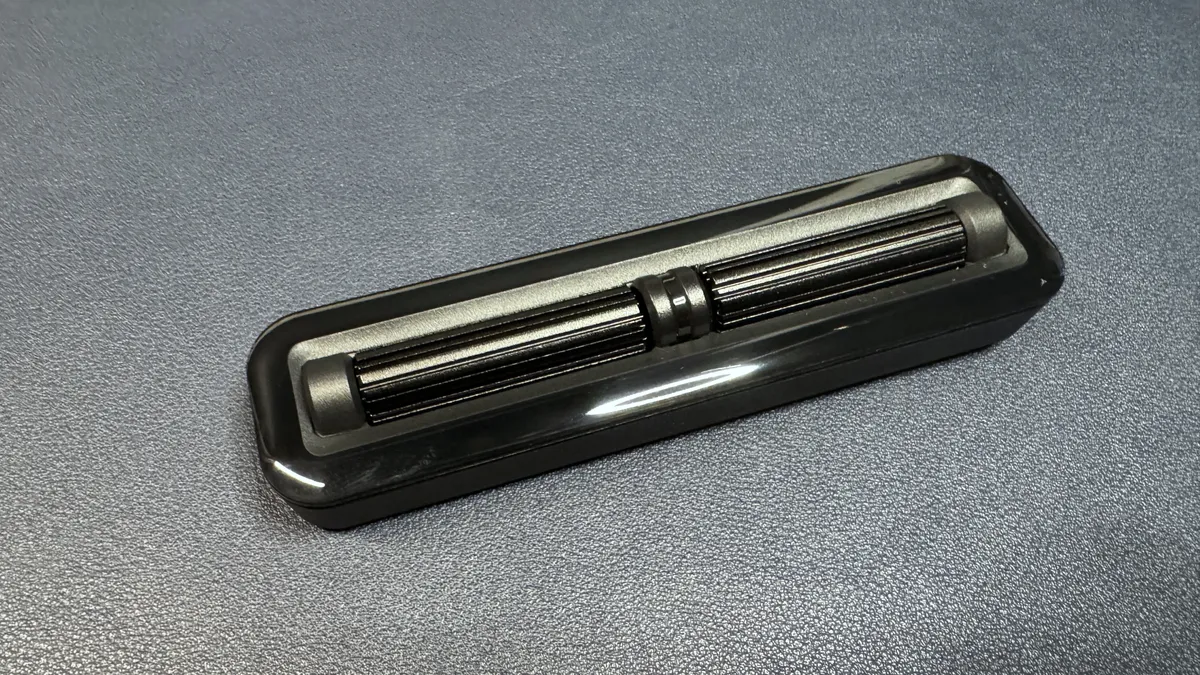
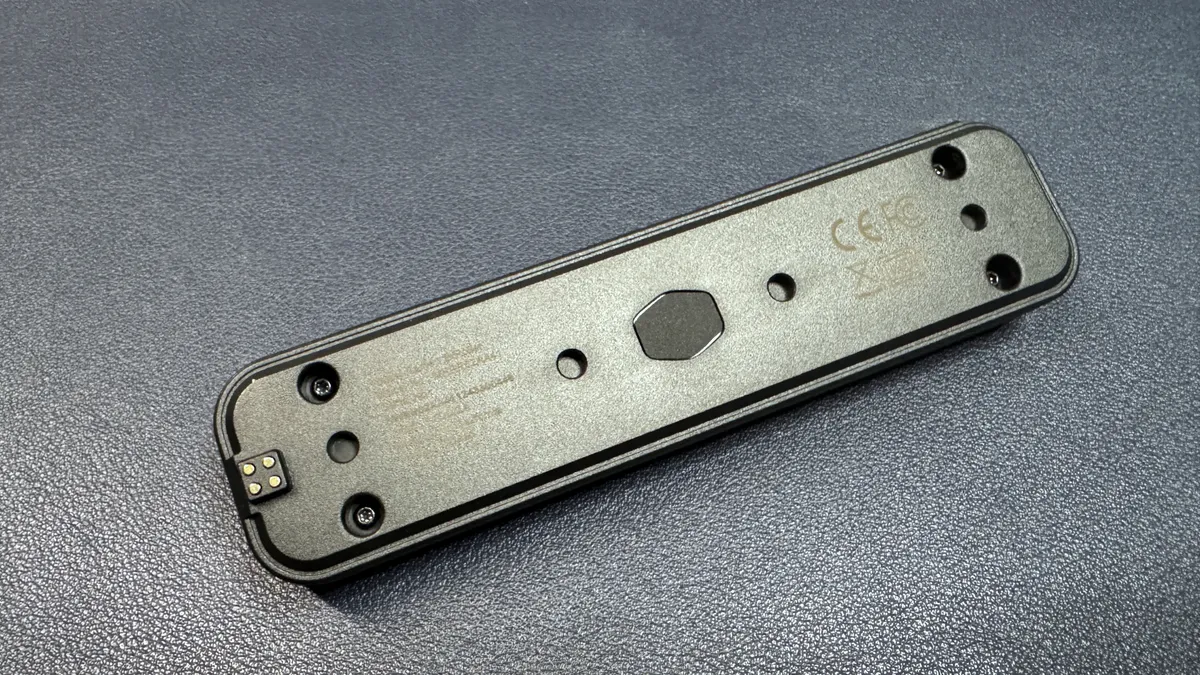
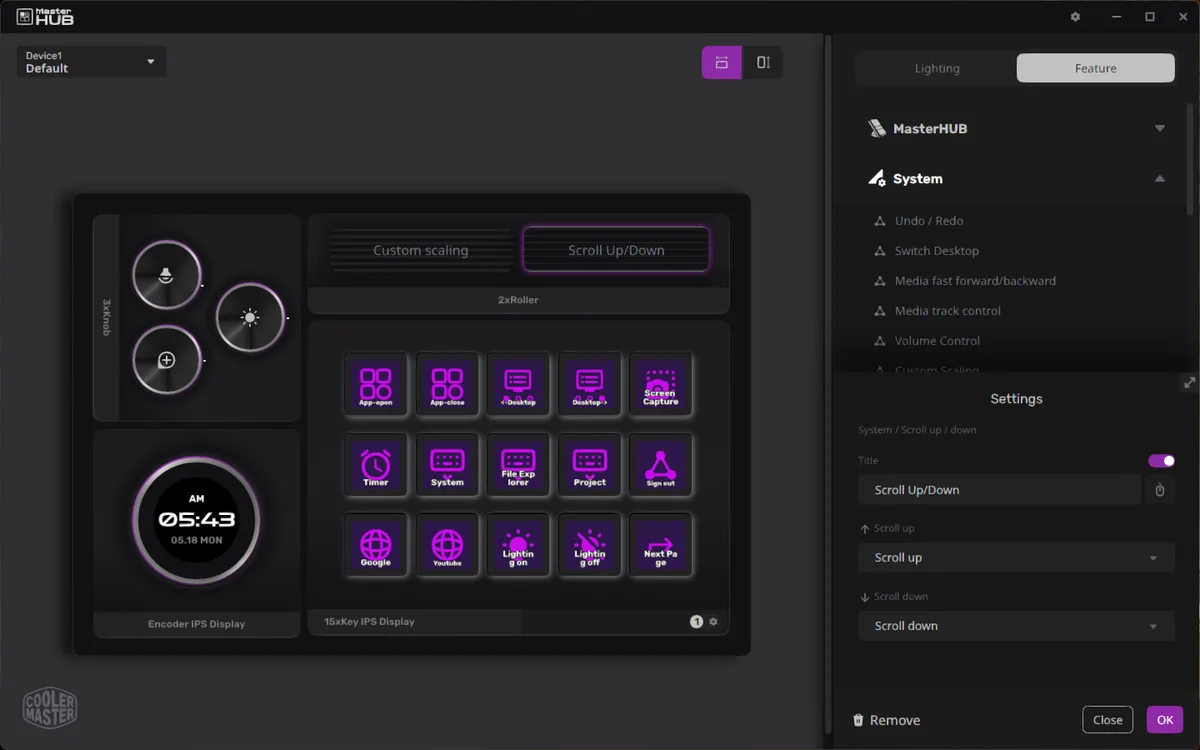
The final piece of the puzzle in the Creator's Kit is the dual-roller module, which features two notched plastic rollers. These have a lot more potential functionality than do the sliders, and can be mapped to do things like control your media, switch between desktops, zoom and scale, and perform specific key actions. The rollers are not clickable.
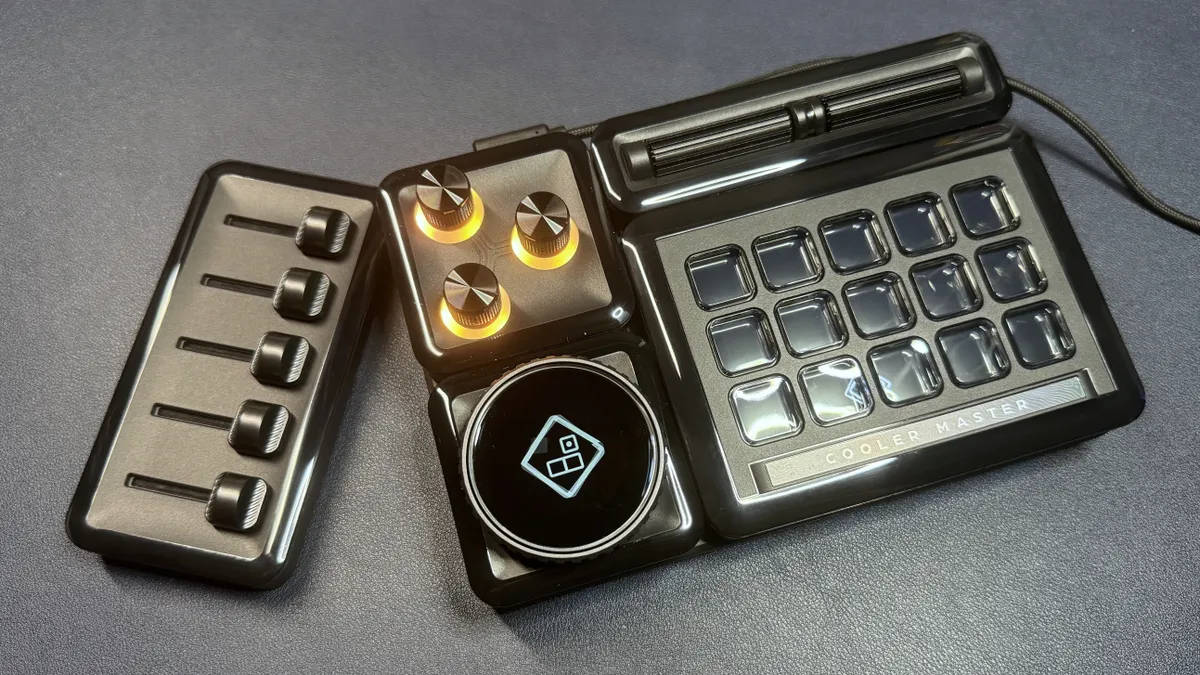
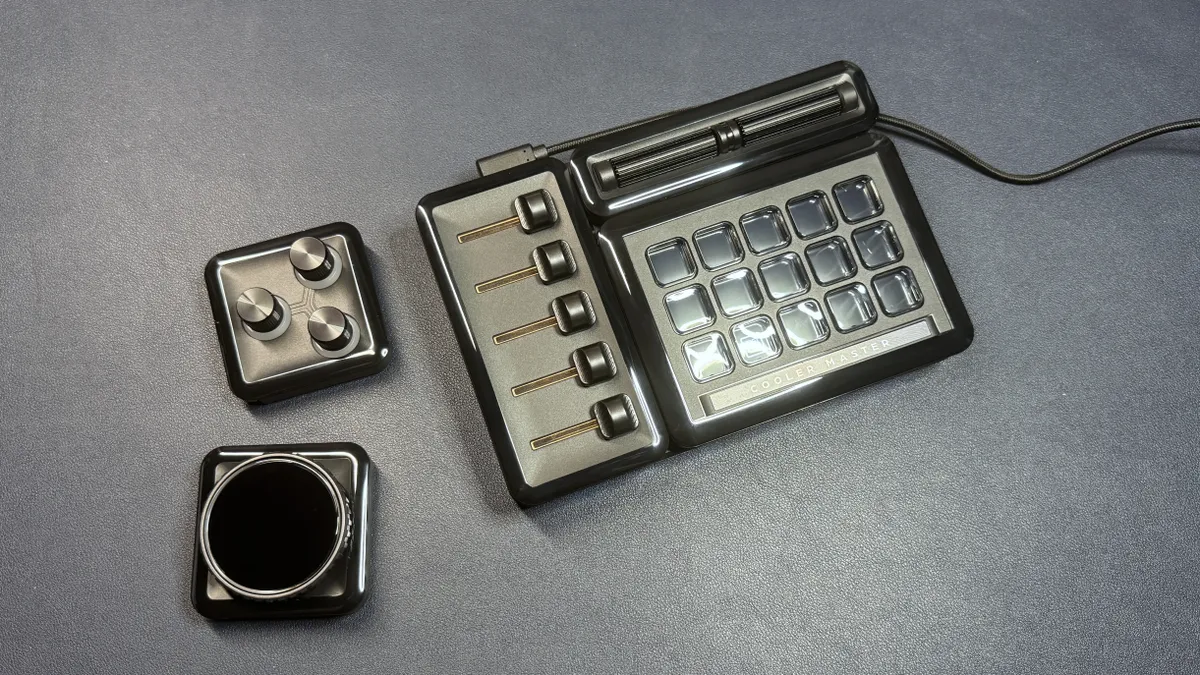
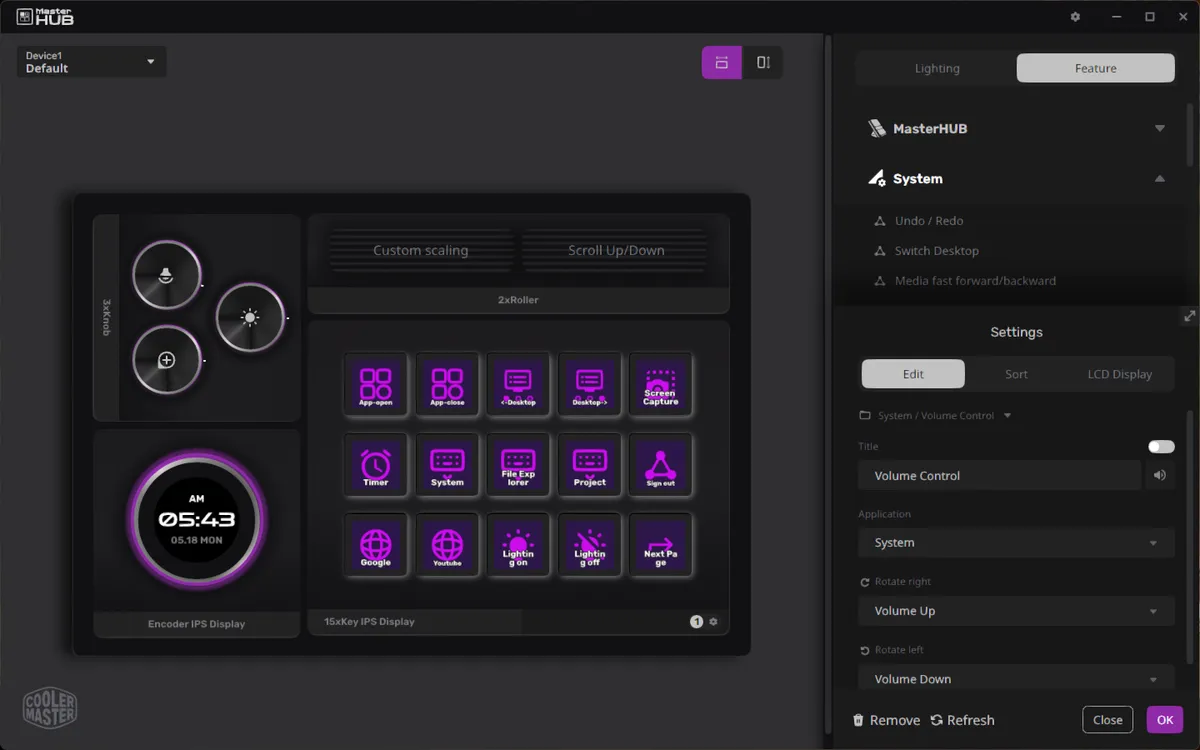
The other two modules are a three-dial module, which has three clickable metal dials with light rings around each, and an encoder dial module, which has a large plastic dial with a customizable screen in the center. The three-dial module is probably my favorite — it's well-made, with premium, sturdy-feeling machined metal knobs, and it just seems to make more sense than the rollers or the sliders, especially with the current limitations of the software. The encoder dial is nice because it provides an extra screen, but what the screen can display is limited to a clock/date display, CPU/GPU usage, CPU/GPU temp, or an image of your choosing. (Of course, I'm not sure what else I'd like it to be able to display, but I feel limited regardless.)
I love the modularity of the MasterHUB, and I can certainly see situations in which different modules would be useful for different workflows. But with customizable macro pads like these, it all sort of ultimately comes down to the software — and Cooler Master's software leaves quite a bit to be desired.
Software
The MasterHUB uses Cooler Master's MasterHUB software, which is definitely not perfect — though it has been updated twice in the past couple of months, so it's possible (fingers crossed) that it will get better. The software's layout is pretty straight-forward, especially if you've used software for similar devices before — you can click on any part of the MasterHUB to reassign functions to that button, dial, or knob; the functions you can assign will depend on the type of input (e.g. the sliders can only accept a handful of functions).
There are several built-in functions from Cooler Master that can be assigned to most inputs, including functions to control the MasterHUB itself (switch profile, change lighting, navigate through pages, etc), as well as for controlling your system (opening apps, web pages, and files; controlling volume/media; switching desktops; etc). You can also assign hotkeys and macros to specific buttons/inputs, and set up inputs to perform multiple actions from the function menu at once — "multitasking," which is probably the most powerful and unique feature of these types of devices.
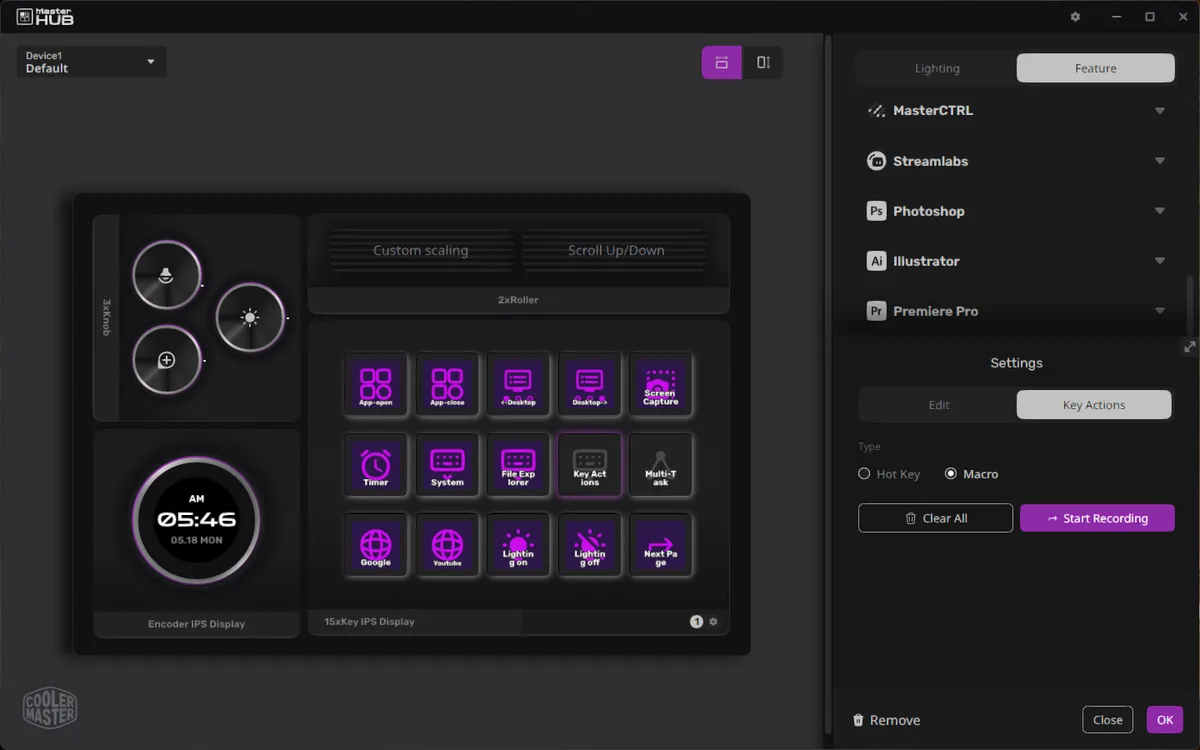
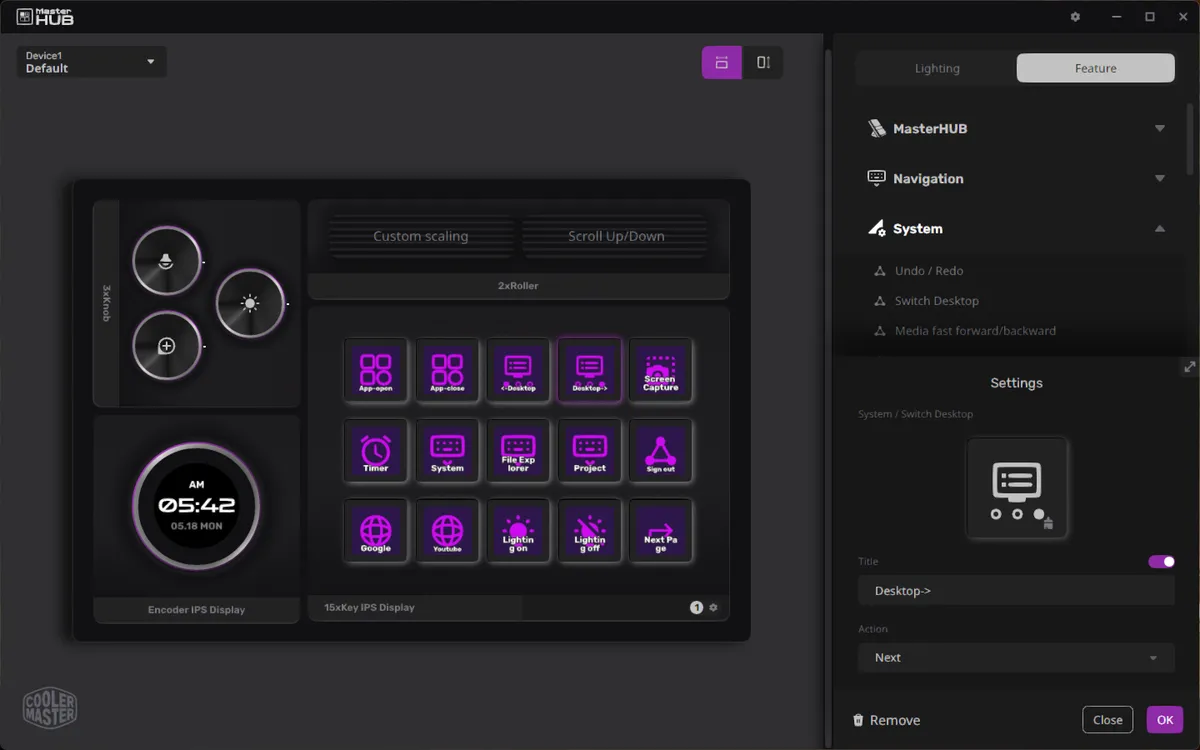
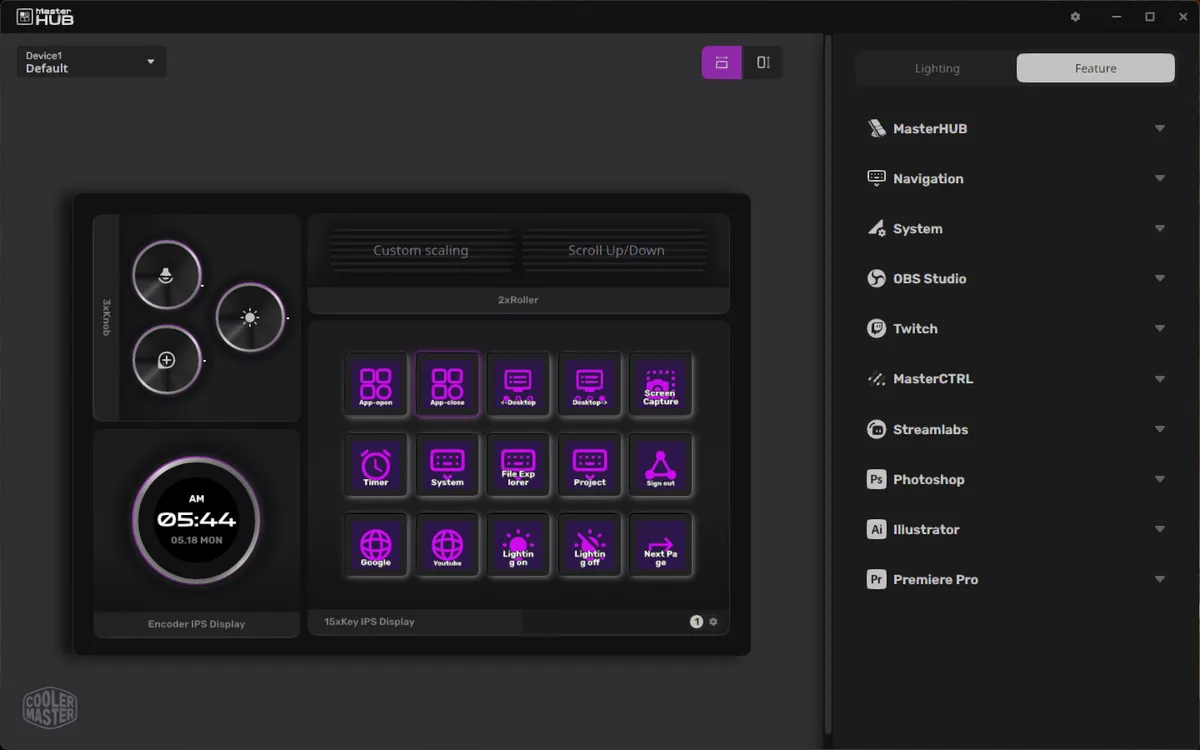
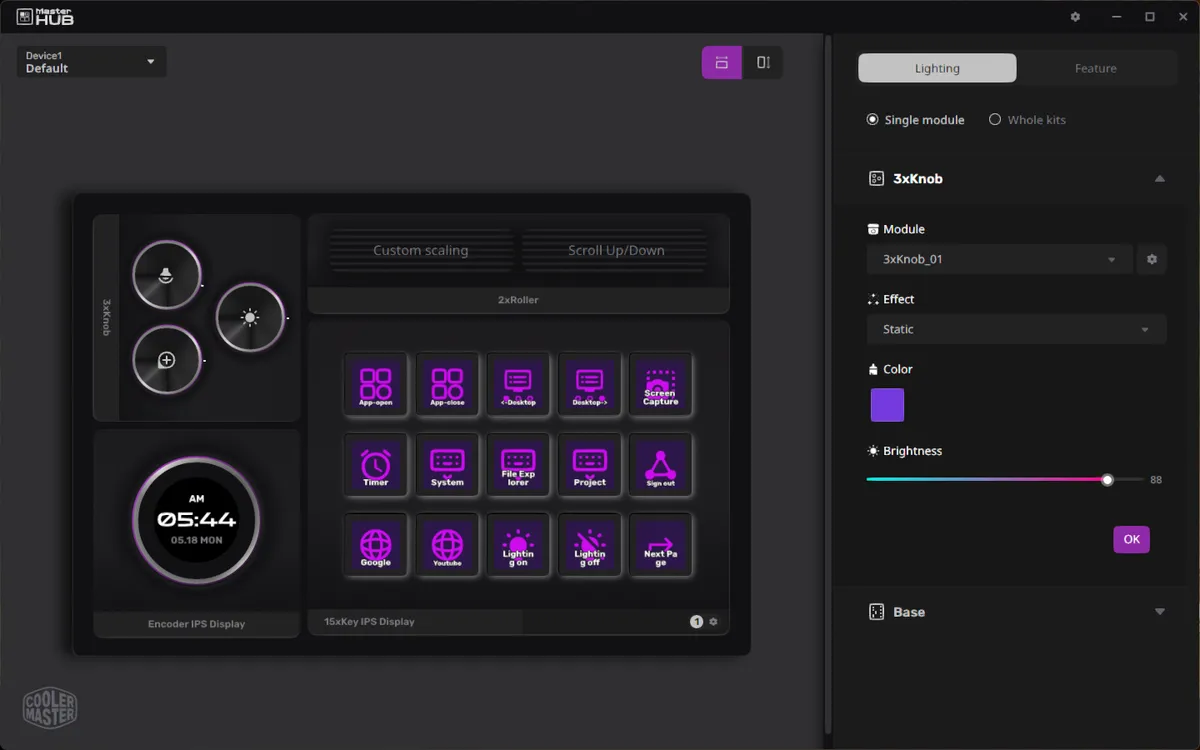
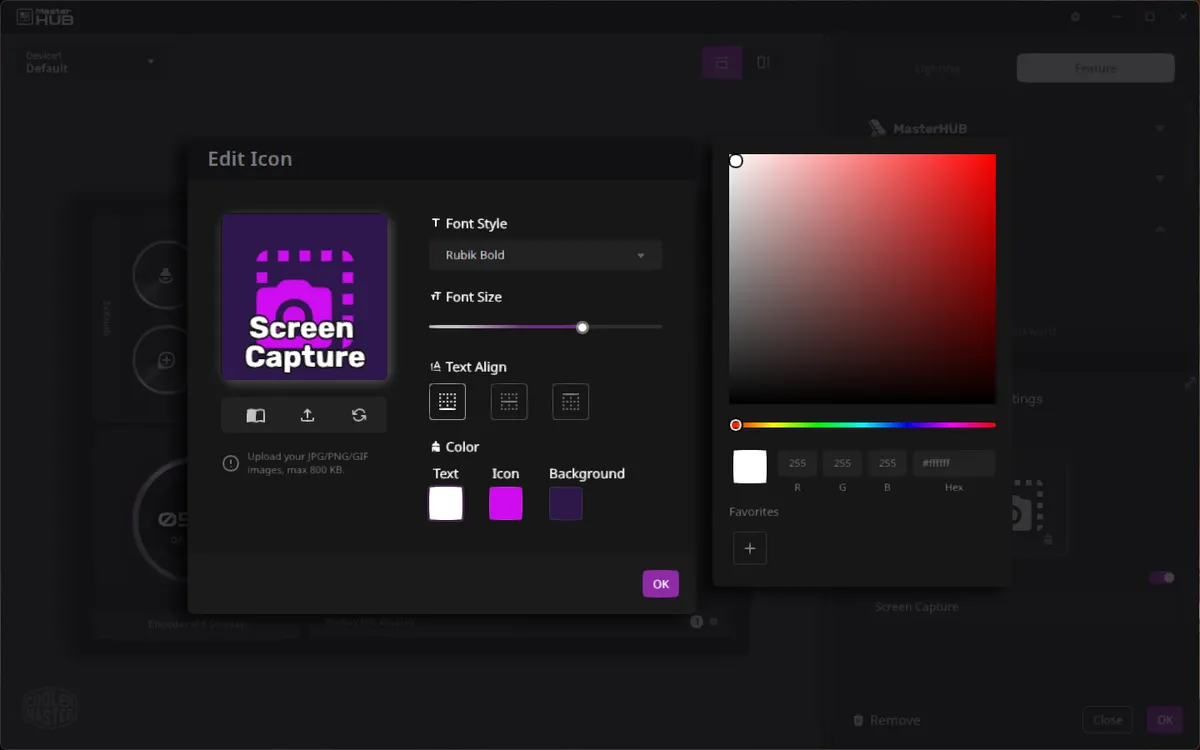
MasterHUB also comes with some app integrations: OBS Studio, Twitch, Streamlabs, Photoshop, Illustrator, and Premier Pro, as well as MasterCTRL, which is for controlling the lighting on other Cooler Master components and peripherals. These integrations are useful, but they're nowhere near as extensive as, say, the plugins in the Elgato Marketplace for Stream Decks. Of course, many actions for various programs can be manually programmed using hotkeys and macros (most of the preset actions are, after all, just hotkeys and macros), but it's nice to not have to do the work.
The main limitation I found with the MasterHUB software in my testing was the way hotkeys are programmed, however — they need to be entered using a keyboard, and there's no drop-down menu to pull key actions from. This is an issue, of course, if you don't have a keyboard with, say, a numberpad, and you want to enter in numberpad keys. Or if you want to use function keys beyond F12. I was able to assign F18 to a key by recording a macro and using the shortcut from a different stream deck (actually, the stream deck on the Corsair Galleon 100 SD), but that seems like it sort of defeats the point.
You can also use the MasterHUB software to customize the device's lighting, though I was disappointed to find that I could only customize lighting by individual modules — not individual inputs. Meaning I could change the color of all three dials or all five sliders, but not the colors of individual dials or sliders (which would be much more useful for distinguishing functionality). This seems like something Cooler Master could add in the future, however.
The Bottom Line
The MasterHUB has a lot of potential, but it's still just... potential. The modular system works surprisingly well — it's easy to put together, the modules are well-built and hot-swappable, and you can set it up in several different layouts depending on what works for you. I'm actually very impressed with how well they managed to pull off the modularity aspect of the MasterHUB, as that part seemed like the trickiest to get right.
But like all macropads, stream decks, programmable... knobs, etc, the hardware is only one (relatively small) part of the equation. The MasterHUB software is definitely still a work in progress, and while it's been updated a couple of times in recent months — leading me to believe (or, well, at least hope) that Cooler Master hasn't abandoned the project — it still has quite a ways to go before it gets anywhere near as functionally as Elgato or Loupedeck.
You can pick up the entire set — the Creator's Kit and the knob and encoder modules — at B&H for $270 right now, or you can get the Elgato Stream Deck+, which has eight buttons, four knobs, and a touchscreen display for $180. The most unique inputs on the MasterHUB are the sliders, and you can't even use all five of them with Cooler Master's current software.

Source link