
macOS 27 brings three key upgrades to iPhone Mirroring
 | Jun 15 2026 - 8:08 am PT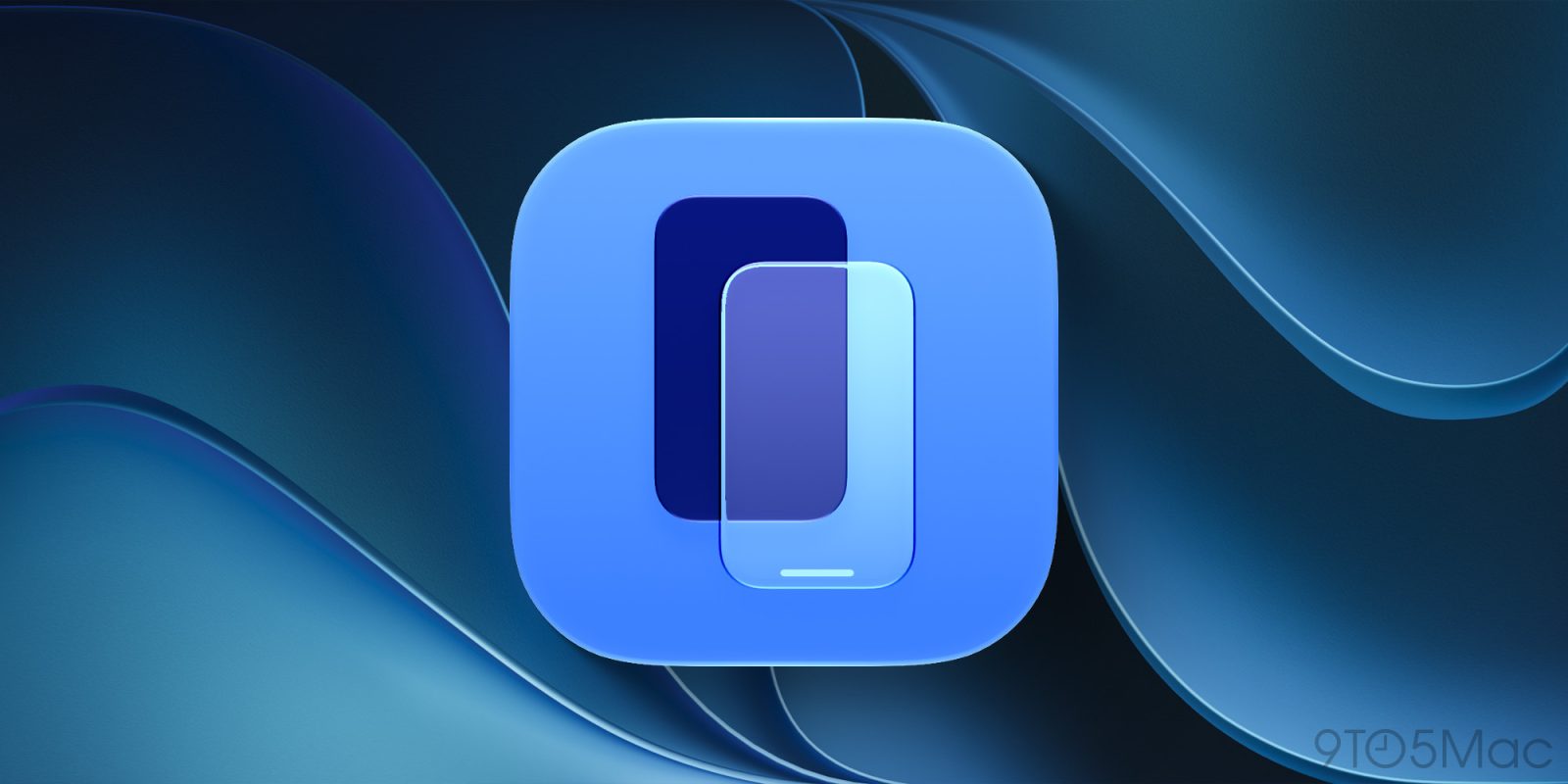
I use iPhone Mirroring every day to quickly access my iPhone directly from my Mac, and it’s getting even better this year. iOS 27 and macOS 27 Golden Gate were announced last week, bringing three key updates to iPhone Mirroring. Here’s everything new.
macOS 27: What’s new for iPhone Mirroring
The biggest change for iPhone Mirroring in macOS 27 is the ability to resize the iPhone Mirroring window.
As my colleague Marcus reported last week, you can now adjust the size of the iPhone Mirroring window with any iOS 27-compatible apps. Right now, that means it only works for Apple’s native iPhone apps. However, once developers start rolling out iOS 27 updates later this year, support for resizing will expand rapidly.
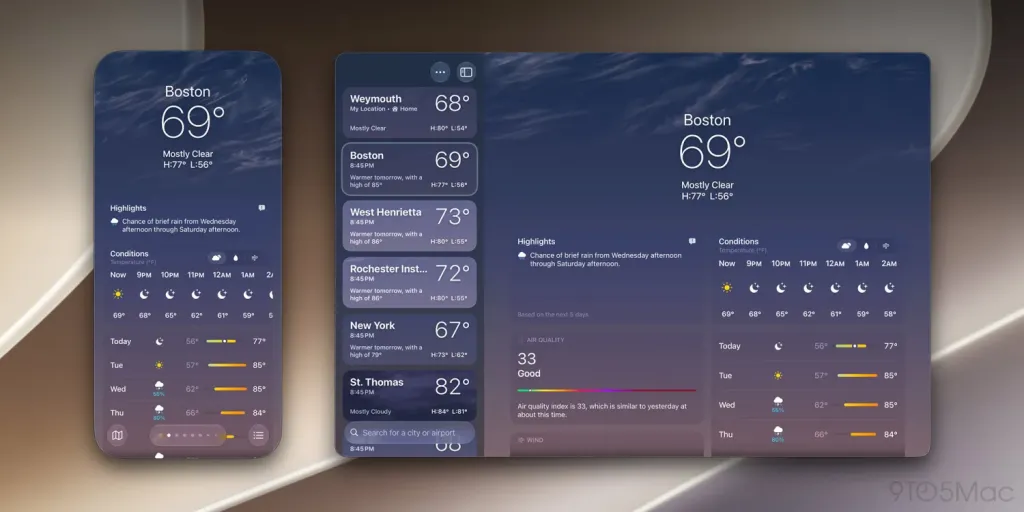
Previously, iPhone Mirroring on macOS only support three preset sizes: smaller, actual size, and larger. The change in macOS 27 Golden Gate and iOS 27 clearly indicates Apple is prepping for the foldable iPhone Ultra, expected to launch later this year.
iPhone Mirroring in macOS 27 and iOS 27 also has several other updates:
- Control Center access
- DRM video support
Previously, iPhone Mirroring did not support accessing Control Center at all. In macOS 27, you can access it with the CMD+4 keyboard shortcut or with the “View” menu in your Mac’s menu bar.
DRM video support means you can watch protected videos using iPhone Mirroring on your Mac. Previously, all DRM-protected videos would simply show a black screen when iPhone Mirroring was enabled.
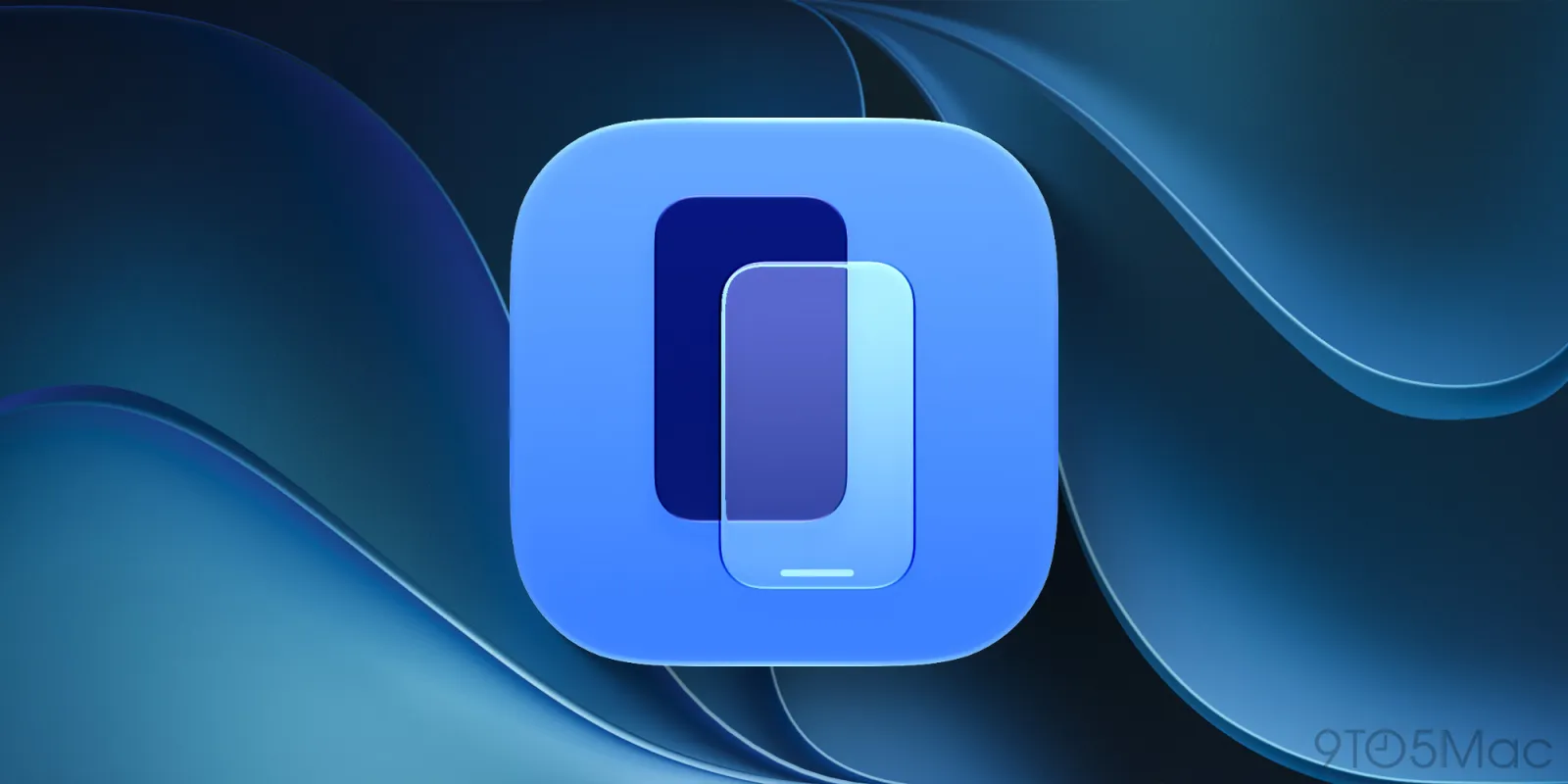
macOS 27 also has a new app icon for iPhone Mirroring, just like it does for many other stock Apple apps.
How often do you use iPhone Mirroring on your Mac? Are you excited for these changes in iOS 27 and macOS 27? Let us know down in the comments.
Chance’s favorites:
- AirPods Pro 3: $179 (Reg. $249): Lowest price ever!
- Bring wireless CarPlay to any car
- “Apple: The First 50 Years” by David Pogue
- Logitech MX Master 4
- Belkin 3-in-1 MagSafe Charger
- Beats Woven USB-C Charging Cables
Follow Chance: Threads, Bluesky, Instagram, and Mastodon.


FTC: We use income earning auto affiliate links. More.



Source link






Comments